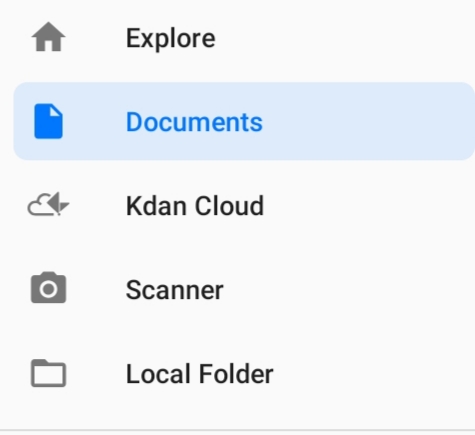
- Go to the main menu sidebar from the homepage.
- Tap on “Documents” and you will see the file manager page.
- Tap and hold the PDF file you would like to rename for 2 seconds until it is selected.
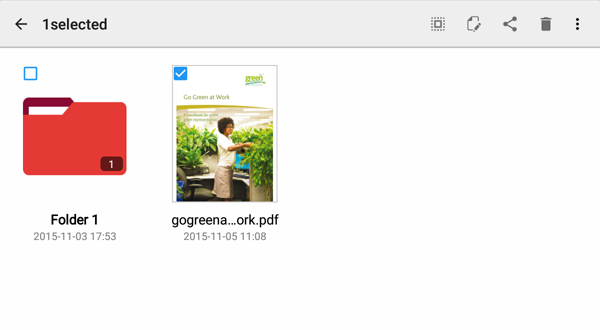
- Tap on the edit button
 on the top right corner.
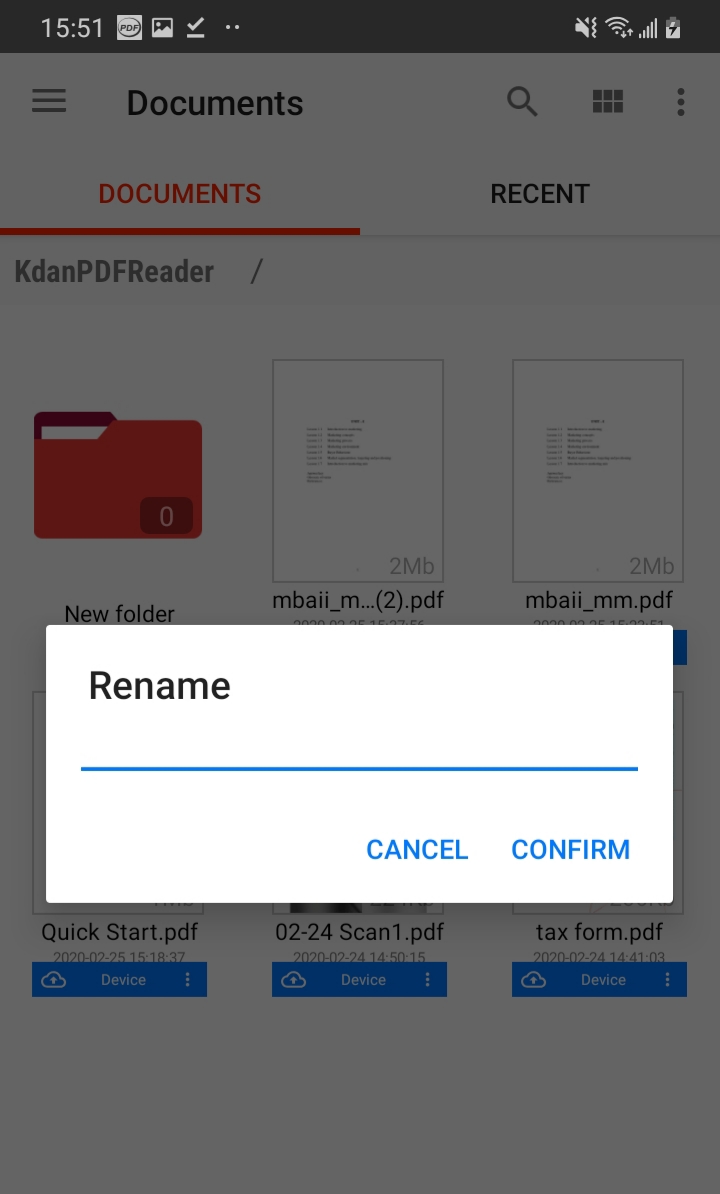
 - A pop up menu will appear and once you have renamed the file, tap confirm.
Updated
Comments
0 comments
Please sign in to leave a comment.