1. Tap the spot where you wish to add a sticky note and hold it for 2 seconds. The function menu will pop up.
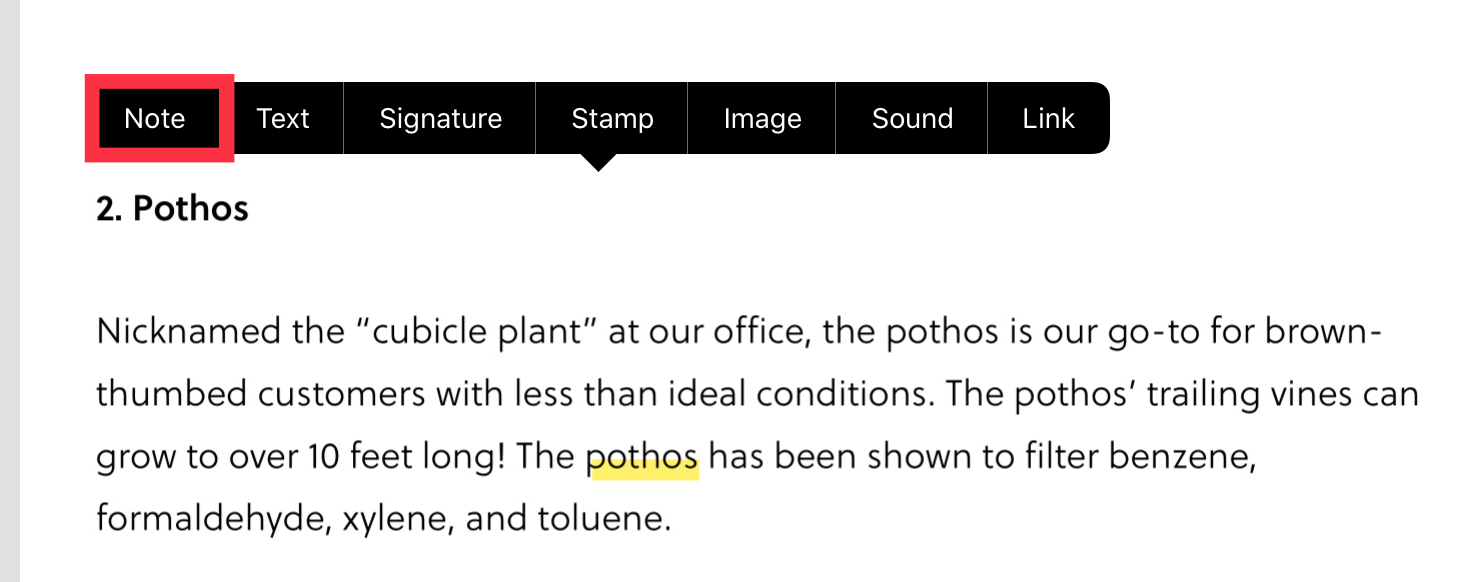
2. Tap "Note," type your note, and "Save" to add your sticky note.
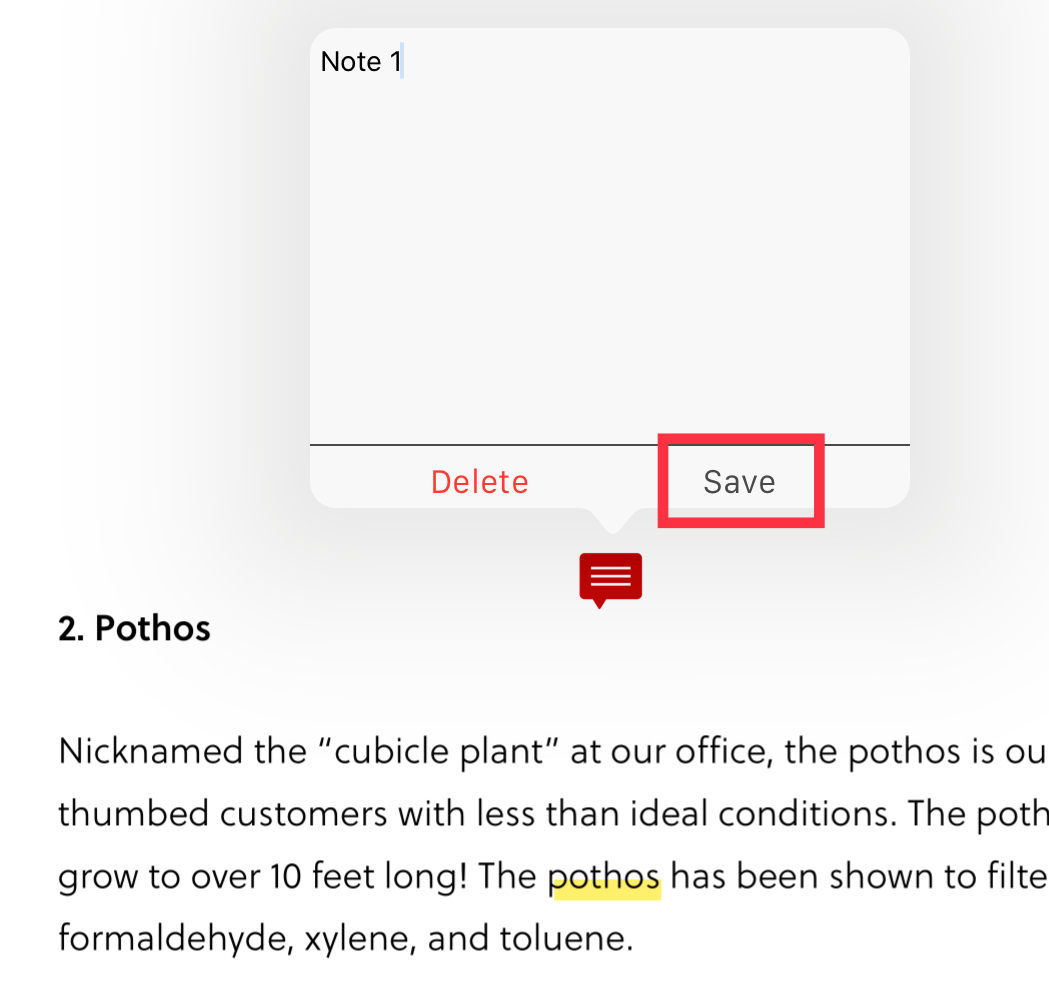
3. Your note will show up as a red comment box. To edit, simply click on the red box and start editing.

4. To delete a note, tap on the red comment box and click "Delete."
Updated
Comments
0 comments
Please sign in to leave a comment.