1. Tap the "Explore" page.
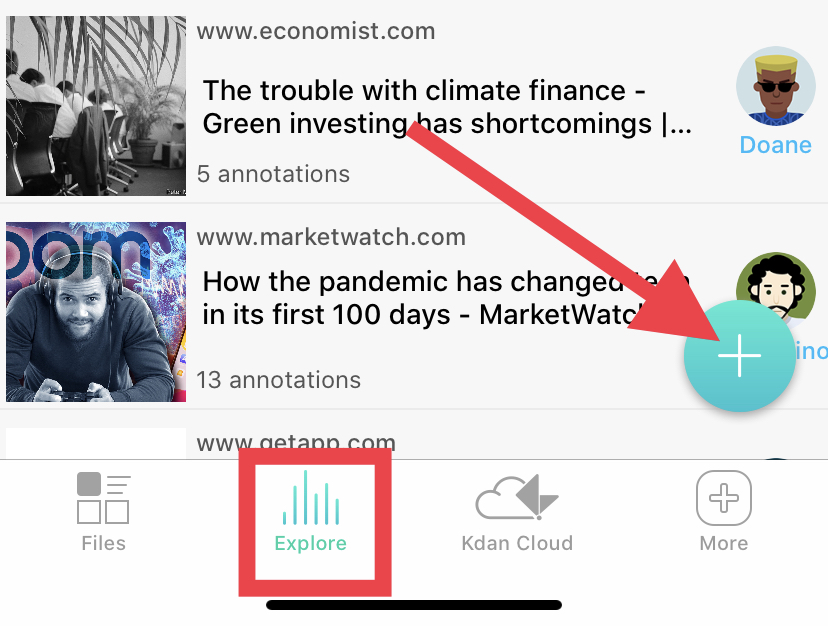
2. Log in your email account (e.g Gmail) and find the attachment in you would like to download (note: the mail might be in HTML version).
3. Tap the file or select "Download."
4. You can start annotating in the browser, view summary of annotations, attach in shared folder, download the file to the "Downloads" folder, or share.

Updated
Comments
0 comments
Please sign in to leave a comment.