-
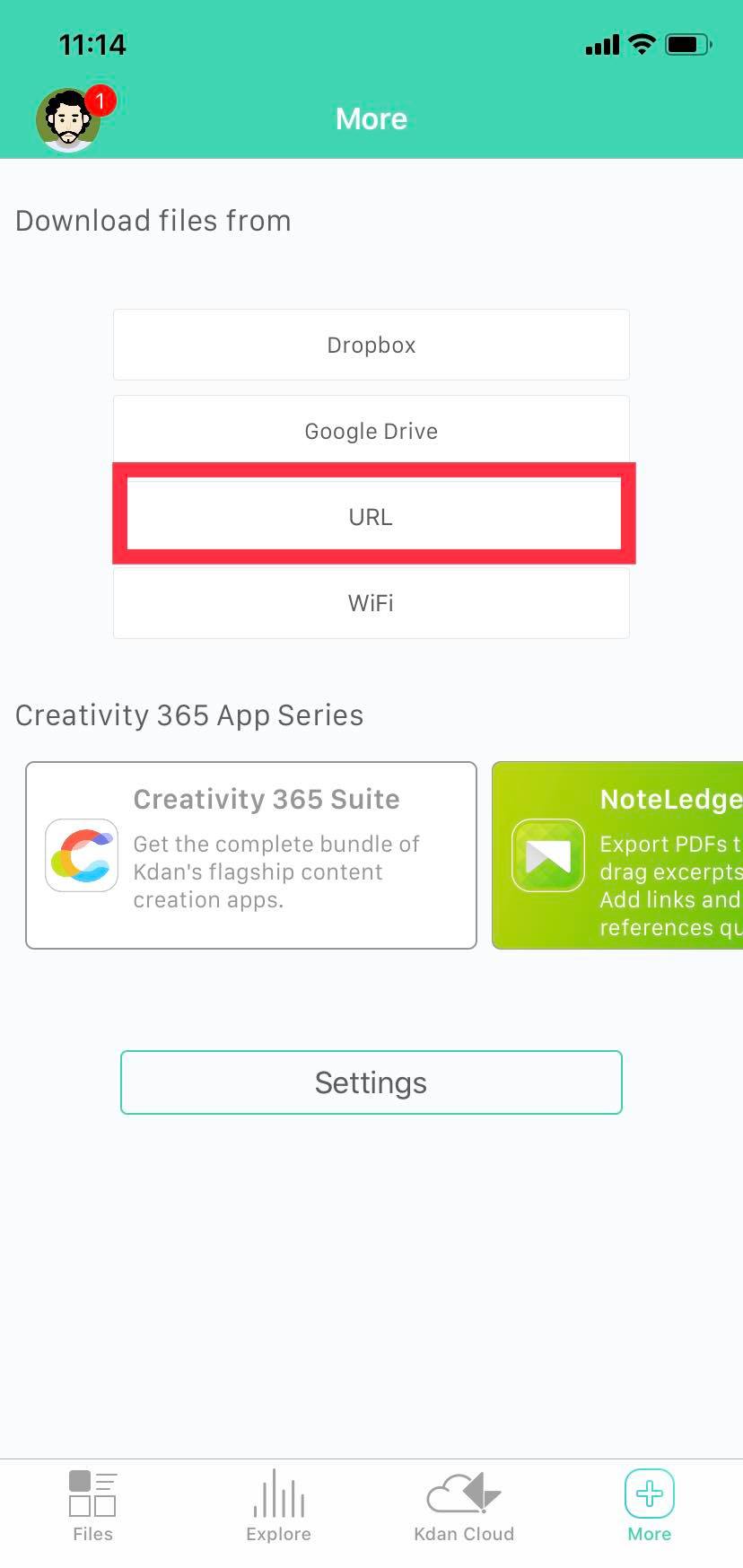
If you want to access to a file through an existing URL, go to the "More" tab and click "URL."
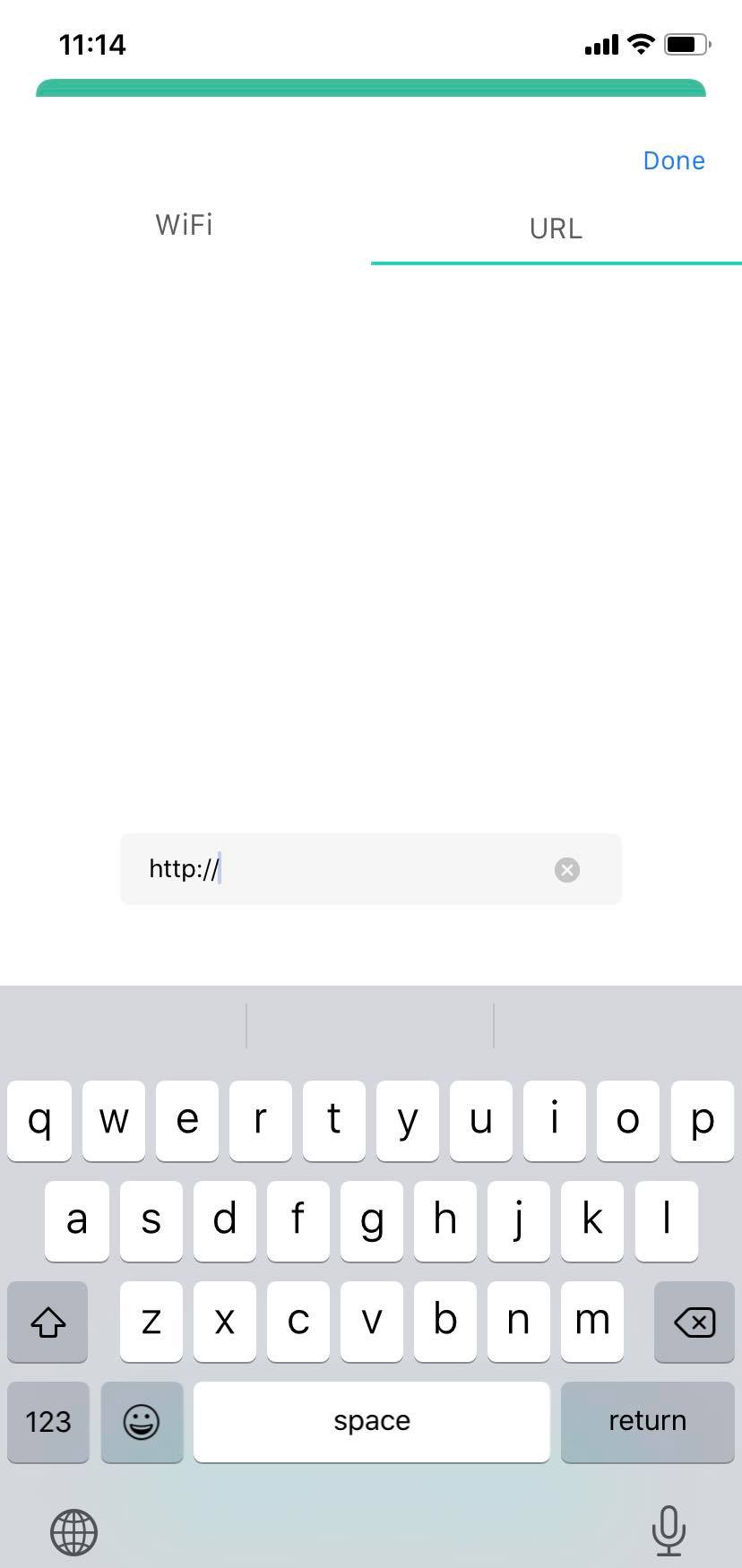
2. Input the URL of the file you want to download and tap the “Download” button.
3. The linked file will be saved to the "Downloads" folder.
Updated
If you want to access to a file through an existing URL, go to the "More" tab and click "URL."
2. Input the URL of the file you want to download and tap the “Download” button.
3. The linked file will be saved to the "Downloads" folder.
Updated
Comments
0 comments
Please sign in to leave a comment.