1. Open the document that you want to print.
2. Tap at the more options icon  in the upper right corner.
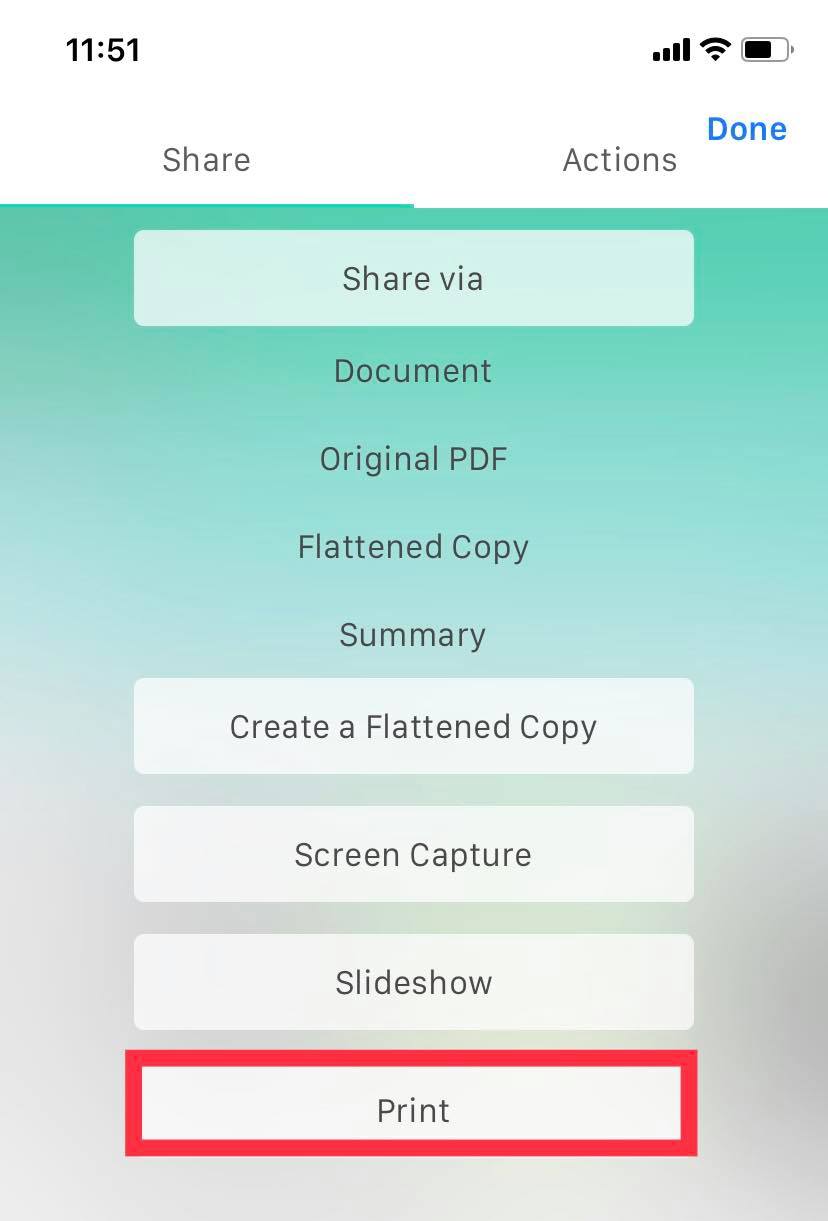
3. Tap "Print."
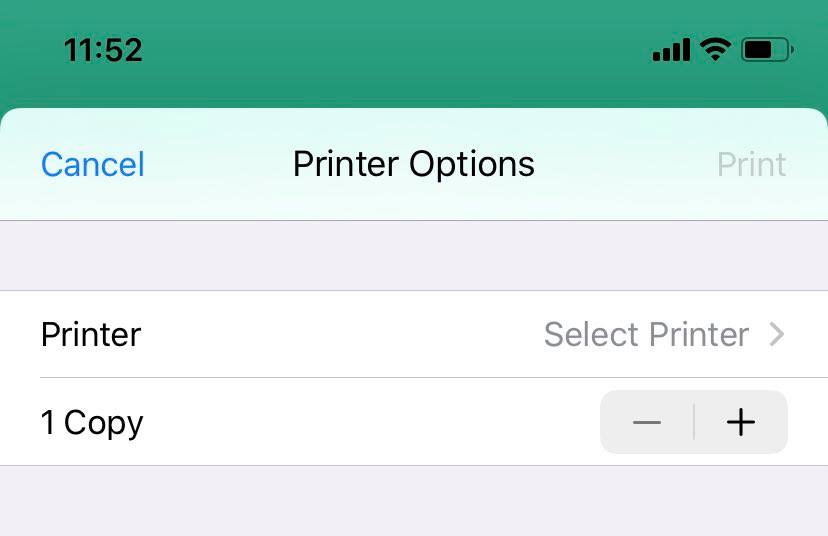
4. Adjust print settings and options, then print.
Updated
1. Open the document that you want to print.
2. Tap at the more options icon in the upper right corner.
3. Tap "Print."
4. Adjust print settings and options, then print.
Updated
Comments
0 comments
Please sign in to leave a comment.