How to Change the Color of Pens/Brushes and Set Custom Colors

How to Change the Color of Pens/Brushes and Set Custom Colors


You can see the default colors on the right side of the canvas. There are other sets of color swatches available. Please tap on the little gauge to the setting menu.
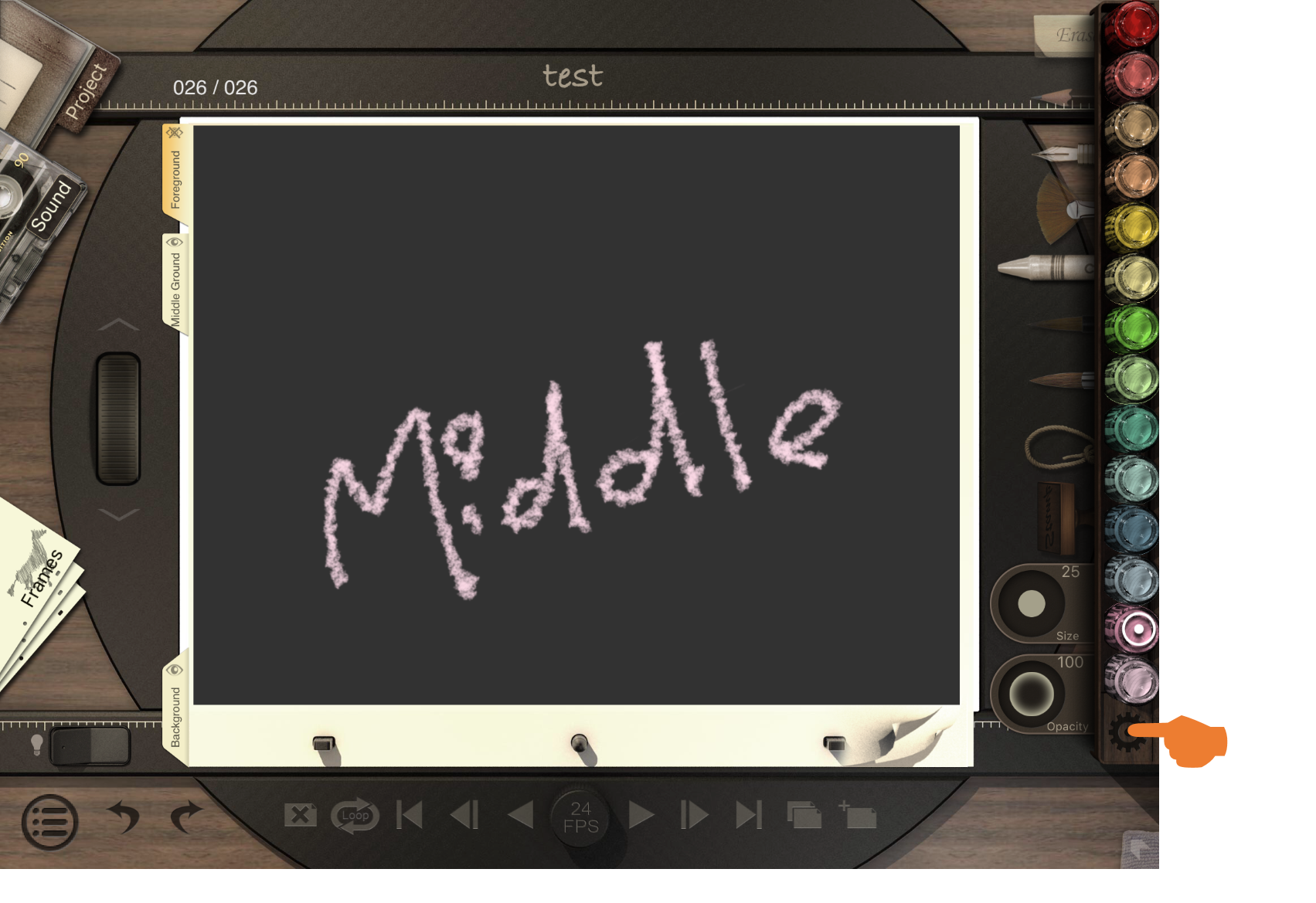
Setting_Animation_Desk_Classic.png
 
In the setting menu, you can select different brushes and color swatches.
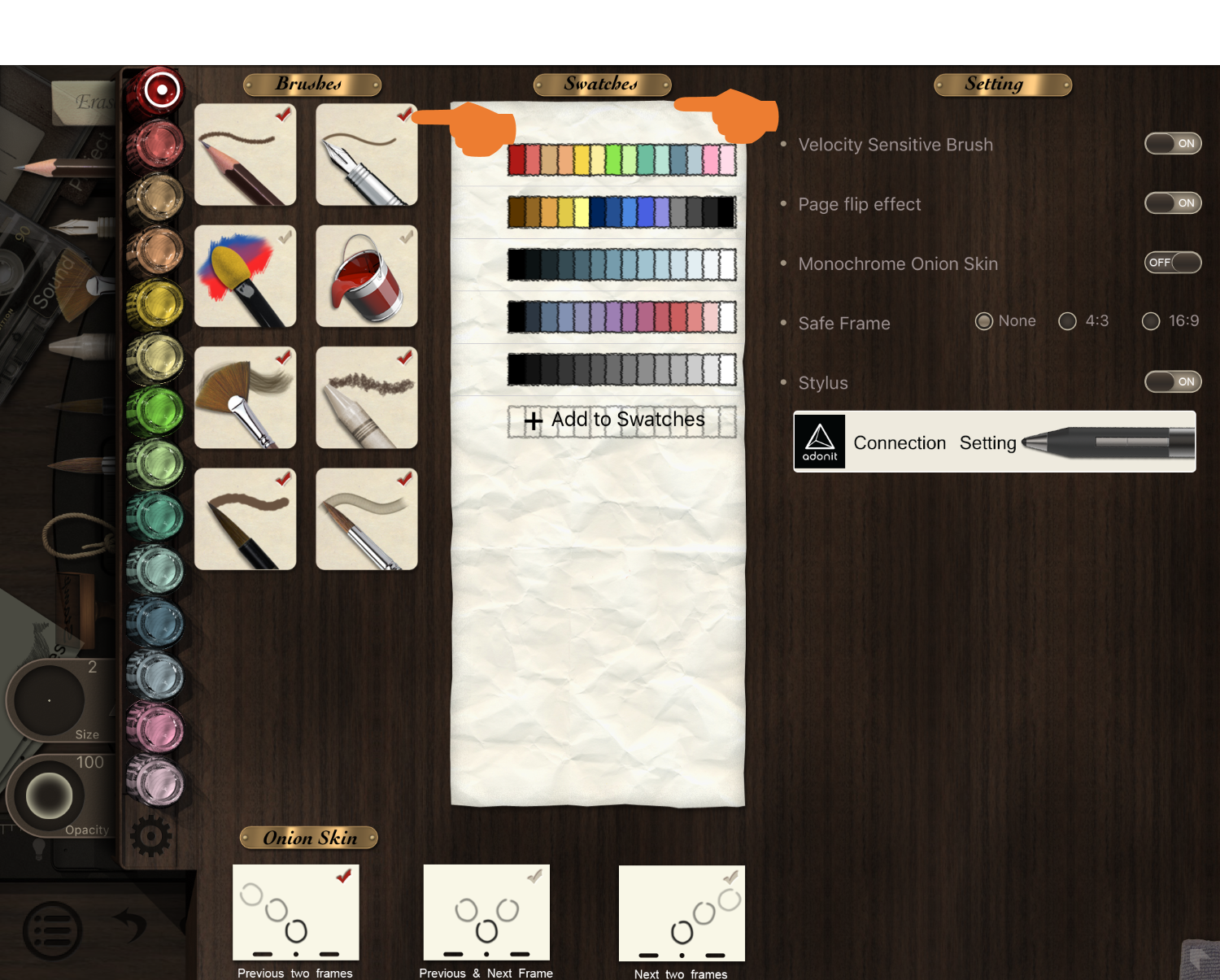
Select_Brush_Animation_Desk_Classic_01.png
 

Updated

Was this article helpful?

0 out of 0 found this helpful

Have more questions? Submit a request

Comments

0 comments

Please sign in to leave a comment.