If you already have a Kdan ID, please login in “Settings" > "Account" page or at the "Kdan Cloud Tab".
After logging in, you can see a little cloud icon in the thumbnails of the sequences. Tap the cloud icon to back up the sequence to Kdan Cloud.
You can upload animations to Kdan Cloud, and download them back to your devices to edit again. Learn how to sign up a free Kdan ID and start backing up the sequences, What Is Kdan ID?
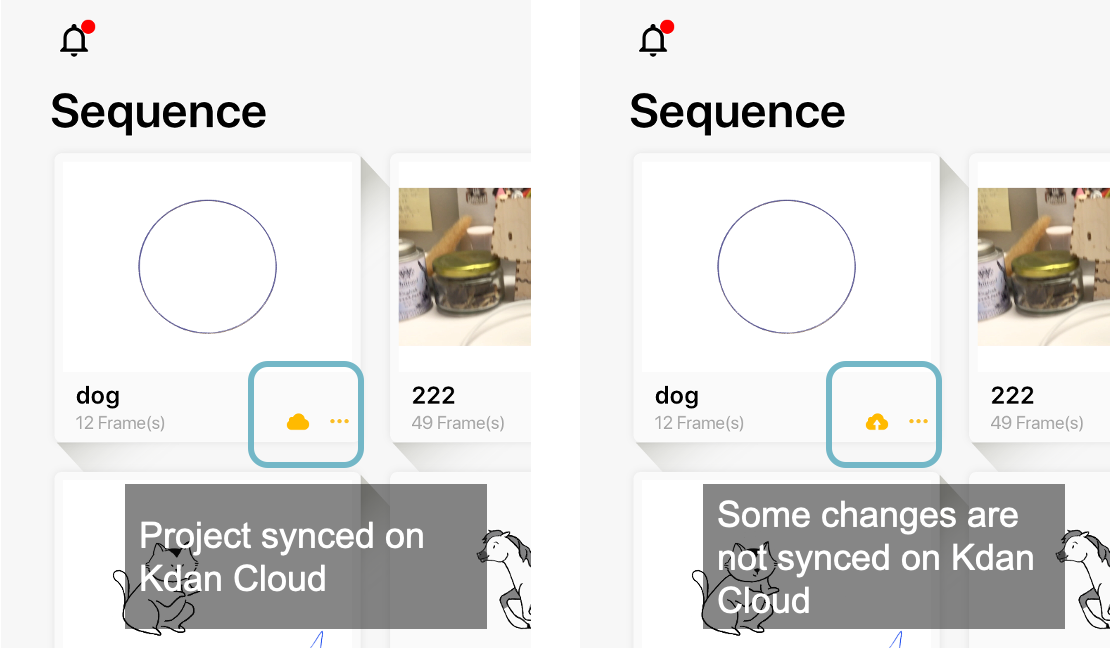
To check what you have saved on Kdan Cloud, please visit the Kdan Cloud tab.
Updated
Comments
0 comments
Please sign in to leave a comment.