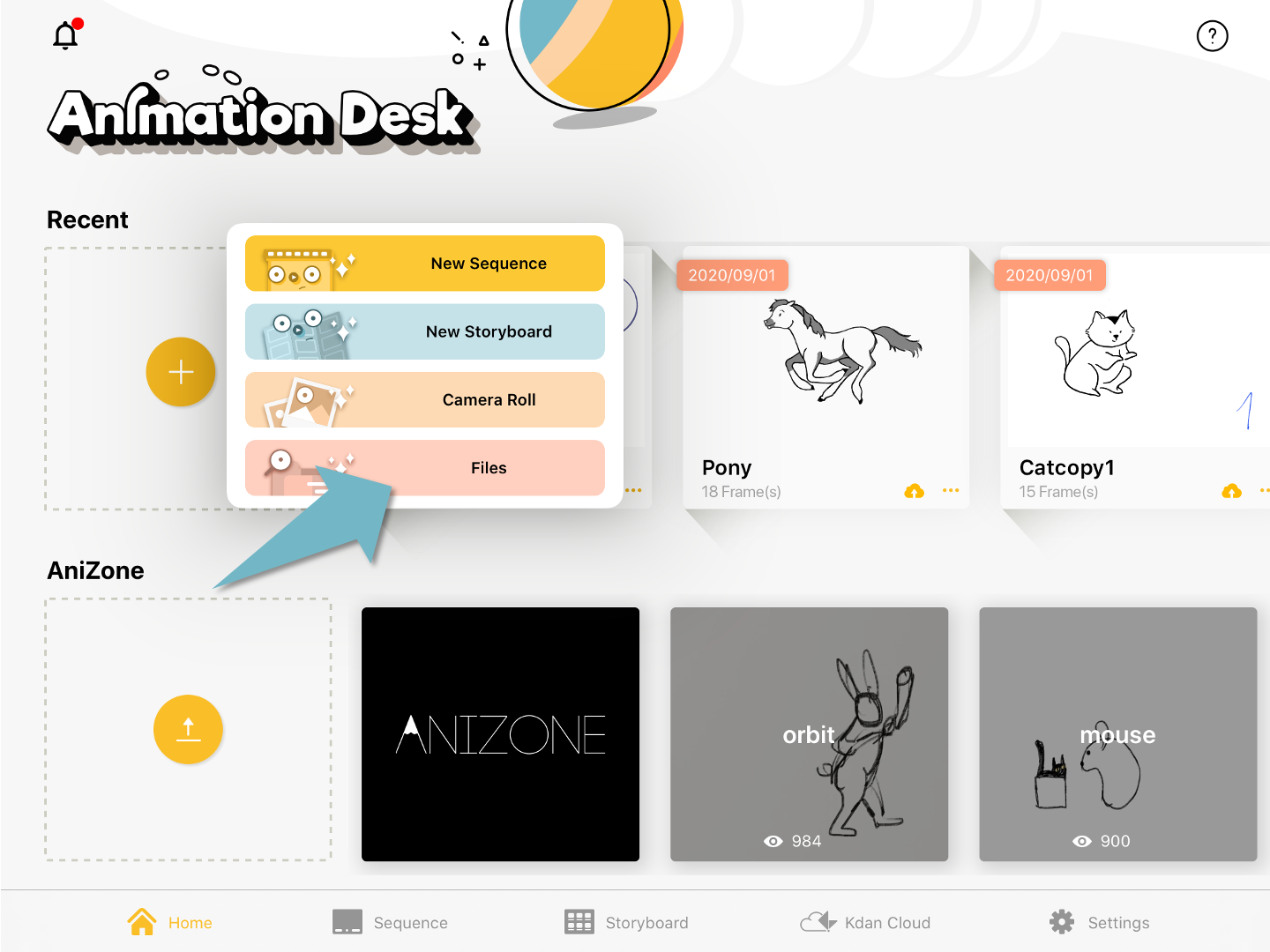
When you create a new animation sequence, select “Files”, and select a Photoshop file in your iPad devices. Each photoshop layer will be recognized as a frame in Animation Desk.
Updated
When you create a new animation sequence, select “Files”, and select a Photoshop file in your iPad devices. Each photoshop layer will be recognized as a frame in Animation Desk.
Updated
Comments
1 comment
I’m stumped. I and I think most people want to use importing photoshop layers to import the background, and pieces of the characters to animate i.e. legs, arms, torso. How do you do that? This importing layers as frames is odd. Thats why we are putting it into a animation program.
Please sign in to leave a comment.