Animatic is a collection of animation sequences. We suggest users break down a longer animation into several shorter animation sequences. Users can later connect these sequences in the animatic storyboard.
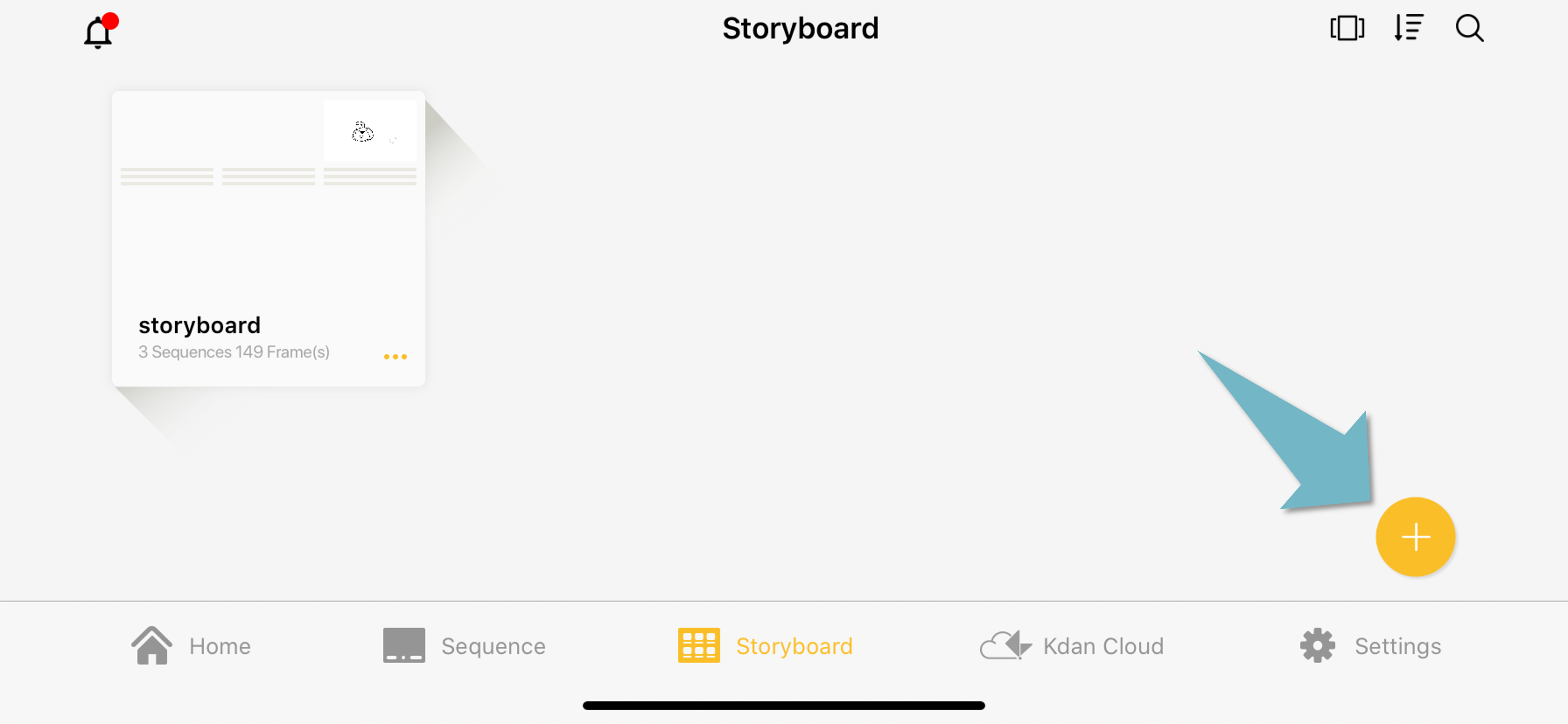
Here is how to create an animatic storyboard,
1. Choose "Animation Desk Document," or "Email" as the destination.
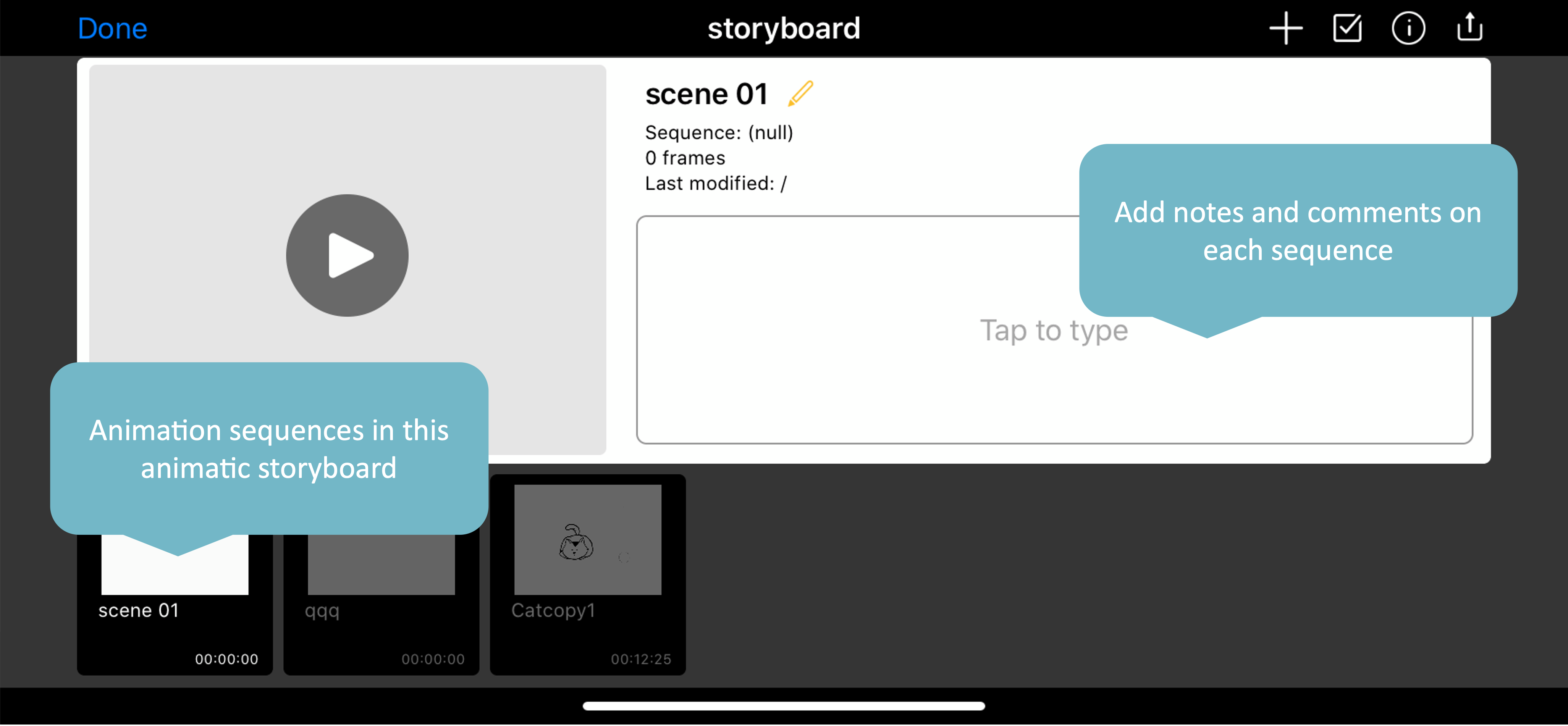
2. In the animatic storyboard, you can rearrange the sequences or add notes to each sequence.
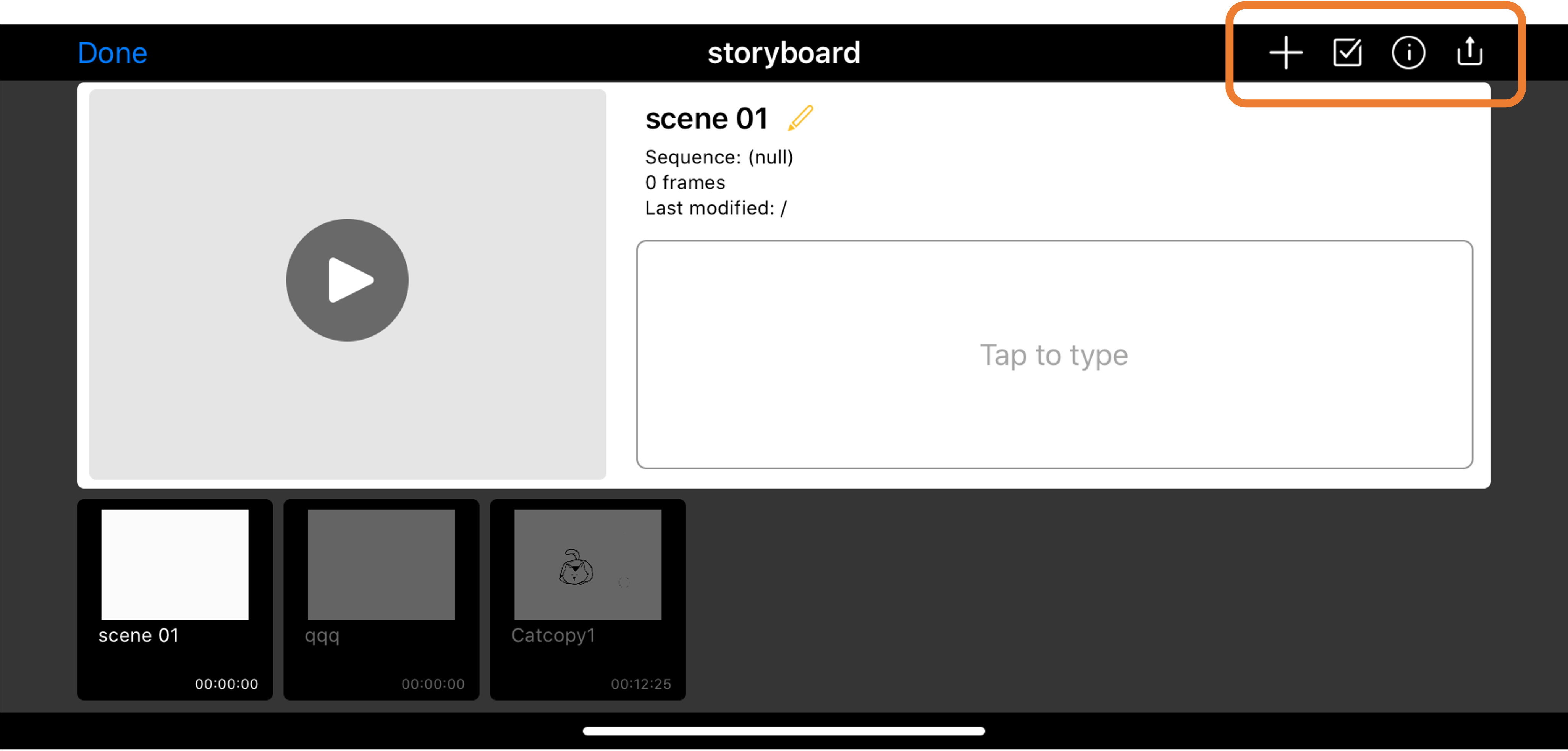
03. The action buttons here are:
- add new sequences to this animatic
- Select sequence
- Information about this animatic
- Export this animatic
04. You can select multiple sequences in the animatic, and delete, duplicate, or replace them. 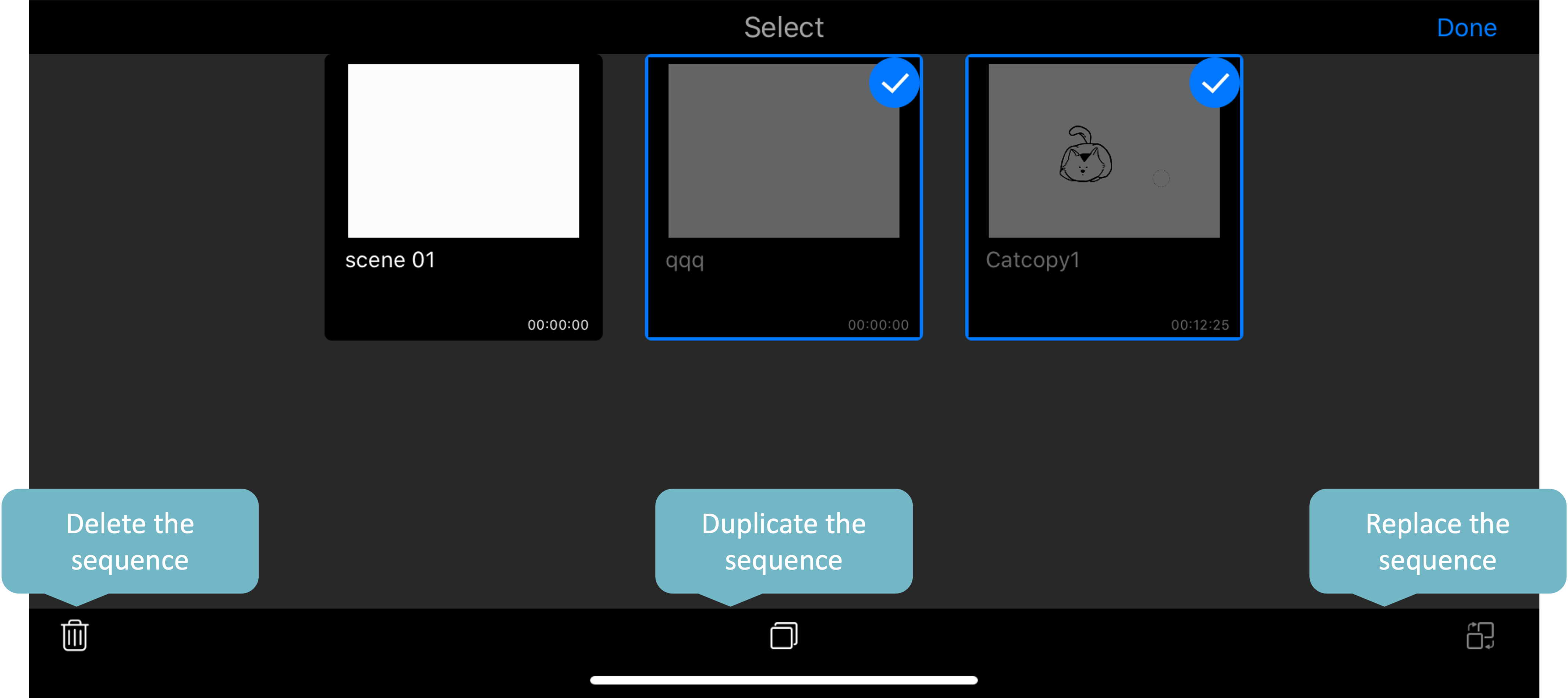
Updated
Comments
0 comments
Please sign in to leave a comment.