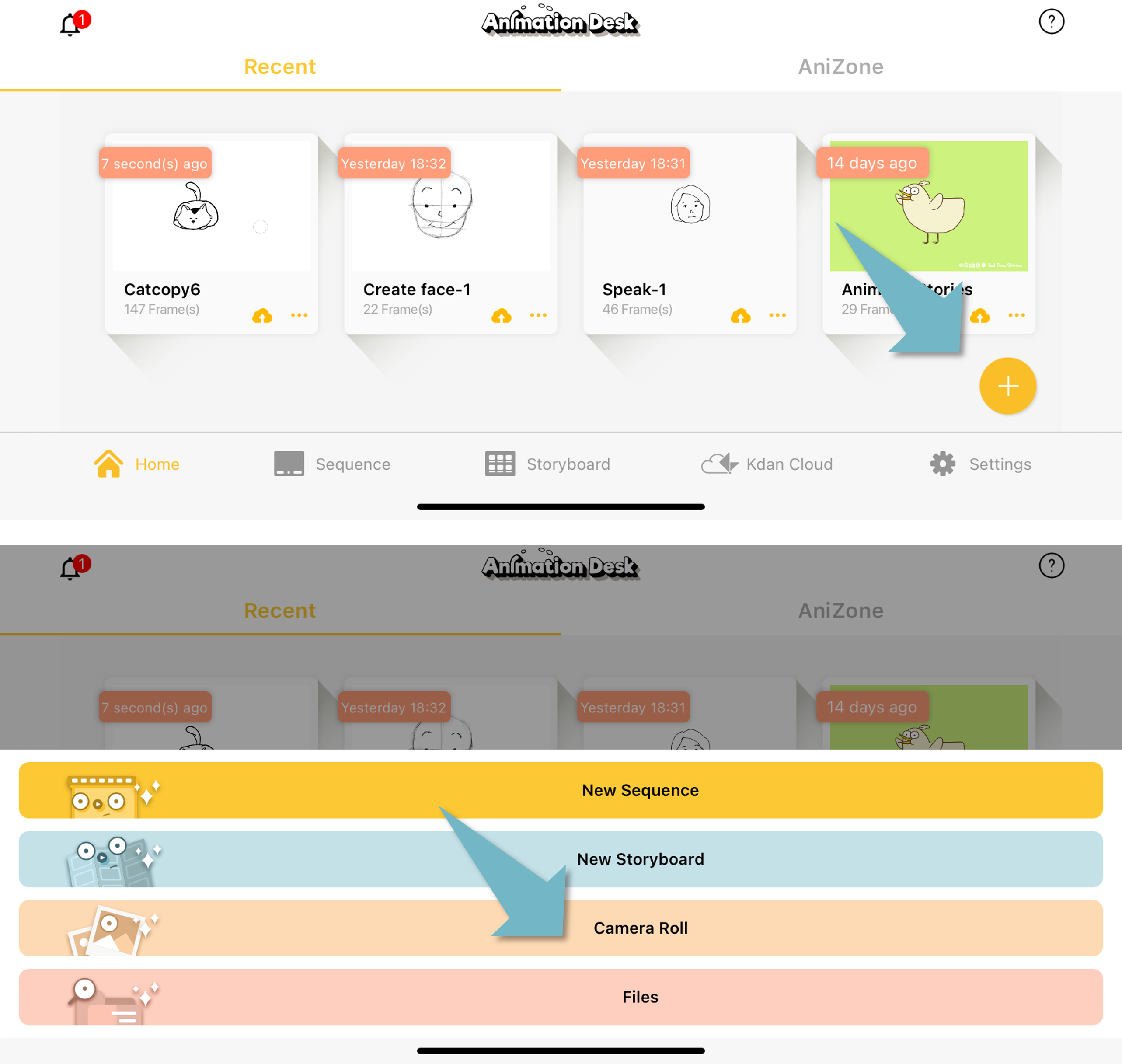
How to Import Videos to Animation Desk 2 comments 1. Tap on "Add," and select “Import video.” 2. After you import a video, you can set up FPS, layers to be imported, or rotoscoping effects. Updated October 22, 2021 06:52 Was this article helpful? Yes No 0 out of 1 found this helpful Have more questions? Submit a request Comments 2 comments Sort by Date Votes Kath Reign February 27, 2020 05:02 Hi... I am an android phone user. And i am trying to make an animation of the video that i made.. But that kind of stuff that you teach is not in my animation desk version... 0 Gina October 12, 2021 01:36 Hi Kath, please visit the tutorial forum for Animation Desk Android. Please contact us if you have any questions about the app and service. Thank you. 0 Please sign in to leave a comment.
Comments
2 comments
Hi... I am an android phone user. And i am trying to make an animation of the video that i made.. But that kind of stuff that you teach is not in my animation desk version...
Hi Kath, please visit the tutorial forum for Animation Desk Android. Please contact us if you have any questions about the app and service. Thank you.
Please sign in to leave a comment.