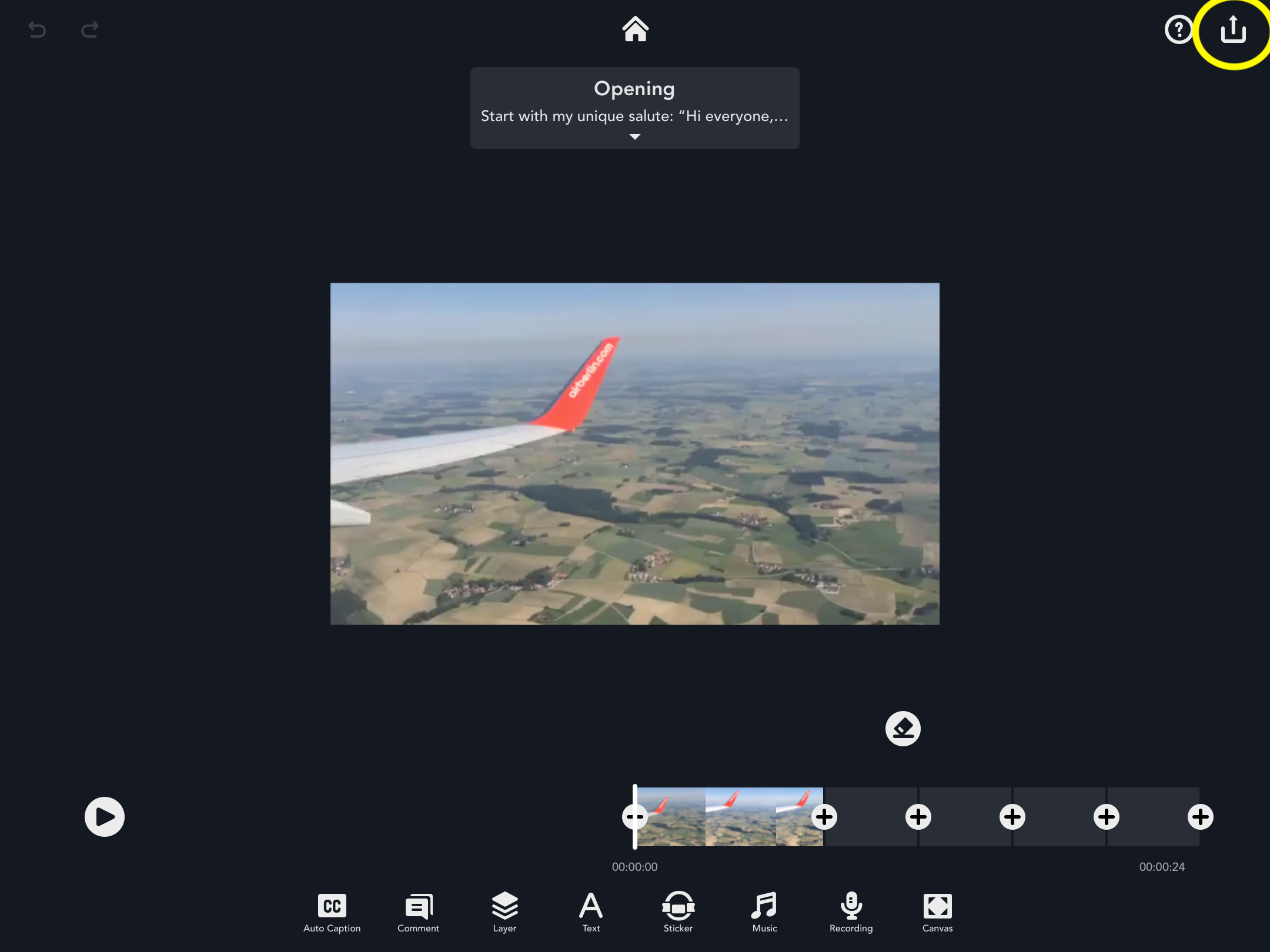
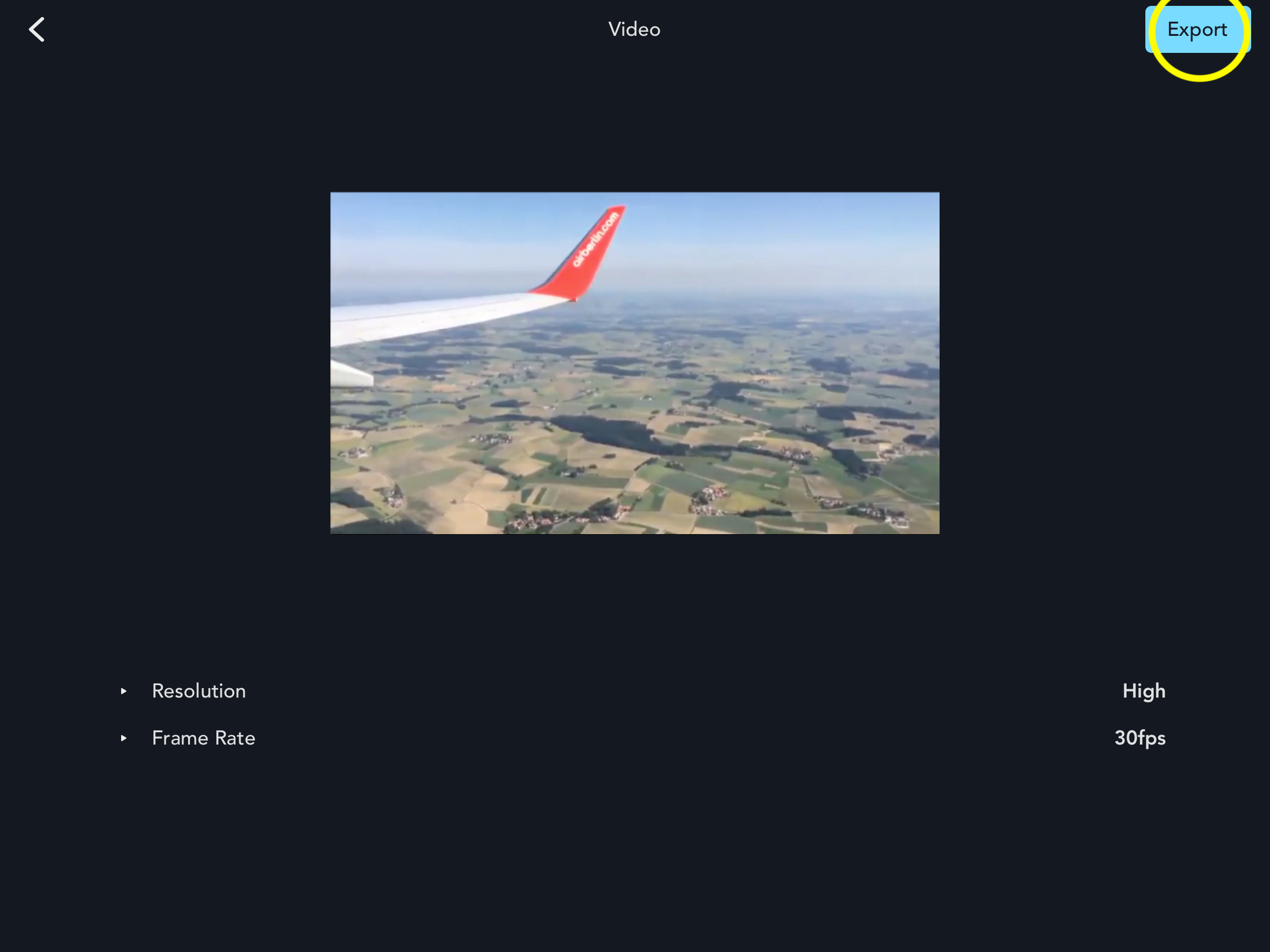
How to Export Your Video To export the video, select the share icon in the top right-hand corner and tap “Video.” After selecting “Export,” your video will be saved to your camera roll. Updated July 03, 2020 06:59 Was this article helpful? Yes No 0 out of 0 found this helpful Have more questions? Submit a request Comments 0 comments Please sign in to leave a comment.
Comments
0 comments
Please sign in to leave a comment.