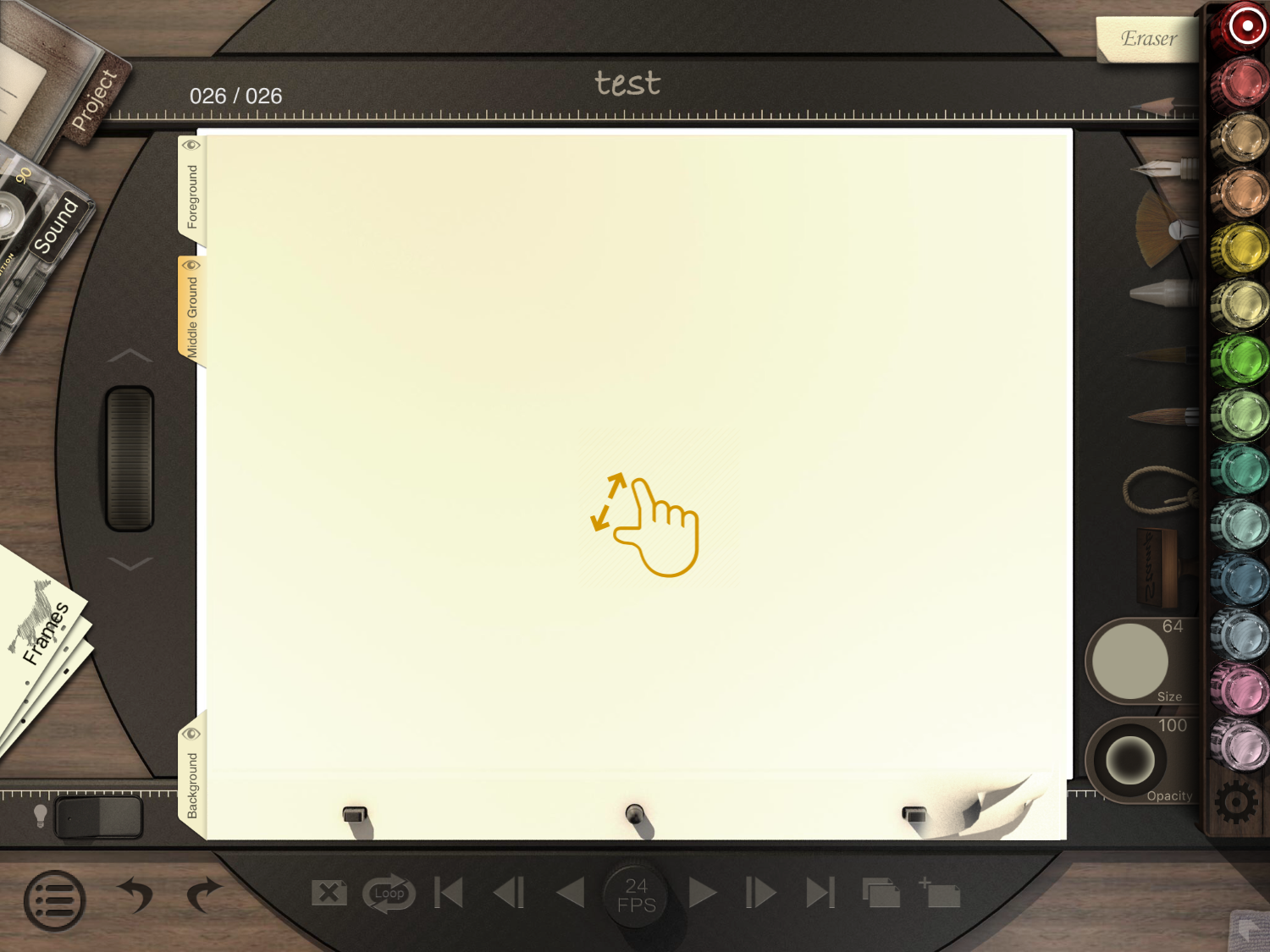
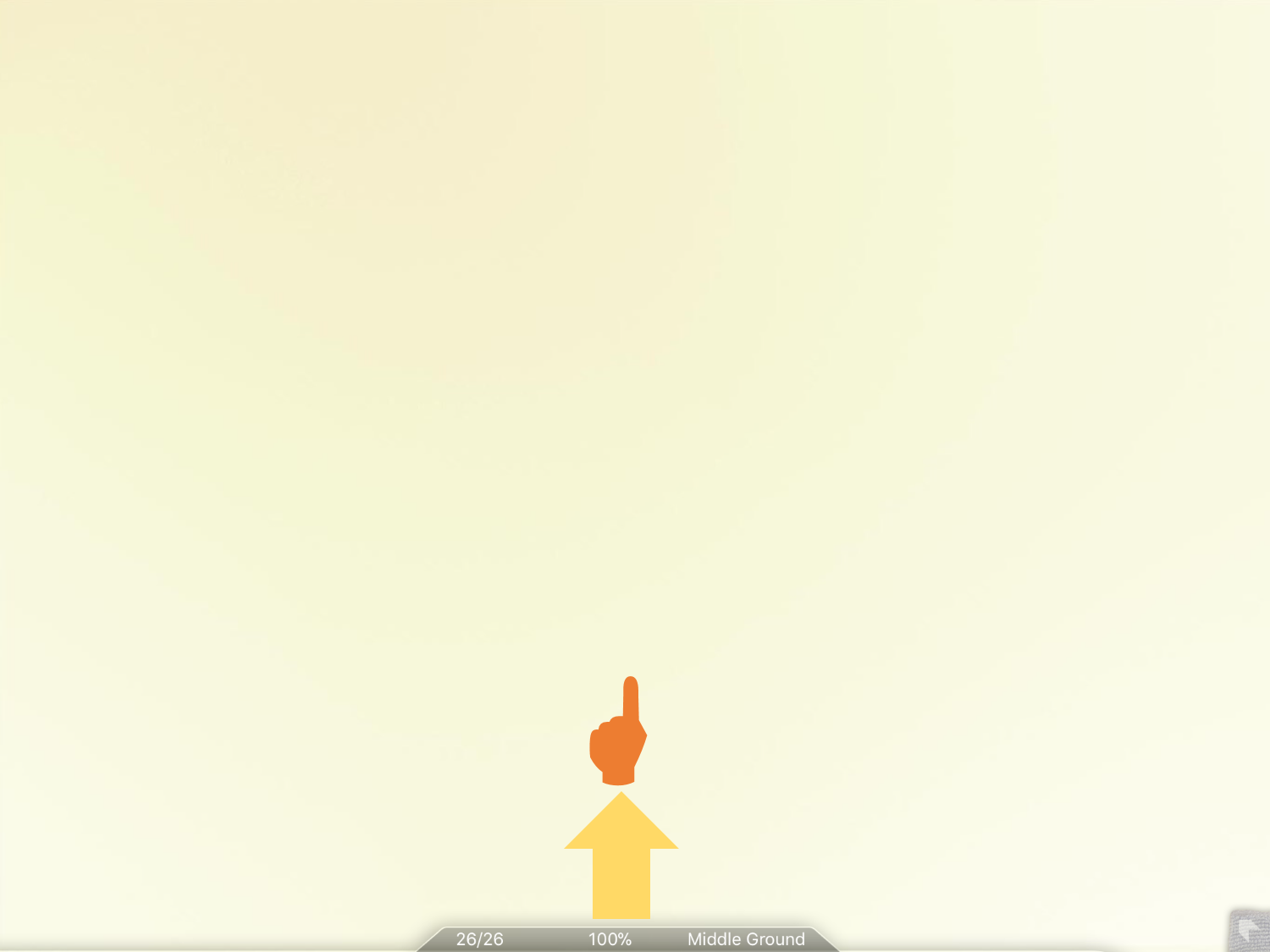
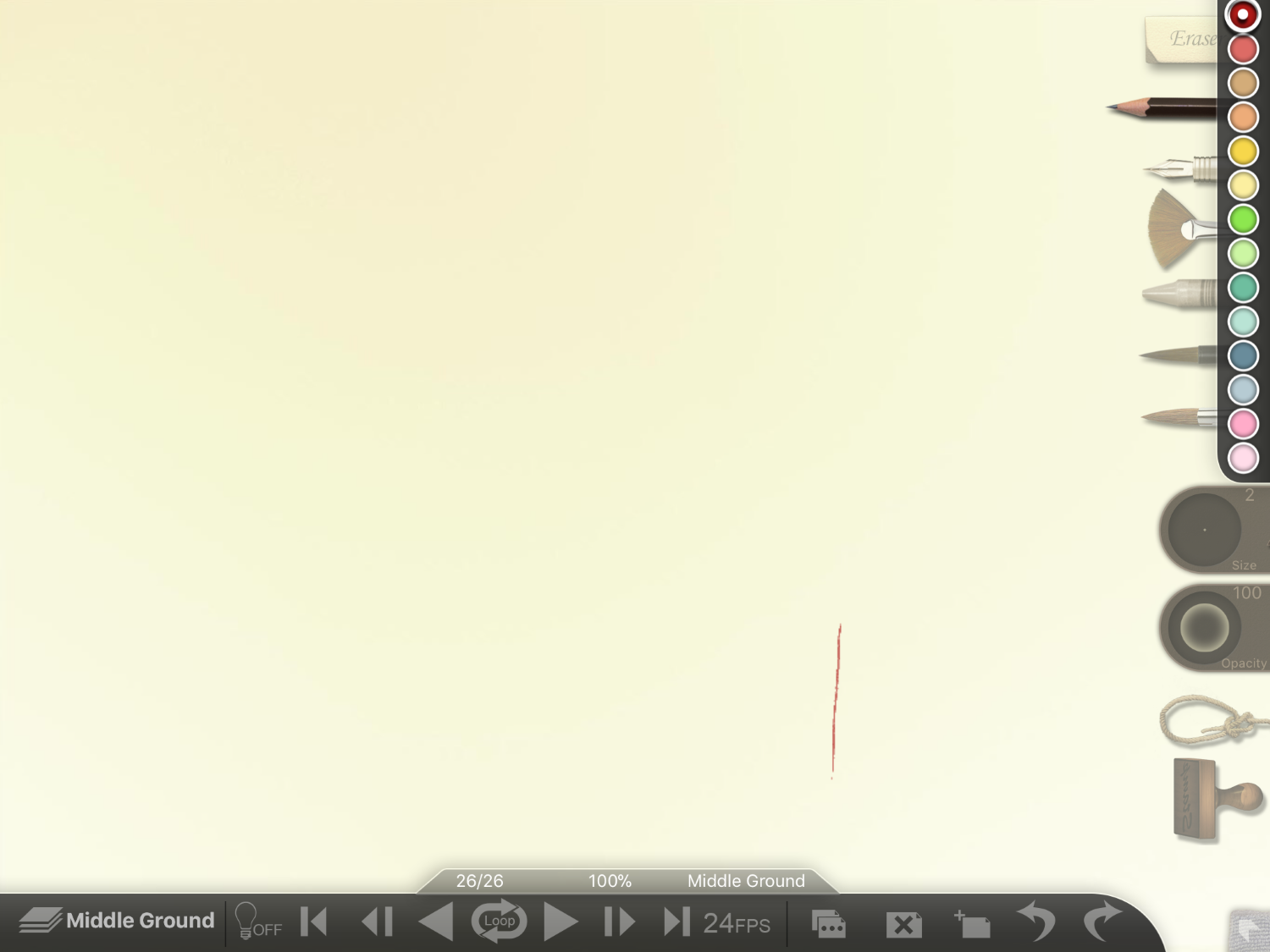
How to View the Canvas in Full Screen 1. Pinch on the canvas to zoom to full screen. 2. You can edit your project while in full screen by tapping the bar at the bottom. Updated January 22, 2018 10:09 Was this article helpful? Yes No 0 out of 0 found this helpful Have more questions? Submit a request Comments 0 comments Please sign in to leave a comment.
Comments
0 comments
Please sign in to leave a comment.