Onion skinning is a 2D animation technique. In the making of traditional animations, artists draw on very thin papers and place the papers on a light source. By doing so, artist can see through the frames, and compare the keyframe and the inbetweens.
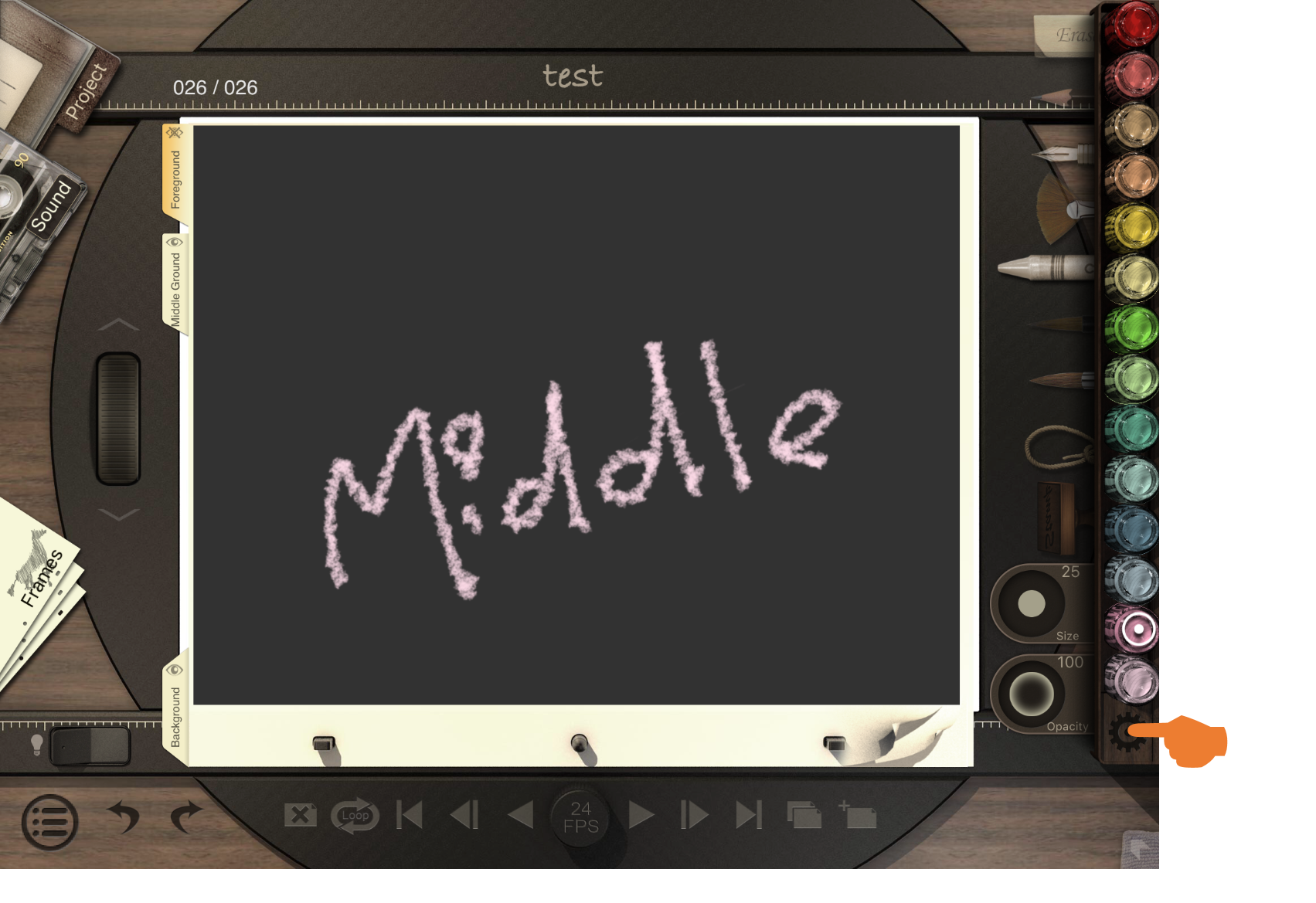
1. Tap the setting icon at the bottom-right to get to "Onion Skin."
There are three options to select. Select the option you wish to apply (make sure that the box is checked).
Updated
Comments
0 comments
Please sign in to leave a comment.