Setting Frames per Second (FPS)
When you create a new animation project, you will be able to set a suitable FPS for your project.
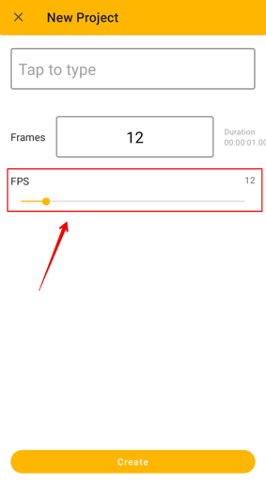
Adjusting FPS
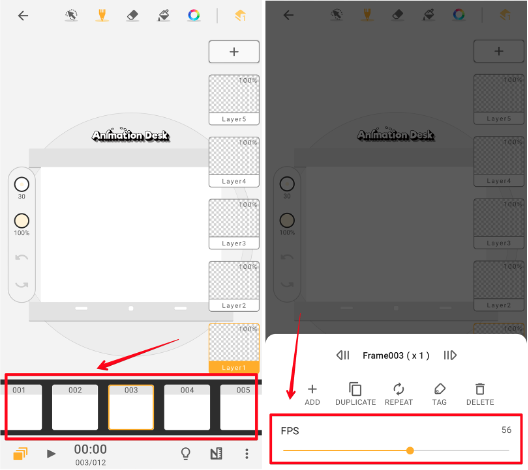
In addition, you can also adjust FPS in the following two ways:
1. While editing, directly edit the frame rate using the slider.
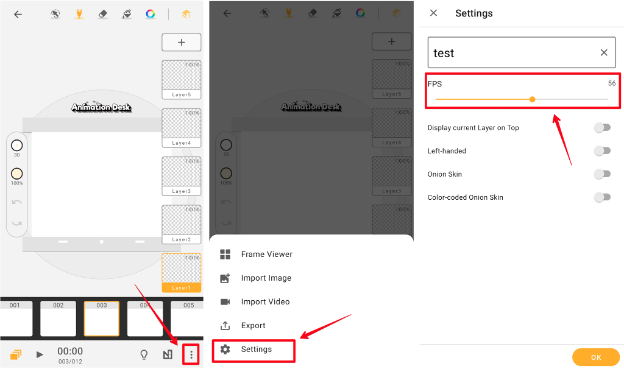
2. Select the three dots in the bottom right. Select "Settings," then make adjustments accordingly.
Updated
Comments
2 comments
Yes
Is there any way to change the frames per second after already starting a project?
Please sign in to leave a comment.