PDF Reader for iPad supports users to open PDFs in other apps.
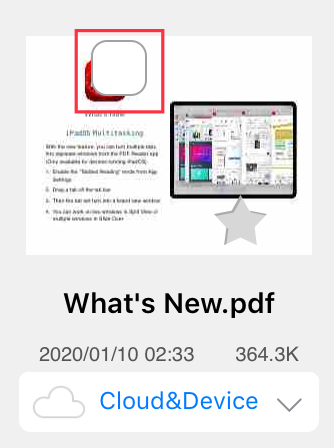
1. Tap "Edit" at the top of the "Documents" tab/file library and you will see a check box listed in front of each file/folder.
2. Find the particular file you want to manage and tap the check box next to the file.
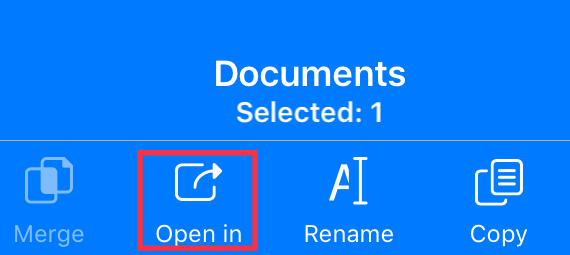
3. Select your target files and tap "Open In" at the top.
Updated
Comments
0 comments
Please sign in to leave a comment.