Please make sure that you have subscribed to Kdan Cloud/Deluxe Business Pack or Creativity 365 services, and are logged in to your account.
1. Tap on the “Kdan Cloud” tab  to view the files you have uploaded to Kdan Cloud.
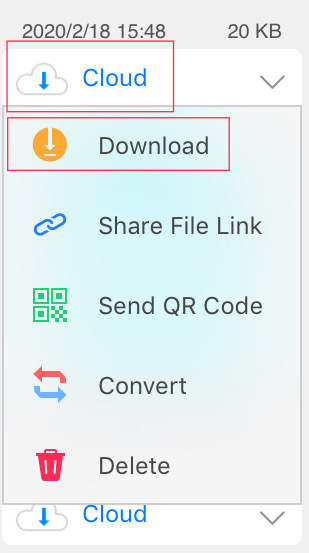
2. Tap on the Cloud tab underneath your chosen file and select “Download” to transfer a file to your device.
Updated
Comments
0 comments
Please sign in to leave a comment.