△ PDF Reader offers you two ways to send files via email. △
Approach 1: Send in the file-viewing mode
1. If you would like to send out a file while viewing it, please tap the "Share" icon in the top right corner in the navigation bar (while in file-viewing mode).
2. Select which format you would like to share your PDF in.
3. Select "Mail" or "Gmail" and send your files accordingly.
Approach 2: Send in the file library
You can also select the file you want to mail out in the file library.
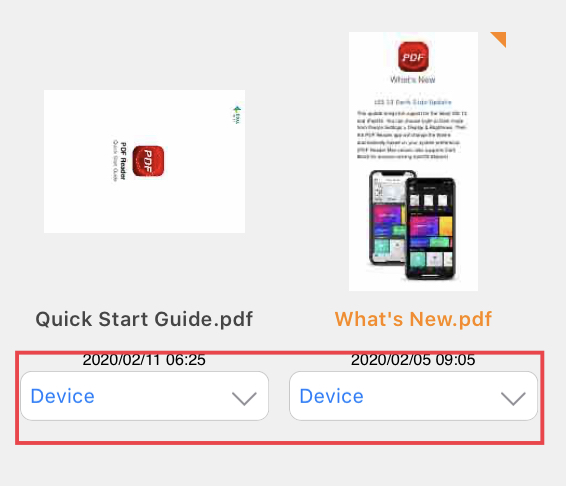
1. Go to the "Documents" tab to see your file library.
2. Tap on the drop-down menu for the specific file you would like to mail.
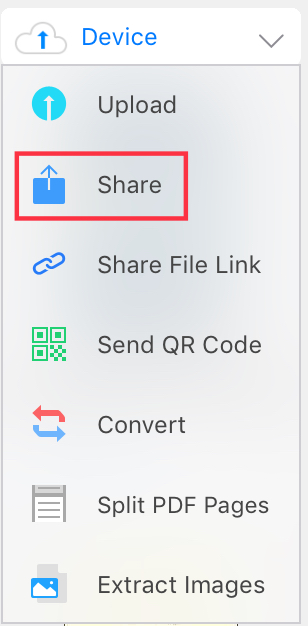
3. Tap "Share" and mail your files through "Mail" or "Gmail."
Updated
Comments
0 comments
Please sign in to leave a comment.