Please make sure that you have subscribed to Document 365 service and are signed in to your account.
1. Open the PDF that you want to split.
2. Tap the "More" icon on top of the screen and choose "Split Pages" from the menu.
3. PDF Reader provides 3 split methods for you to choose from, including "Split by a number of pages", "Split by average pages", and "Split by page ranges".
4. Choose one split method and tap "Split" to split the PDF.
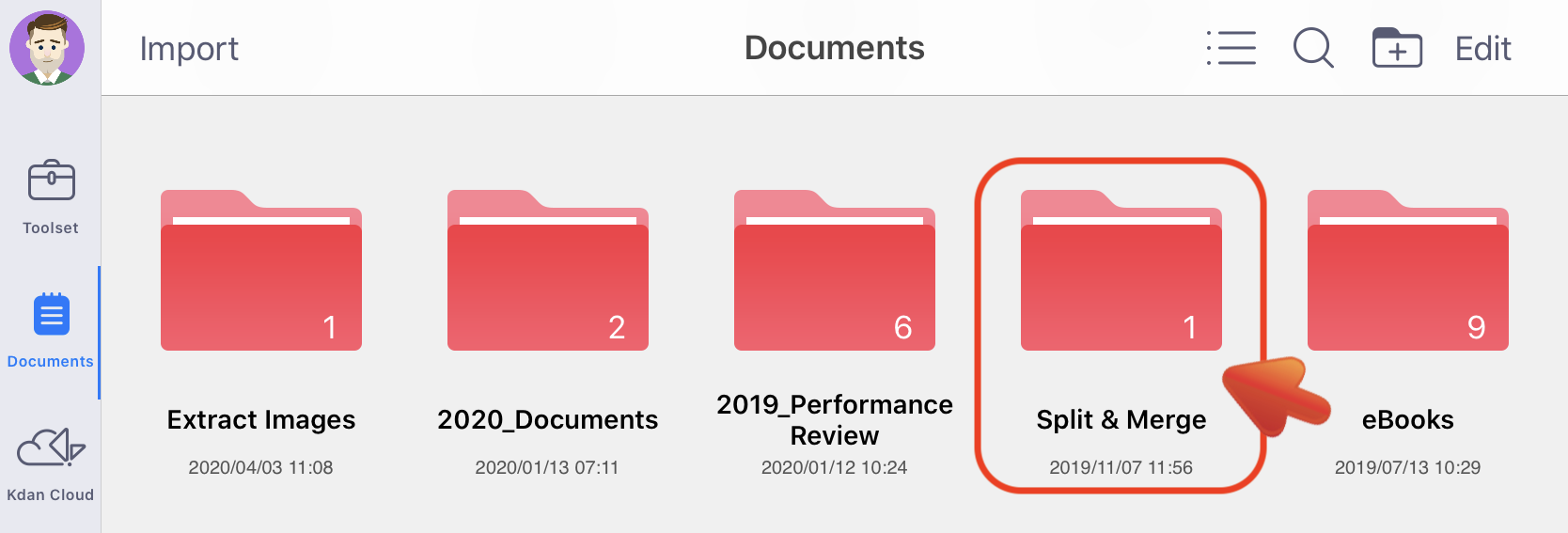
5. The output files will be saved in the "Split & Merge" folder.
For more details, please refer to our pro tip of how to make good use of the PDF splitter .
Updated
Comments
0 comments
Please sign in to leave a comment.