Please make sure that you have subscribed to the Document 365 service and are signed in your account.
1. In the "Documents" tab, tap the "Edit" button on the top right corner of the screen to enter the management mode.
2. Select 2 or more files and then tap the "Merge" button on the top menu bar.
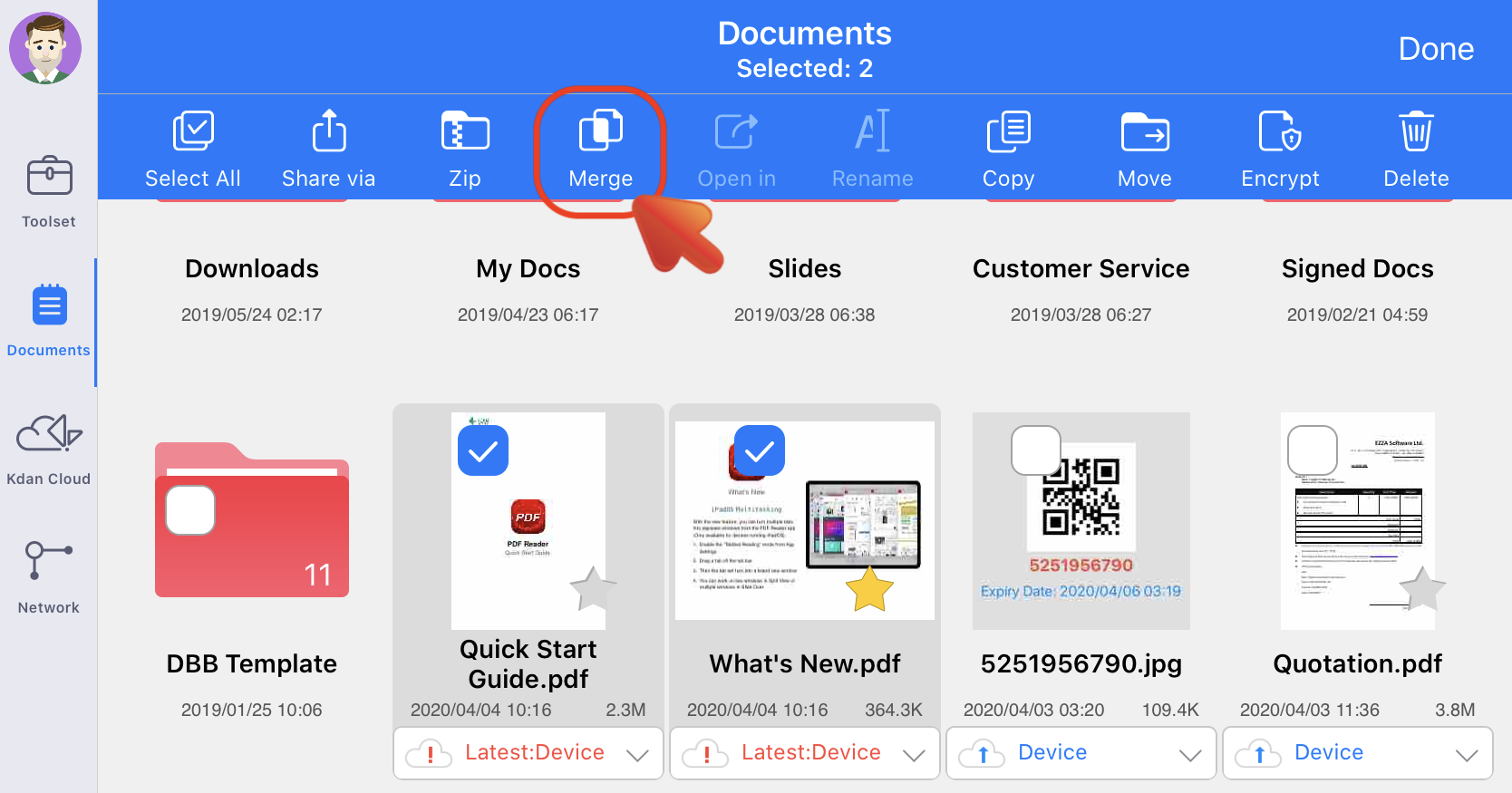
3. Then you will see a pop-up window where shows the file order for merging. Tap the "Edit" button and then you can rearrange the file order by drag-and drop.
4. Then tap the "Merge" button to start merging.
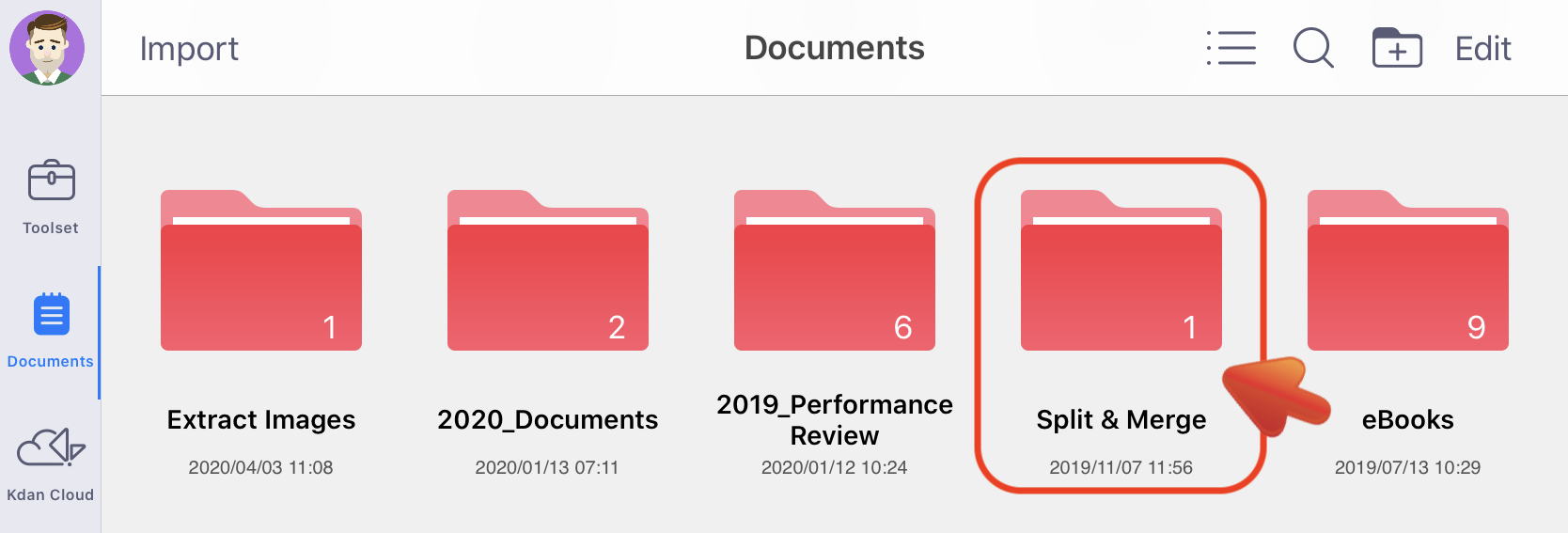
5. The output file will be saved in the "Split & Merge" folder.
Updated
Comments
0 comments
Please sign in to leave a comment.