Want to concentrate on your reading? Auto Scroll is now your best helper when viewing PDF files.
This function automatically scrolls through your documents without you having to touch the screen, boosting concentration!
1. Tap the "More"  icon in the top bar.
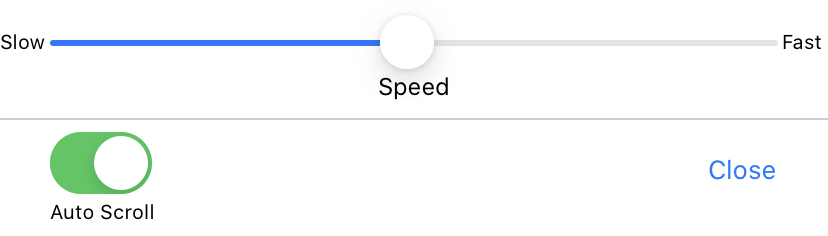
2. Tap "Auto Flow" under “Page Viewer” in the menu.
3. You can turn on it and adjust the speed of Auto Flow.
Updated
Comments
0 comments
Please sign in to leave a comment.