1. If you want to view a PDF file in pure text mode, tap the "More" icon  at the top bar.
2. Tap the "Text Reflow" icon under “ PDF Viewer” at the menu and you will see the PDF file displayed in text form.
3. At the bottom menu of Text Reflow mode, you will see the options of Settings/Auto Scroll/Search.

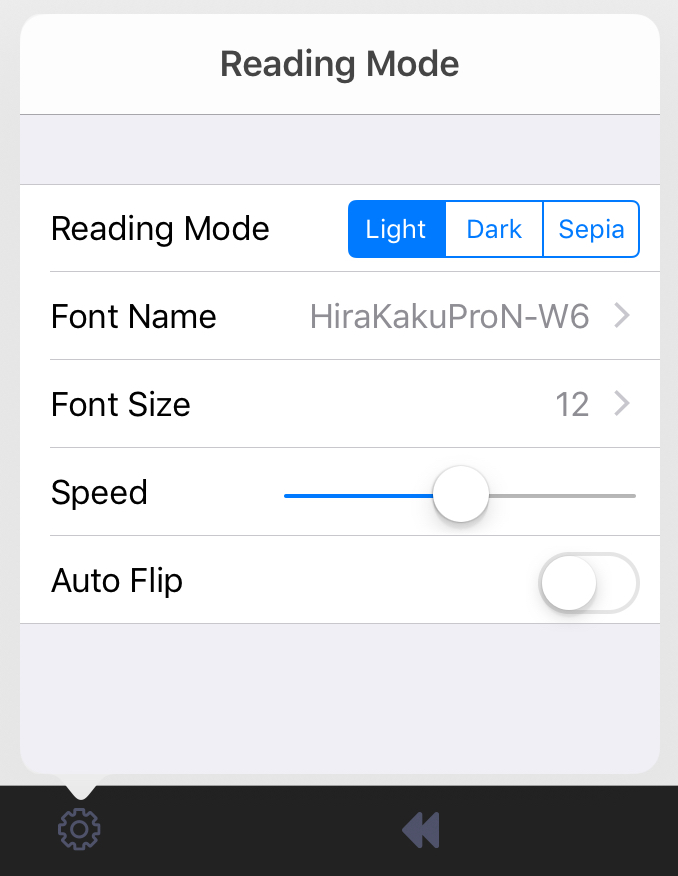
4. Tap “Settings” to change reading mode (Fonts, Font Size, Speed of Auto Scroll and activate Auto Flip).
Updated
Comments
0 comments
Please sign in to leave a comment.