1. If you wish to search for a keyword within a PDF file, tap the magnifier icon  in the annotation toolbar.
2. Tap "Text Search", fill the keywords you want to search in the blank.
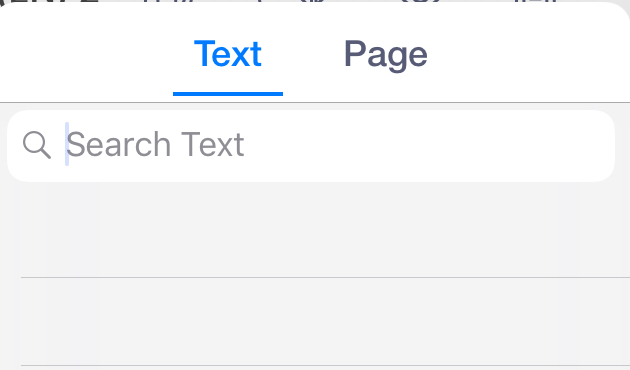
3. The search result(s) will be highlighted in yellow.
4. You can navigate the highlighted keywords by tapping the two arrows at the bottom of the page.

Updated
Comments
0 comments
Please sign in to leave a comment.