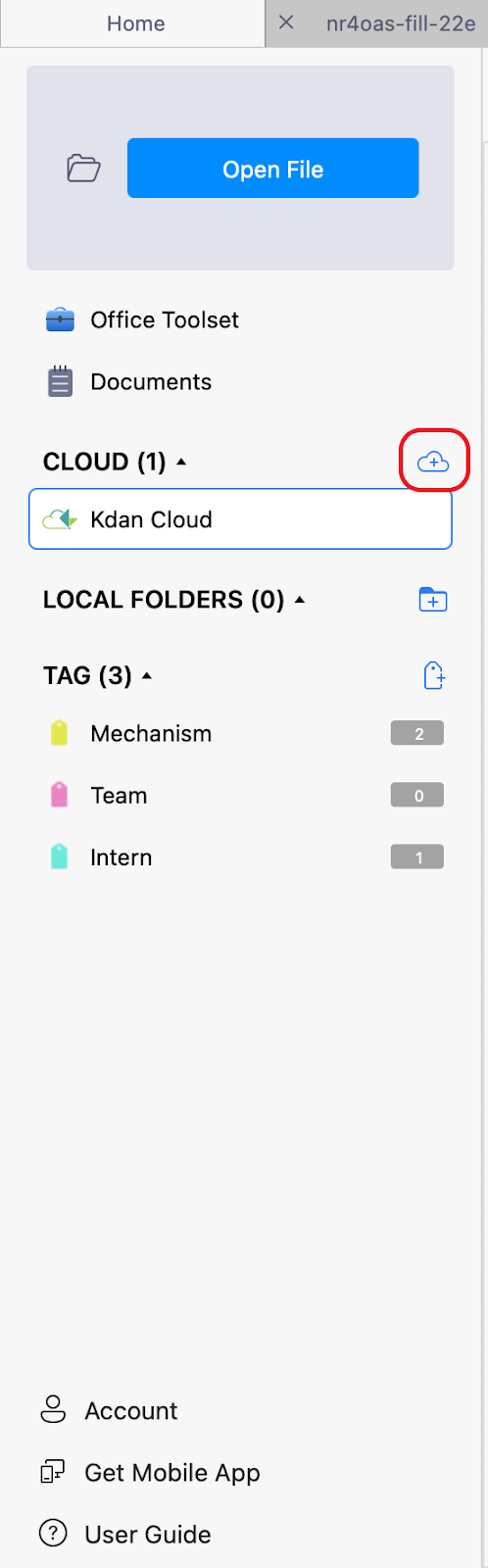
1. Perform your first Dropbox sync: Go to “Kdan Cloud” on the Home tab, and click on the add cloud icon.
2. Select the Dropbox folder to configure the Dropbox sync.

3. Open the PDF file you’d like to use. Click the cloud buttons 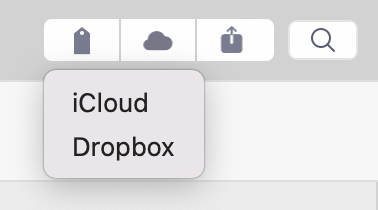
Updated
1. Perform your first Dropbox sync: Go to “Kdan Cloud” on the Home tab, and click on the add cloud icon.
2. Select the Dropbox folder to configure the Dropbox sync.
3. Open the PDF file you’d like to use. Click the cloud buttons
Updated
Comments
0 comments
Please sign in to leave a comment.