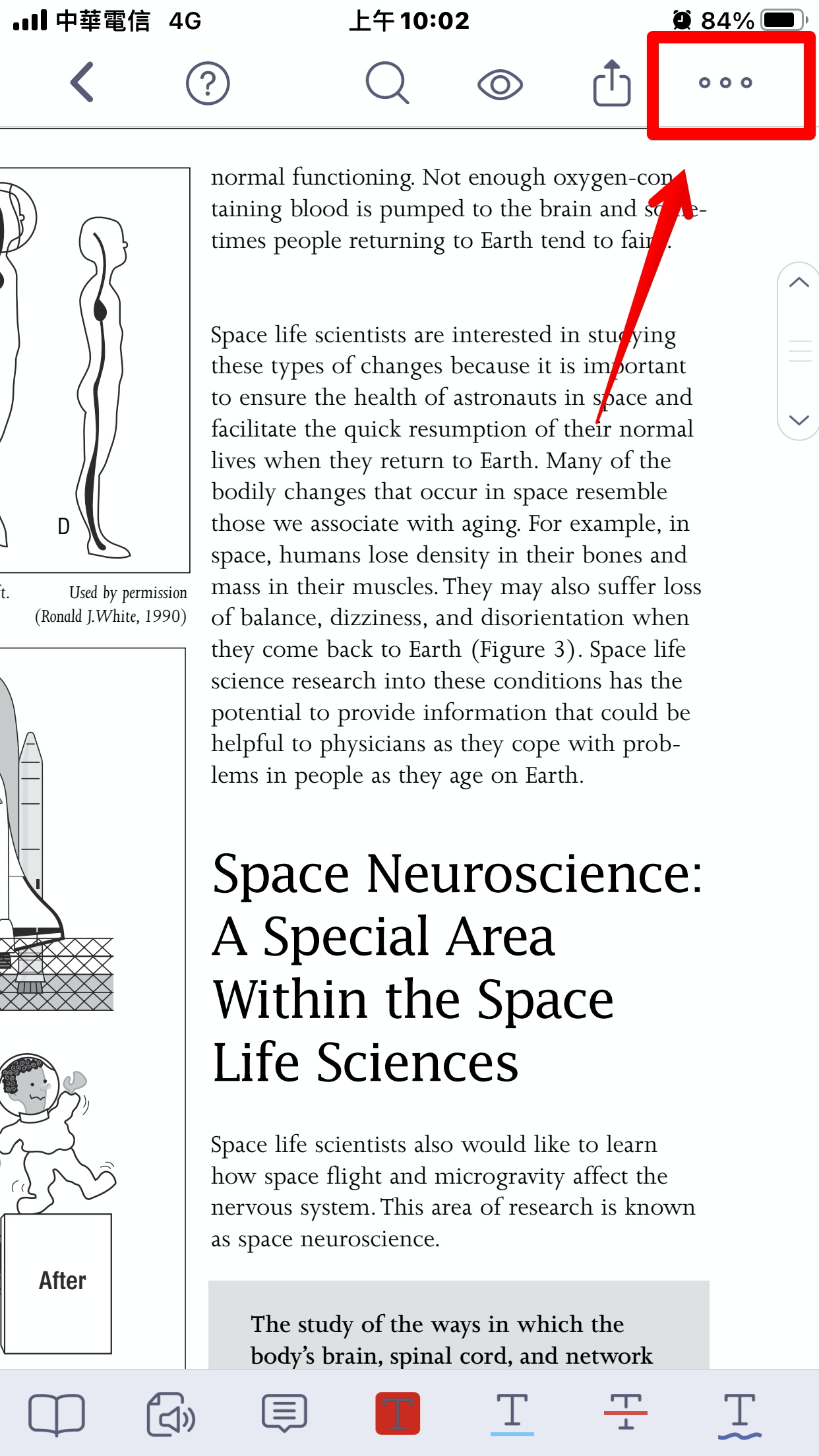
1. Open the PDF you want to split and tap "More" in the top right corner.
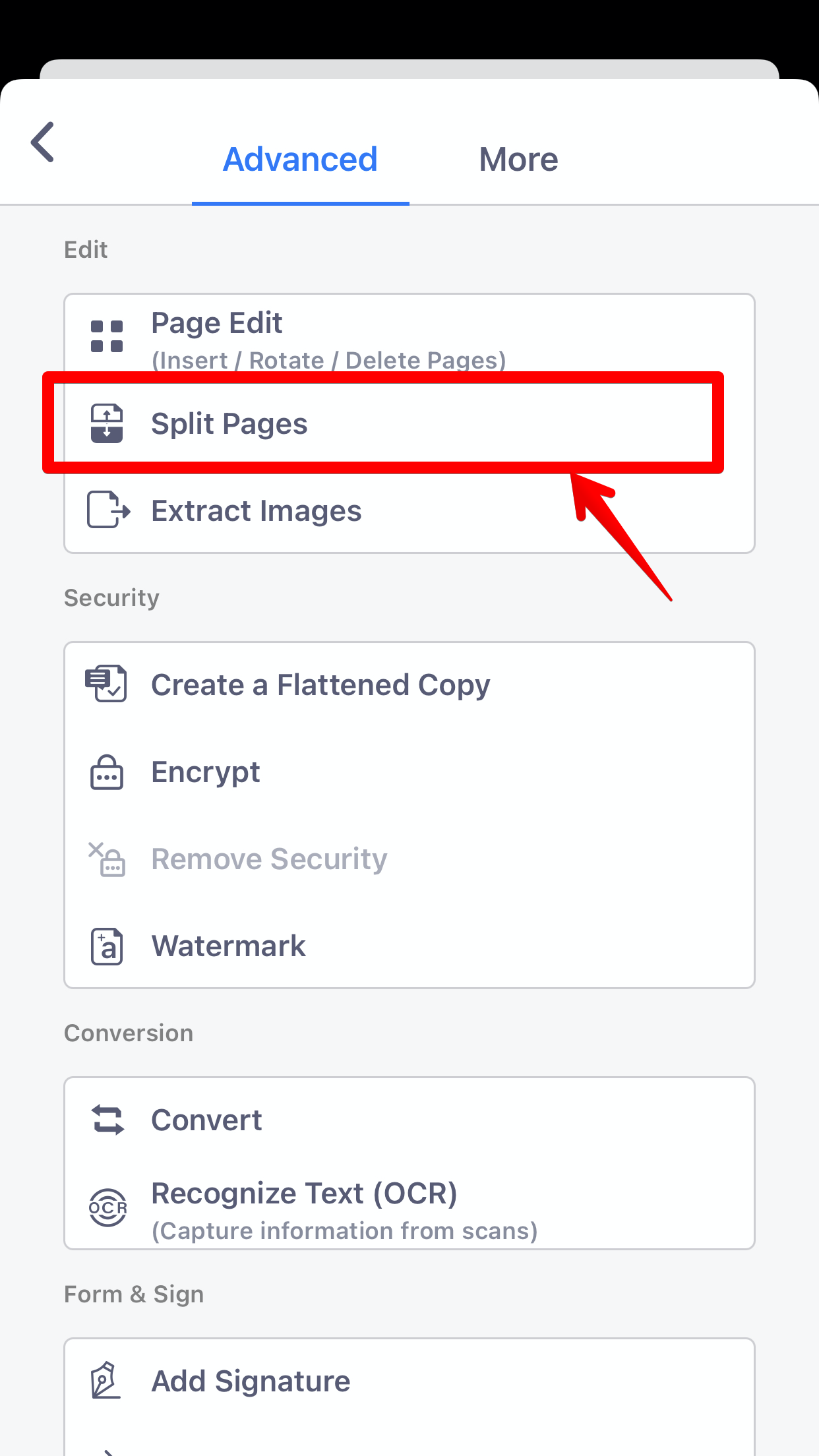
2. Select "Split Pages" from the menu.
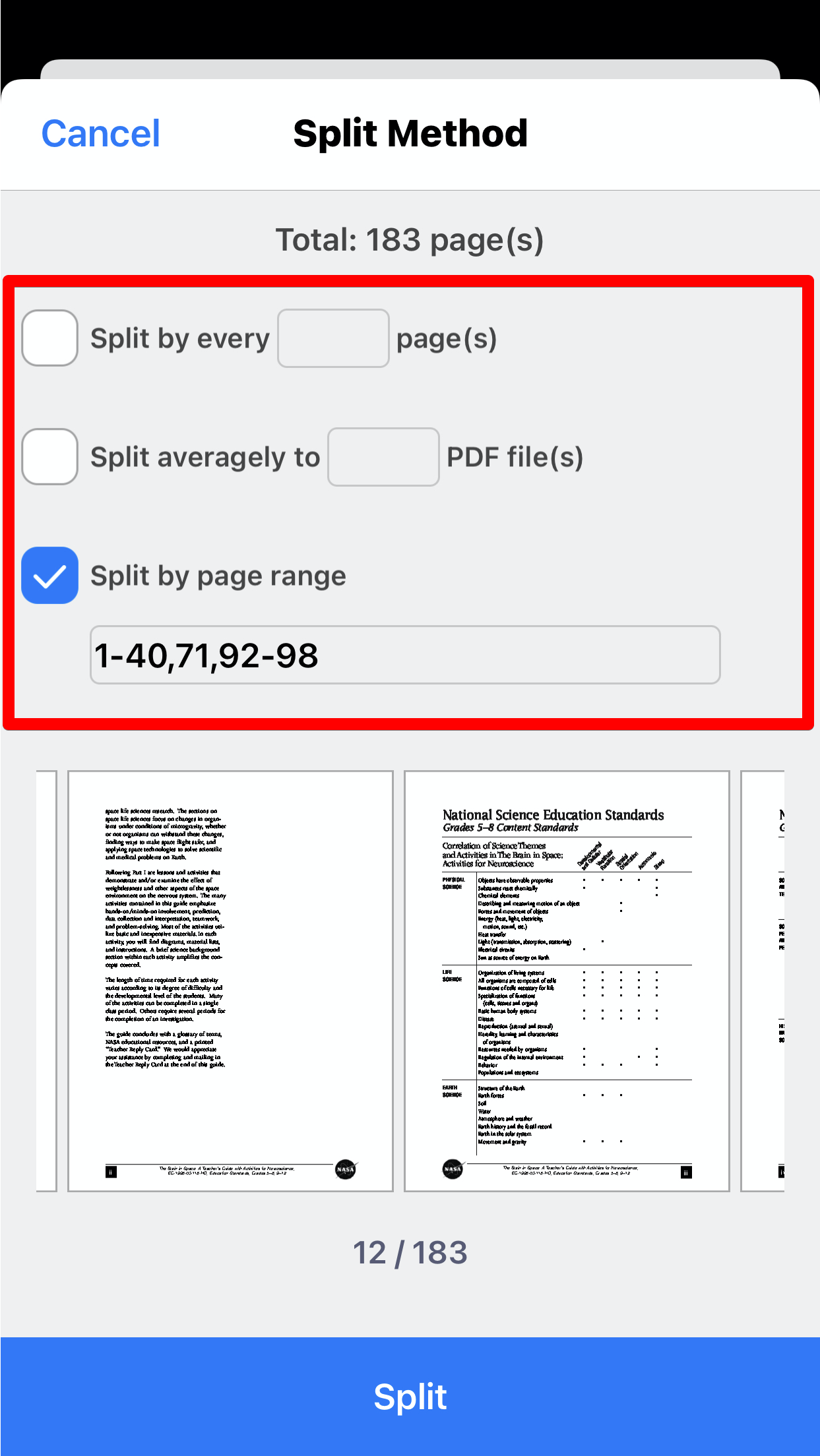
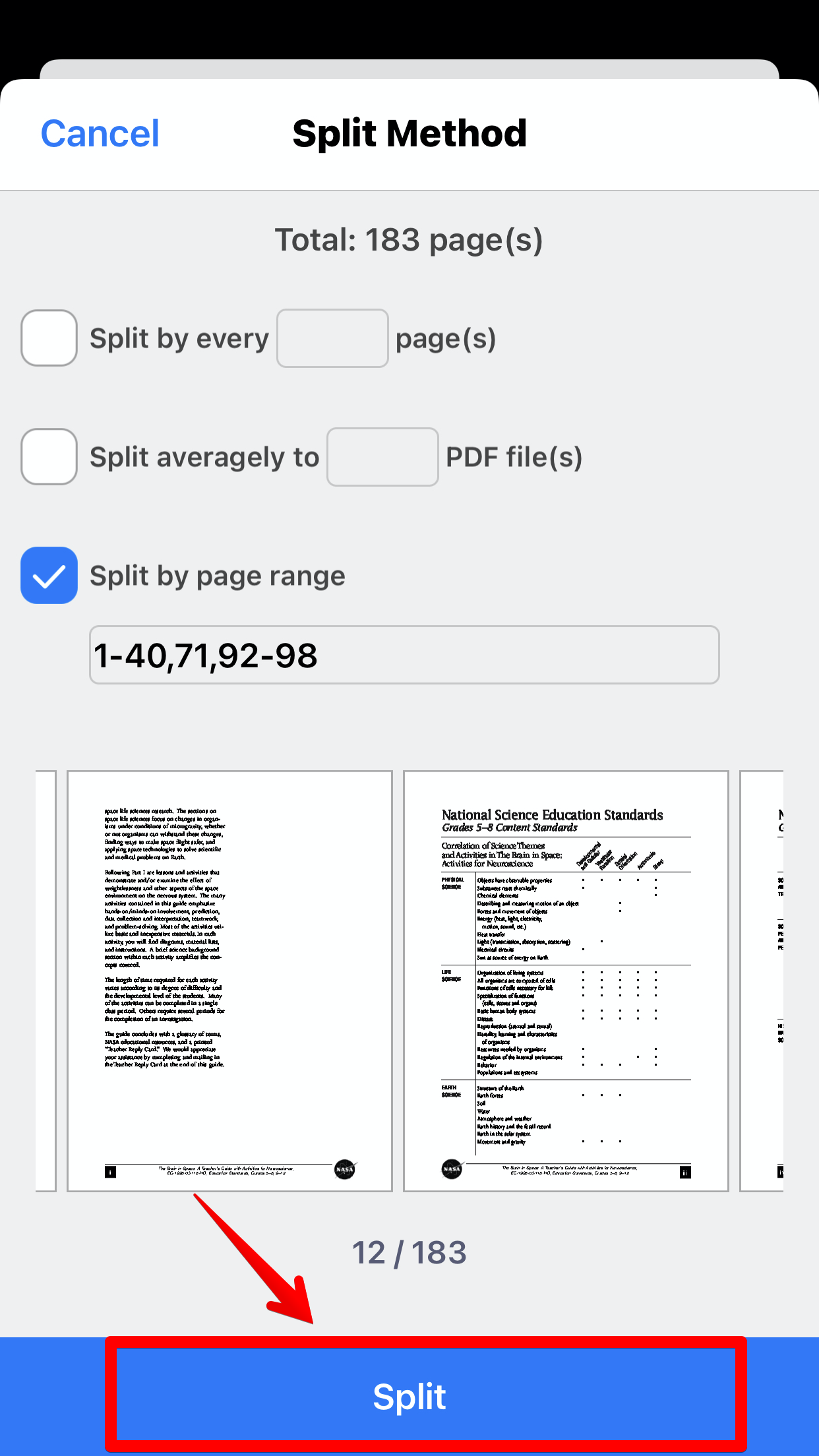
3. You will see 3 methods: Split by a number of pages, Split by maximum files, and Split by page ranges.
- Number of pages: Split the PDF into files containing up to a specified number of pages
- Maximum files: Averagely split the PDF into files by specifying a number of files
- Page ranges: Split the PDF info files by specifying specific ranges of pages (eg. There is a 50-page PDF, and you set 20-30 and 41-49. PDF Reader would create 5 PDFs containing page 1-19, 20-30, 31-40, 41-49, and 50.
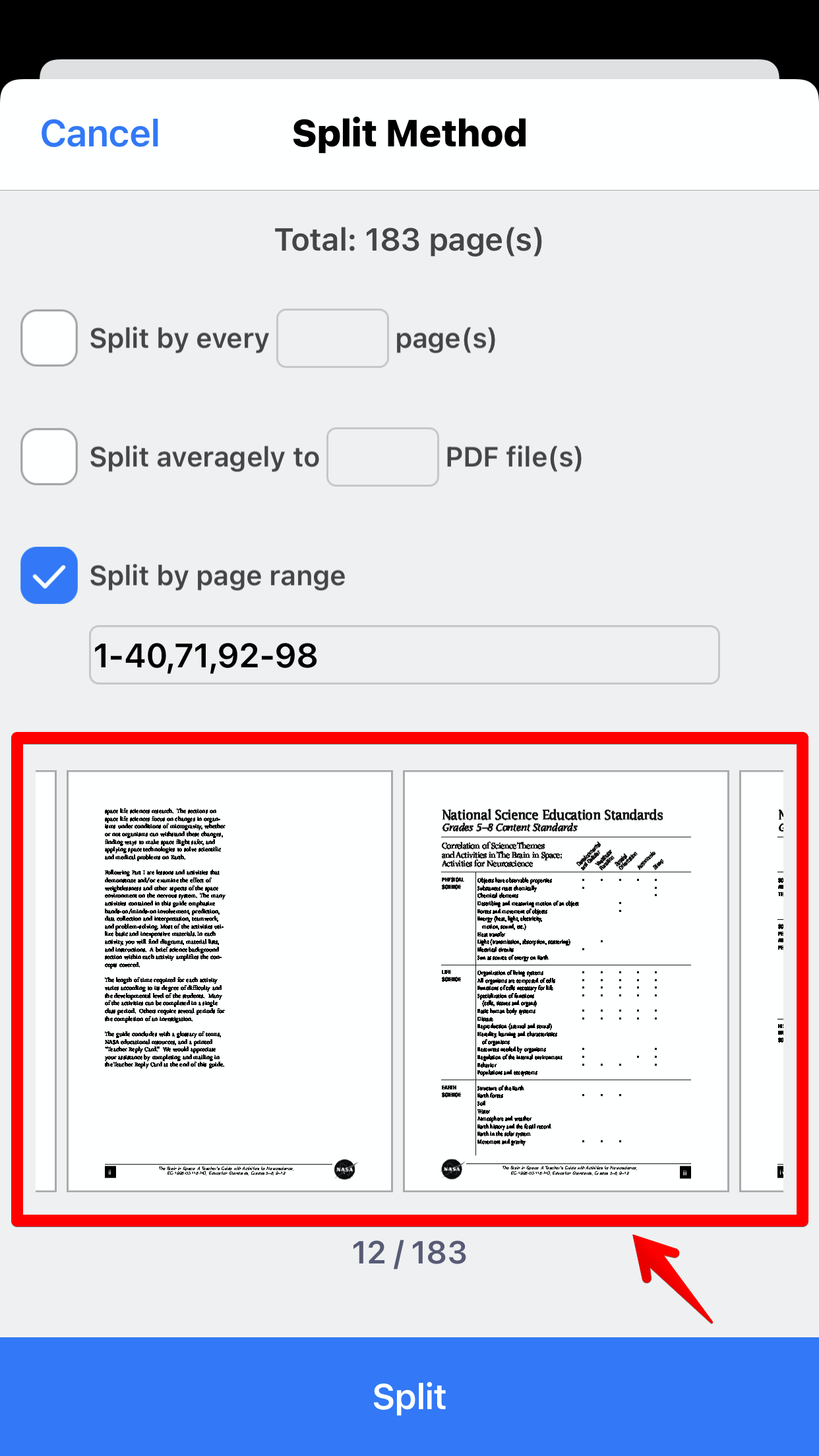
4. Swipe left or right to preview the pages if you are not sure how to set the page range.
5. Choose either option you need and then tap "Split"
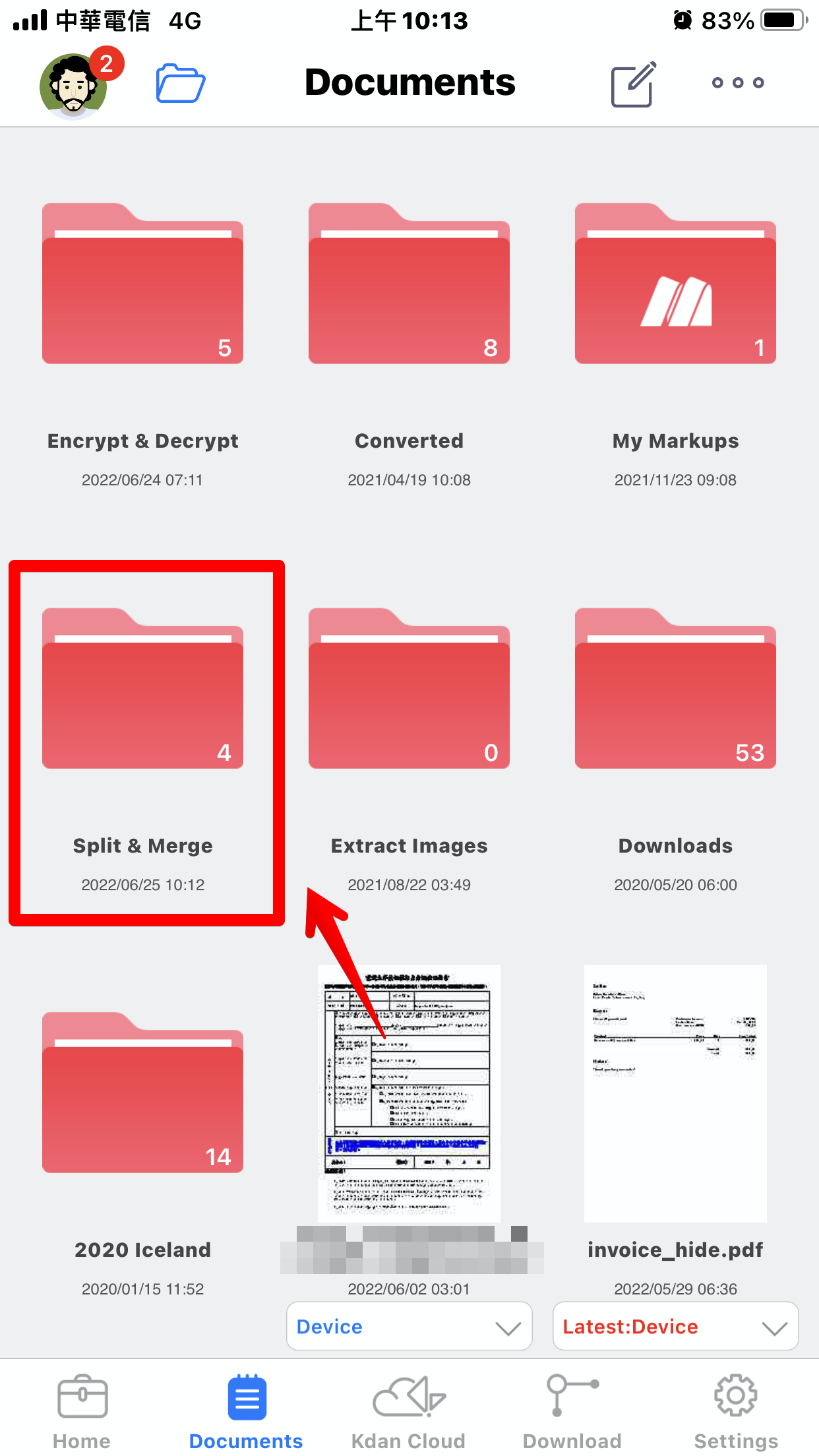
6. The output files will be saved in the "Split & Merge" folder in the file list.
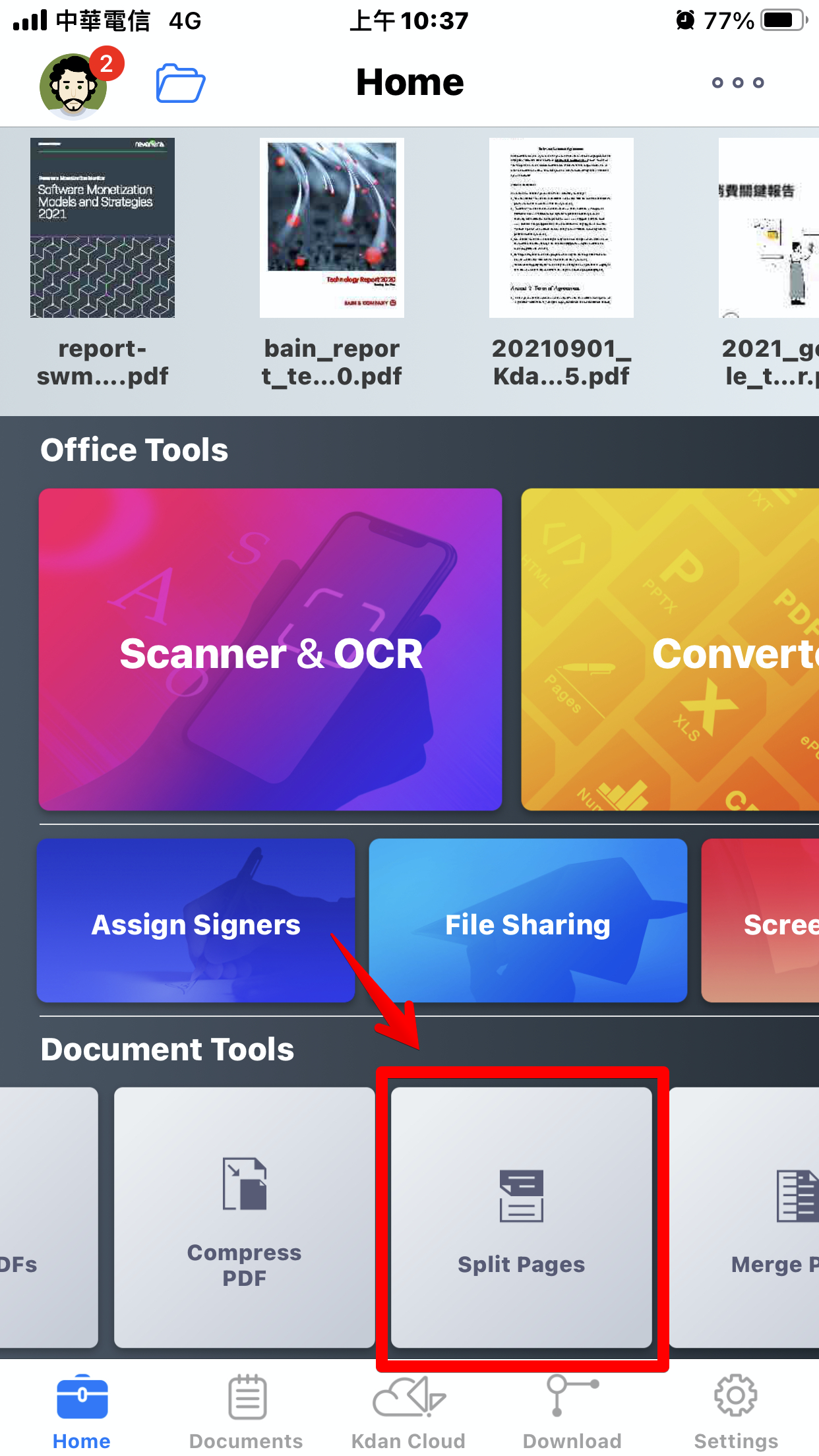
7. Or you can switch to "Home" tab and tap "Split Pages" for the PDF splitter.
Updated
Comments
0 comments
Please sign in to leave a comment.