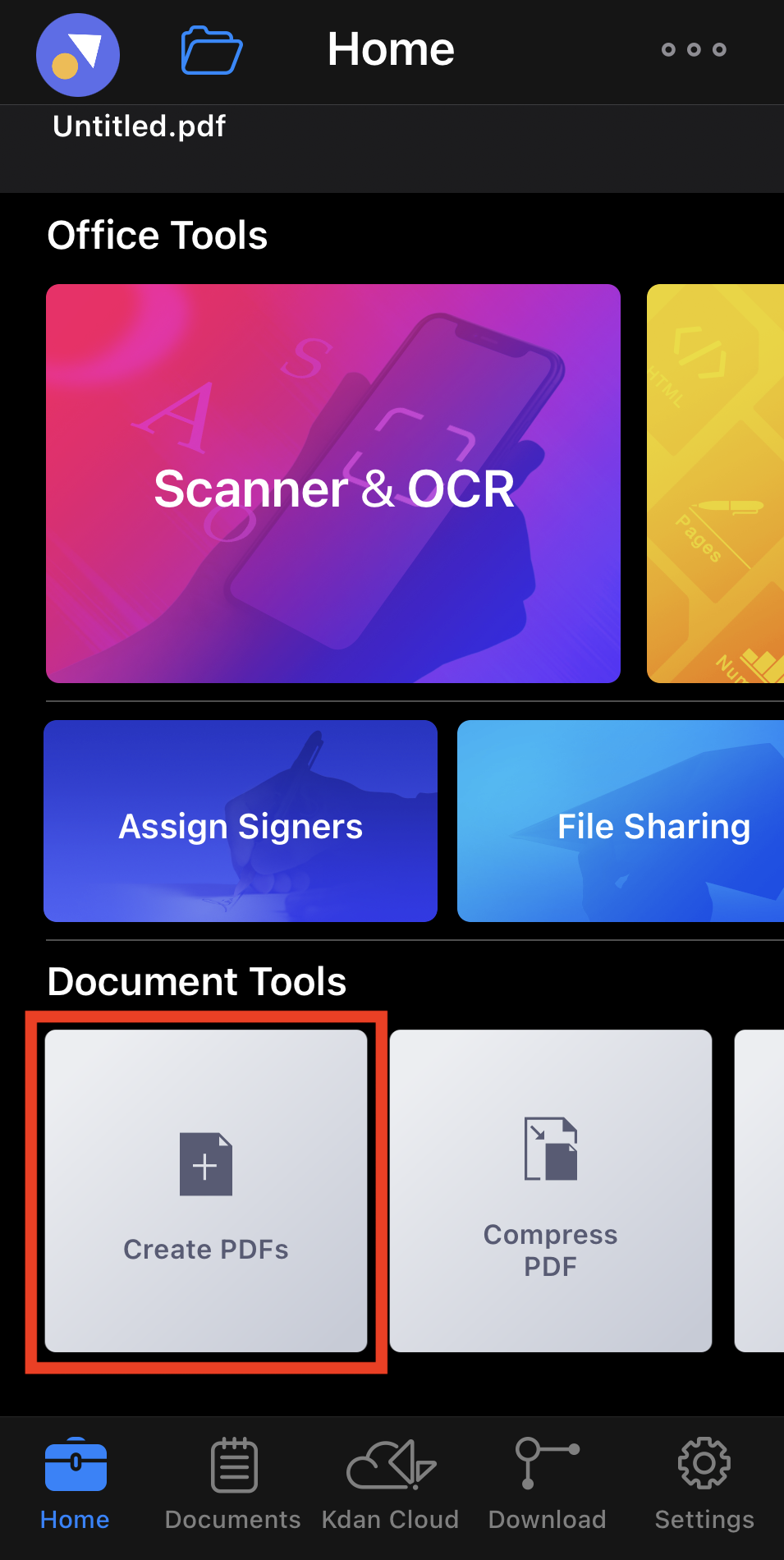
1. Go to "Home" tab and tap "Create PDFs".
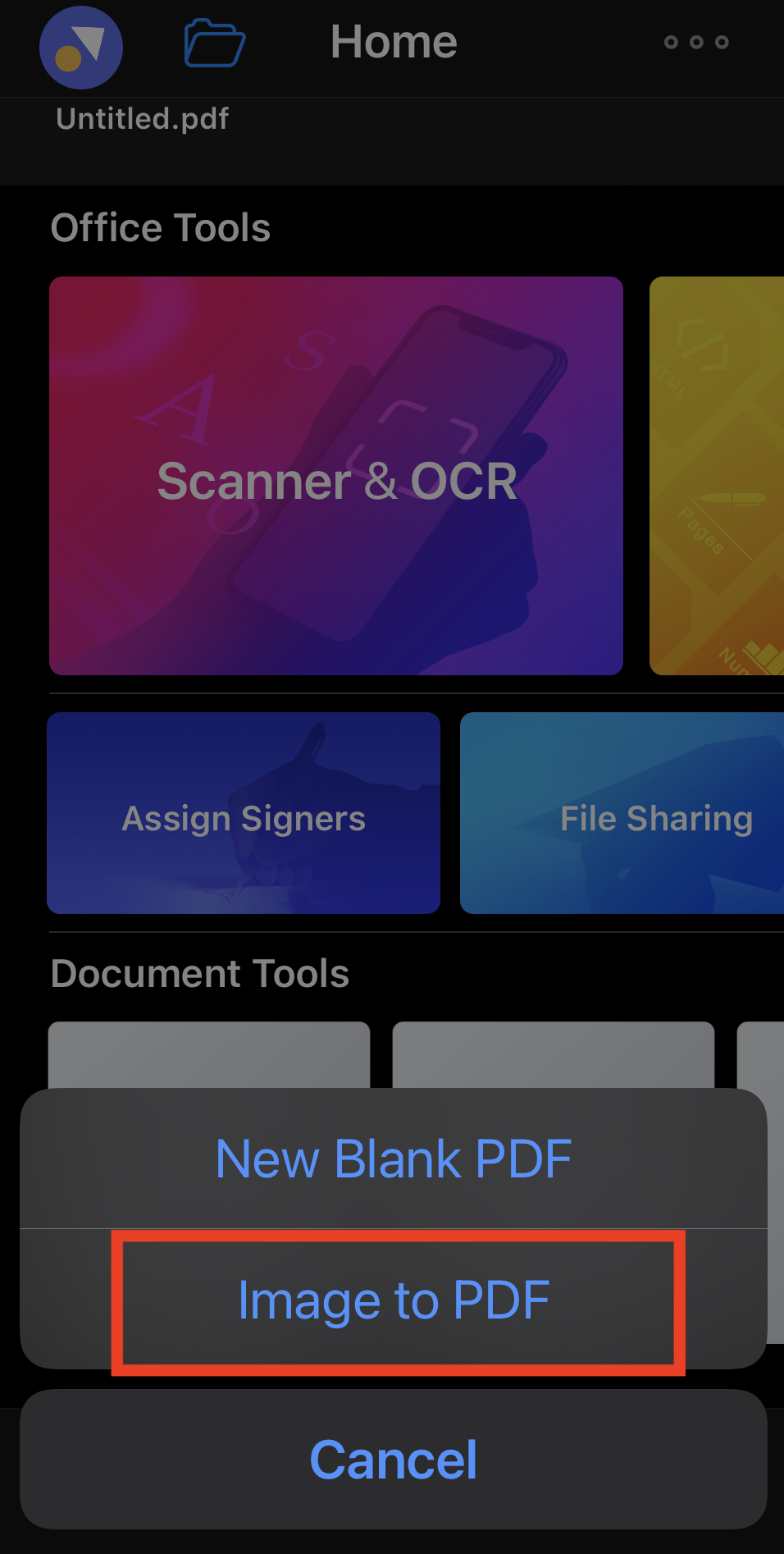
2. You will see 2 options from the pop-up menu. Then choose "Image to PDF".
3. Then you can select one or more images from within Photo Library, and they will be saved as a new PDF to the file list.
Updated
Comments
0 comments
Please sign in to leave a comment.