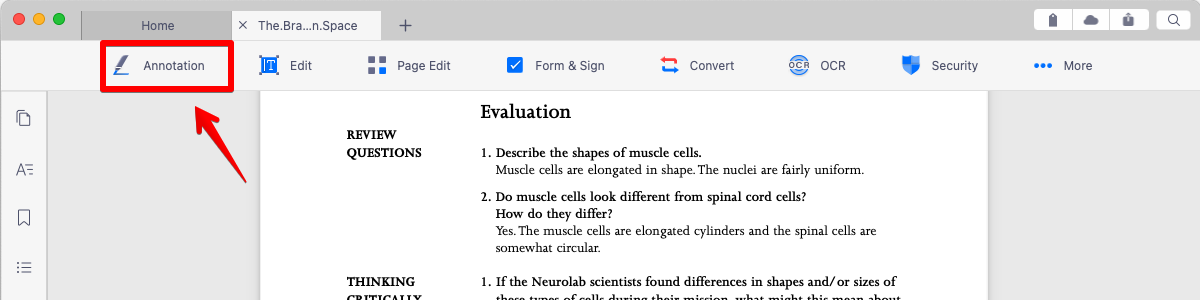
1. Open a PDF, and you will find a menu bar on top of the screen. Click the "Annotation" button to reveal the annotation tools.
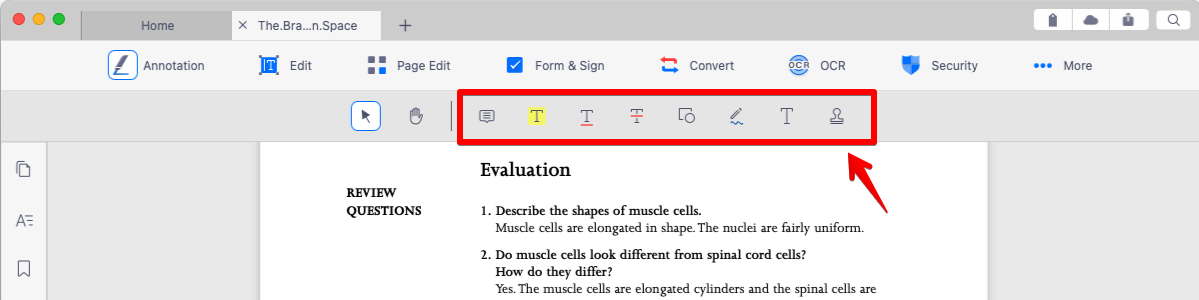
2. Click on the icon at the annotation toolbar (Highlight/Underline/Strikethrough/Freehand write) which you want to mark on the selected text.
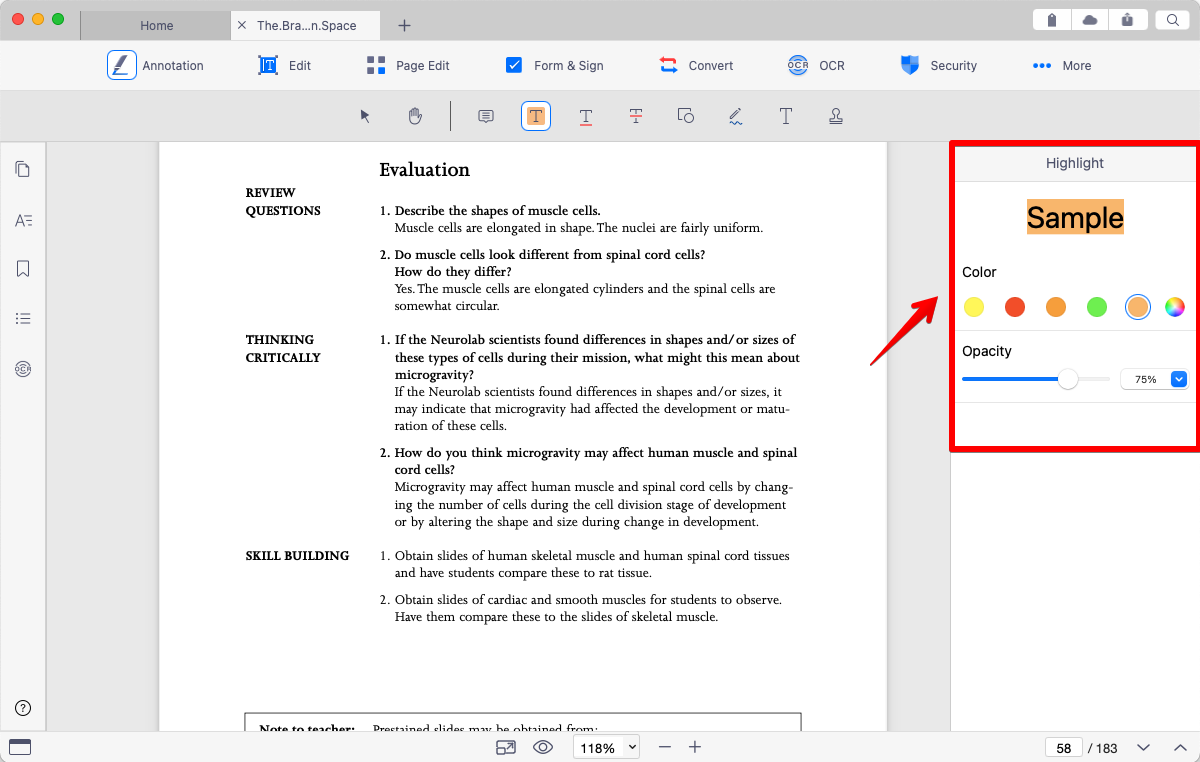
3. You can also choose the color from the Properties pane on the right of the screen.
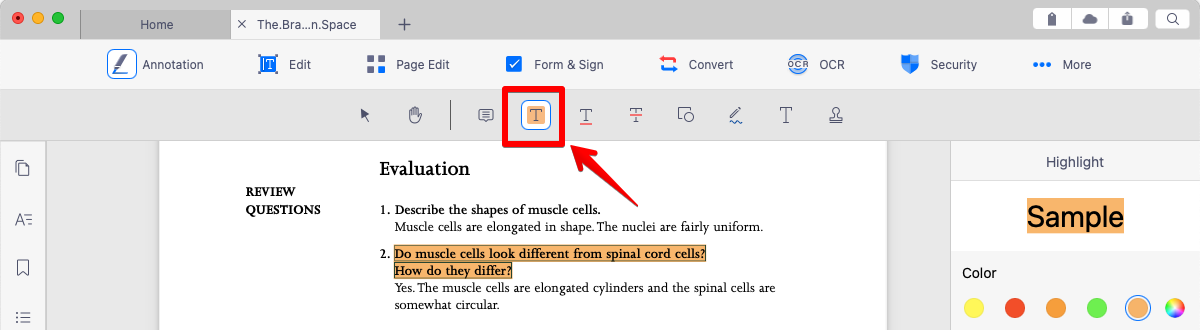
4. Drag your cursor to mark the text to your liking. The text you just selected will be annotated immediately. (Note: If your PDF was generated from a scanned image, you may only use the freehand writing tool to make annotations, since you cannot select the text)
5. Click on the icon at the annotation toolbar again, then you can leave the using of features.
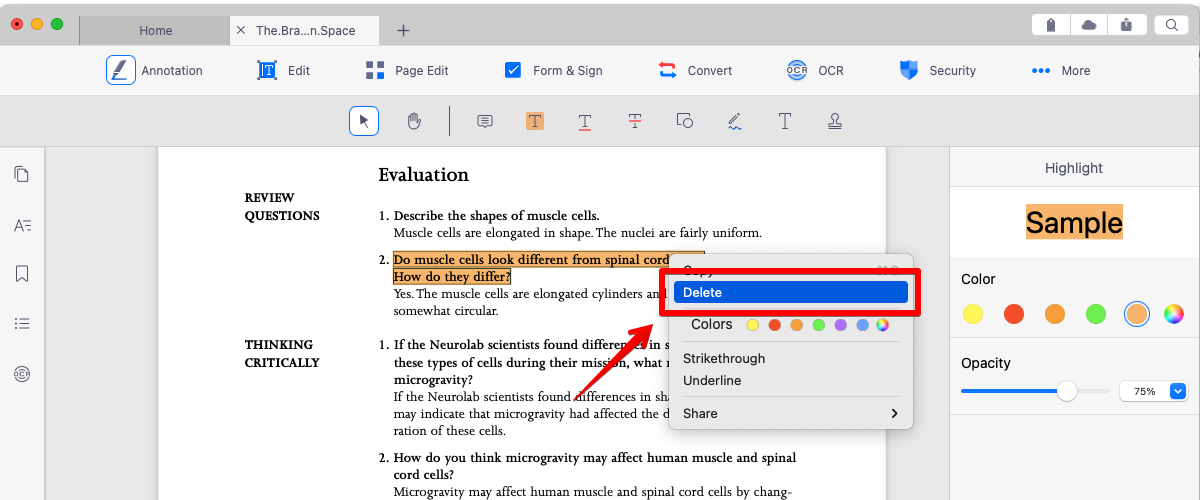
6. To remove the annotation, simply right-click on the annotation object and select "Delete" to remove it from the PDF. (Note: Be sure to turn off the annotation tool before removing an annotation object)
Updated
Comments
2 comments
how to undo text underline or highlight. Unable to undo. I am using Mac OS Catalina.
Thank you
Praveen Rao
Hello Praveen,
If you wan to use the undo/redo function. Please try to use Edit > Undo/Redo from the top menu. If you still have concerns, please contact us at
helpdesk@kdanmobile.com . Thank you :)
Please sign in to leave a comment.