1. Go to the top menu bar.
2. Click on “View” and choose Magnifier.
3. Hold and drag to magnify parts of your file. 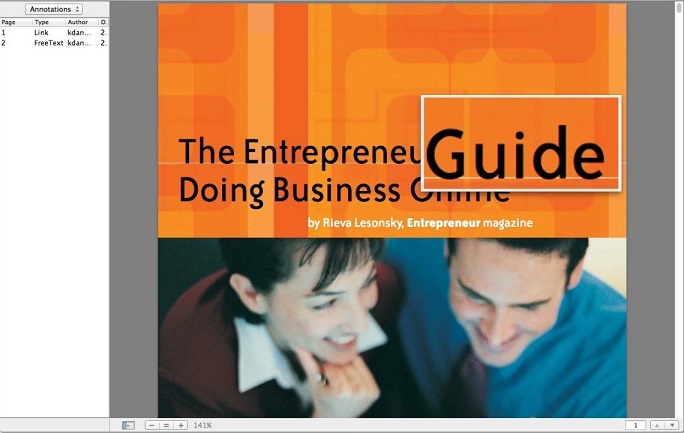

4. If you’d like to stop magnifying, go to the top menu > View > Magnifier.
Updated
1. Go to the top menu bar.
2. Click on “View” and choose Magnifier.
3. Hold and drag to magnify parts of your file.
4. If you’d like to stop magnifying, go to the top menu > View > Magnifier.
Updated
Comments
0 comments
Please sign in to leave a comment.