Open With PDF Reader
1. Launch the app and click on the "File" menu from the top menu bar.
2. Select the "Open" option.
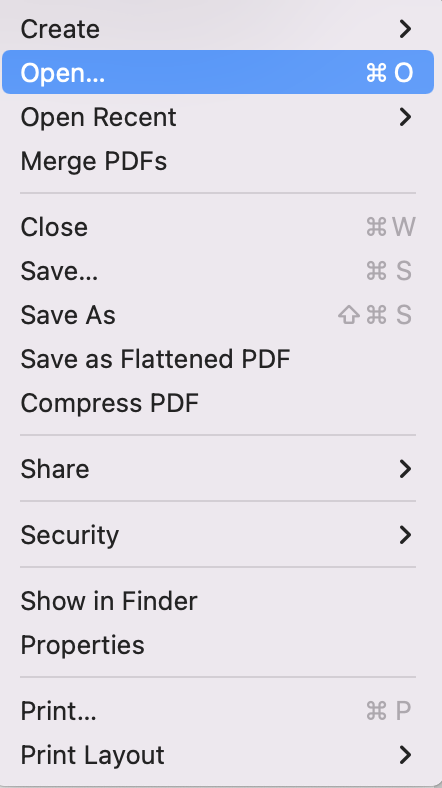
3. Find the PDF file you’d like to use from the pop-up window.
4. If you’d like to create a new PDF file, you may click the “Create” option.
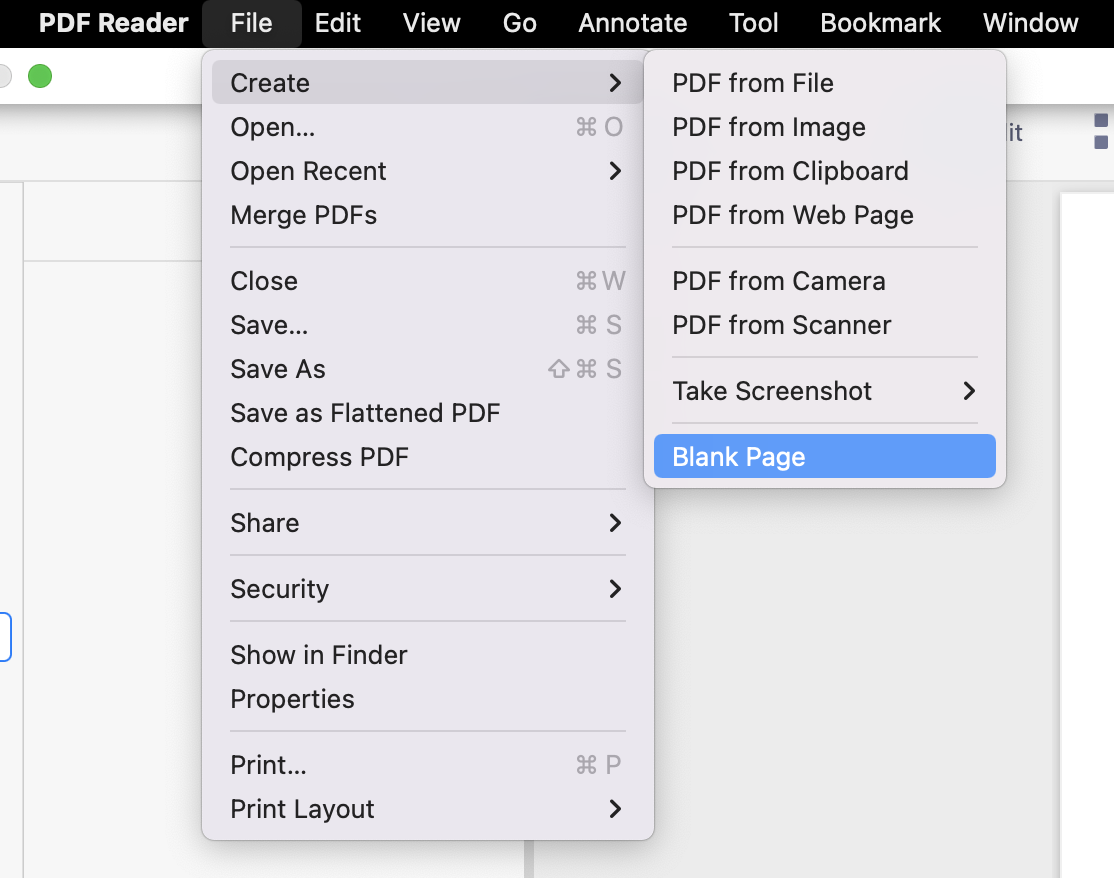
Drag Files to PDF Reader from Finder
1. Launch the app and click “Document” on the left sidebar.
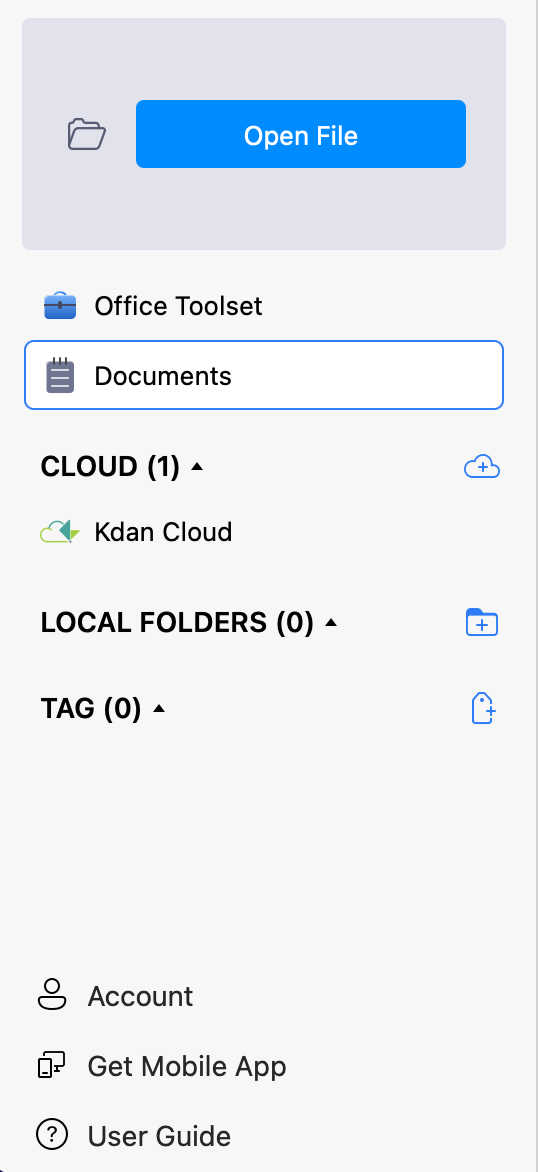
2. You have to create a "PDF Reader files" folder to store the files (The folder will save all the output files from conversions and sync to Kdan Cloud).
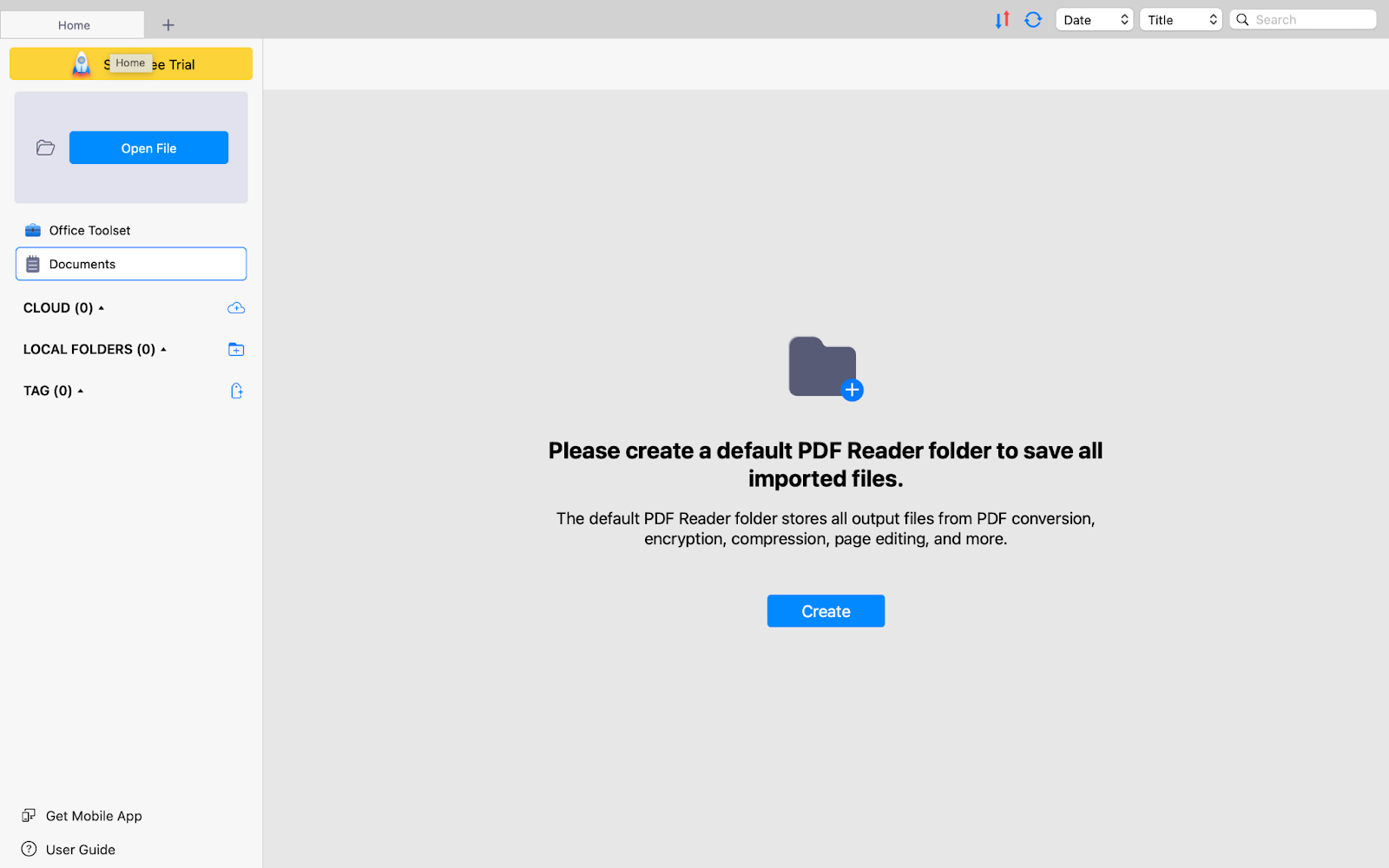
3. Then drag the file from the finder and drop it. The file will be saved to the folder and also in the Documents section (under LIBRARY).
Updated
Comments
1 comment
problem: Alert Impossible to obtain account's informations
Please sign in to leave a comment.