PDF Reader for iPad supports printing out documents using the Air Print feature.
1. If you want to print a file when viewing it, tap the “More” icon  in the navigation toolbar.
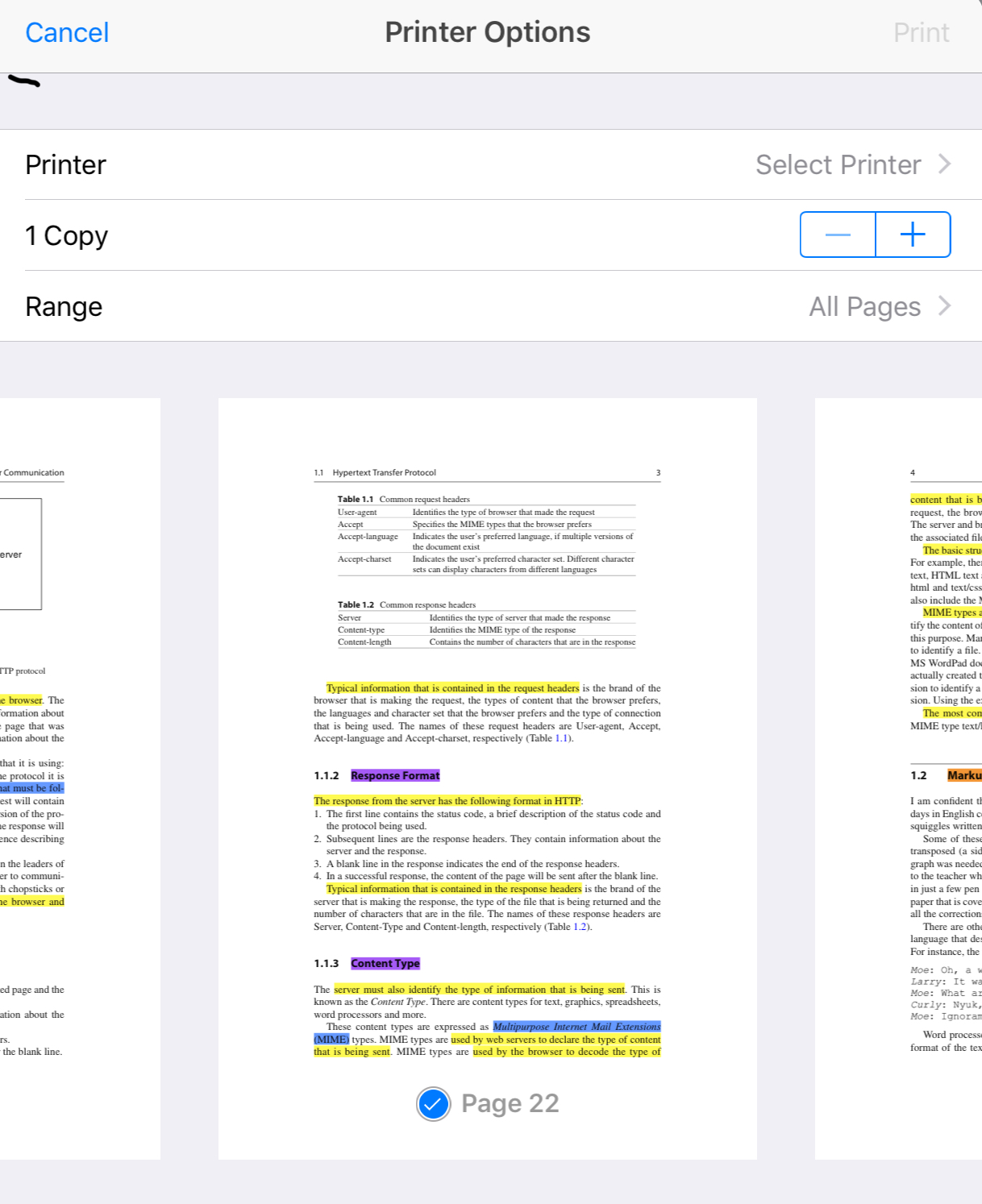
2. Tap “Print” under “Other tools”, and you will see the menu for print settings.
3. Set your options and tap “Print” to begin printing.
Updated
Comments
0 comments
Please sign in to leave a comment.