1. Go to the page you want to add a bookmark to, and tap the "Bookmark" icon in the bottom navigation bar.

2. A red bookmark will be displayed at the upper right corner of the page after you have added a bookmark.
3. You can check all the bookmarks you’ve added by tapping the "BOTA" icon in the navigation toolbar.
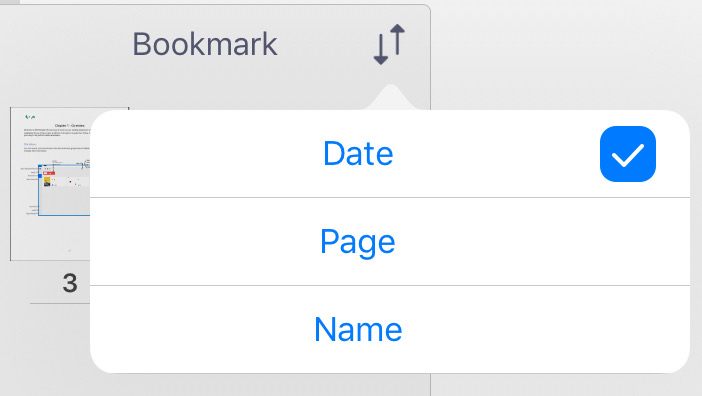
4. Bookmarks can be listed by date/page/name by going into “Bookmark” view and tapping  .
.
5. To specify the title of the bookmark, go into “Bookmark” view by tapping  .
.
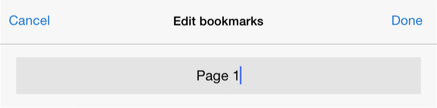
6. Tap on the edit icon of the bookmark you want to edit. Input the bookmark title and tap “Done”. 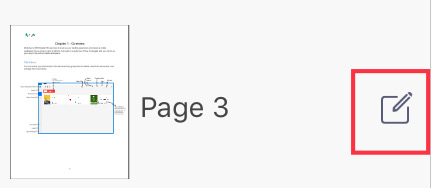
Updated
Comments
0 comments
Please sign in to leave a comment.