1. To turn AirPlay on, head to PDF Reader’s settings by tapping  .
.
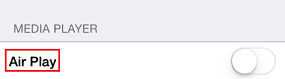
2. Tap on AirPlay to turn it on.
3. Select the image/video/music you want to play. You will be lead to the player mode.
4. Available devices under the same local area network (LAN) will be on the list for you to choose.
Comments
2 comments
Hi just checking into
Hi Fatima,
We hope you are having a good time using our app!
Please sign in to leave a comment.