1. Tap the "Network" icon  at the bottom menu.
2. Tap the “Wi-Fi” button.
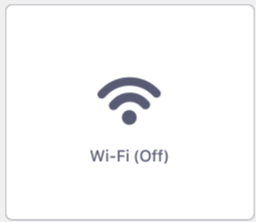
3. Tap the switch icon to turn Wi-Fi on.
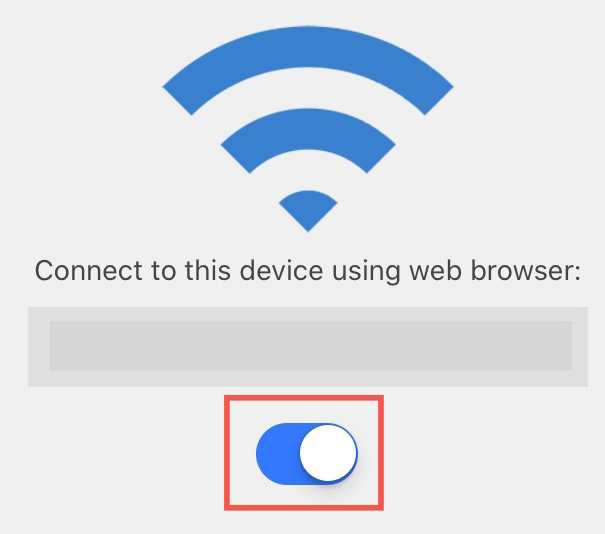
4. You will get the address to upload files with the desktop web browser.
5. Enter the address on your desktop browser. You will be able to upload files to your device wirelessly through your browser.
△ Attention: Please make sure that your device and your PC/Mac are under the same IP address or you will not be able to connect them.
Updated
Comments
0 comments
Please sign in to leave a comment.