1. Tap the "Edit" icon at the top of the file library.
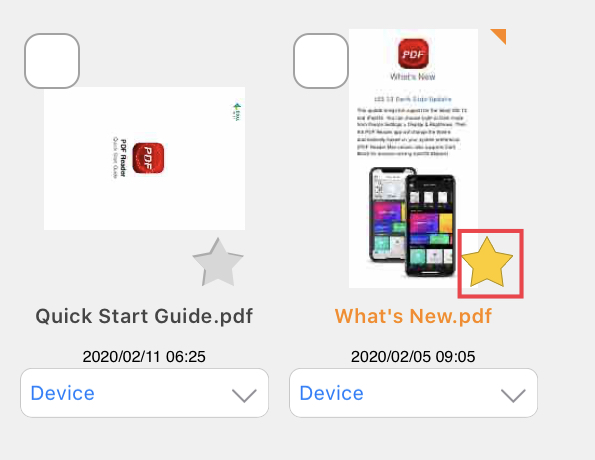
2. Find the particular PDF file you want to add to favorites and tap the star icon on the right.
3. You can view your favorites by tapping “Favorite” on the PDF Documents management page.

Updated
Comments
0 comments
Please sign in to leave a comment.