△ Please make sure that you have subscribed to Document 365 and are signed in to your account △
- Tap on the “Kdan Cloud” tab
 to view the files you have uploaded to Kdan Cloud.
 - Tap
 and select “Download” to transfer a file to your device.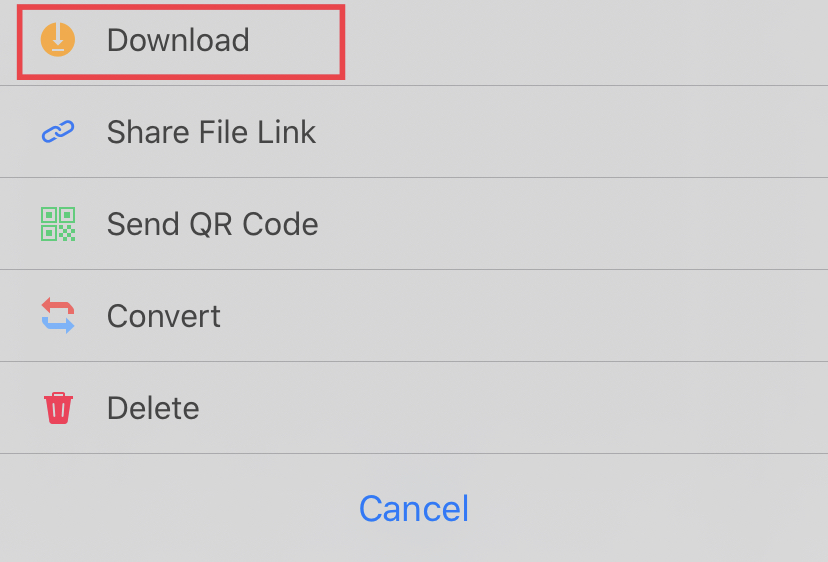
Updated
Comments
0 comments
Please sign in to leave a comment.