When opening PDF Reader, you will see the 4 functions in the toolbar on the left-hand side, which are Thumbnails, Annotations, Bookmarks, and Outlines, as shown in the picture below.
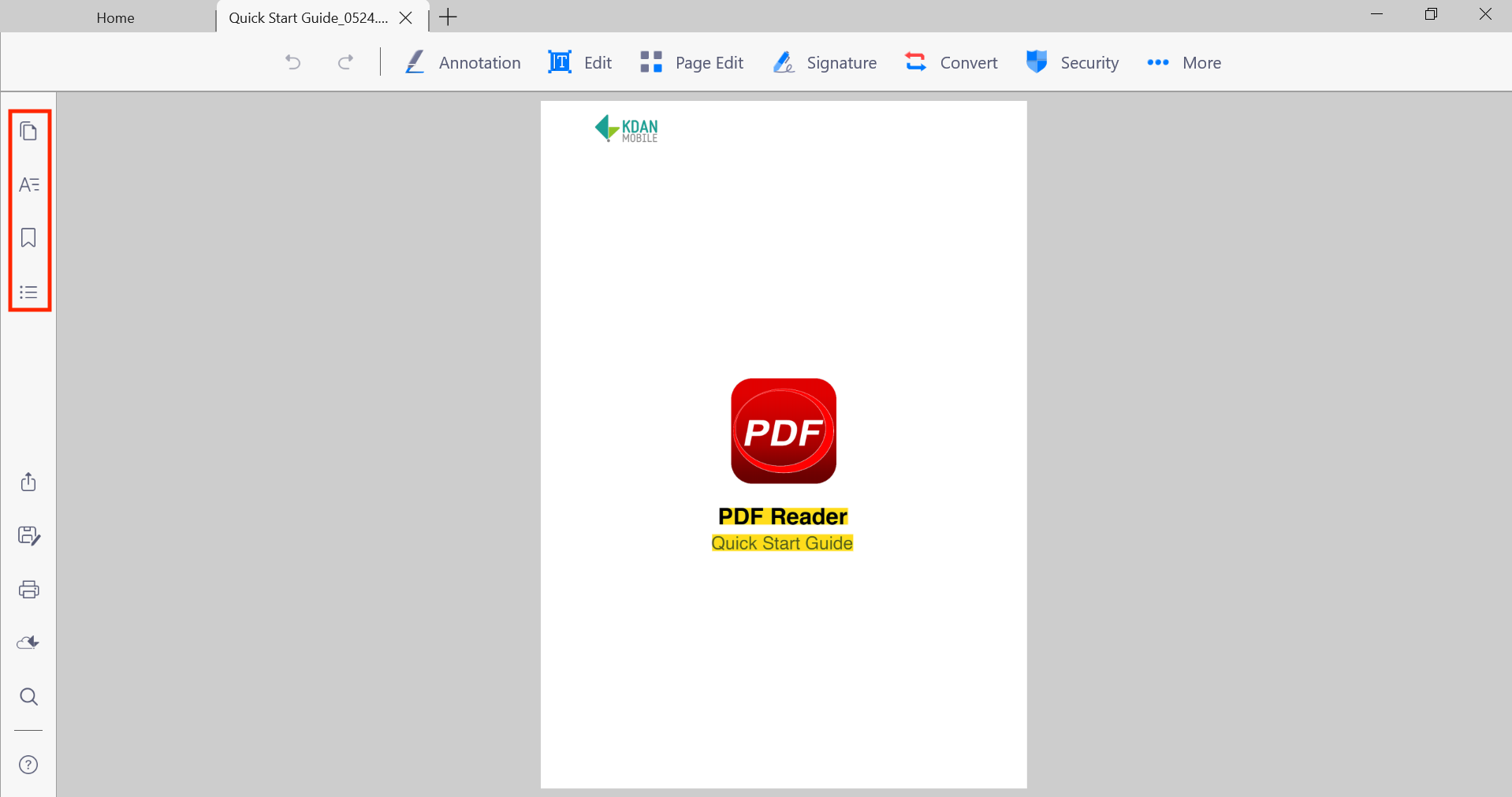
Thumbnails Panel
By clicking  , you can see all the pages of this document in a list of thumbnails in this section, so you can easily jump between pages while you are reading the document.
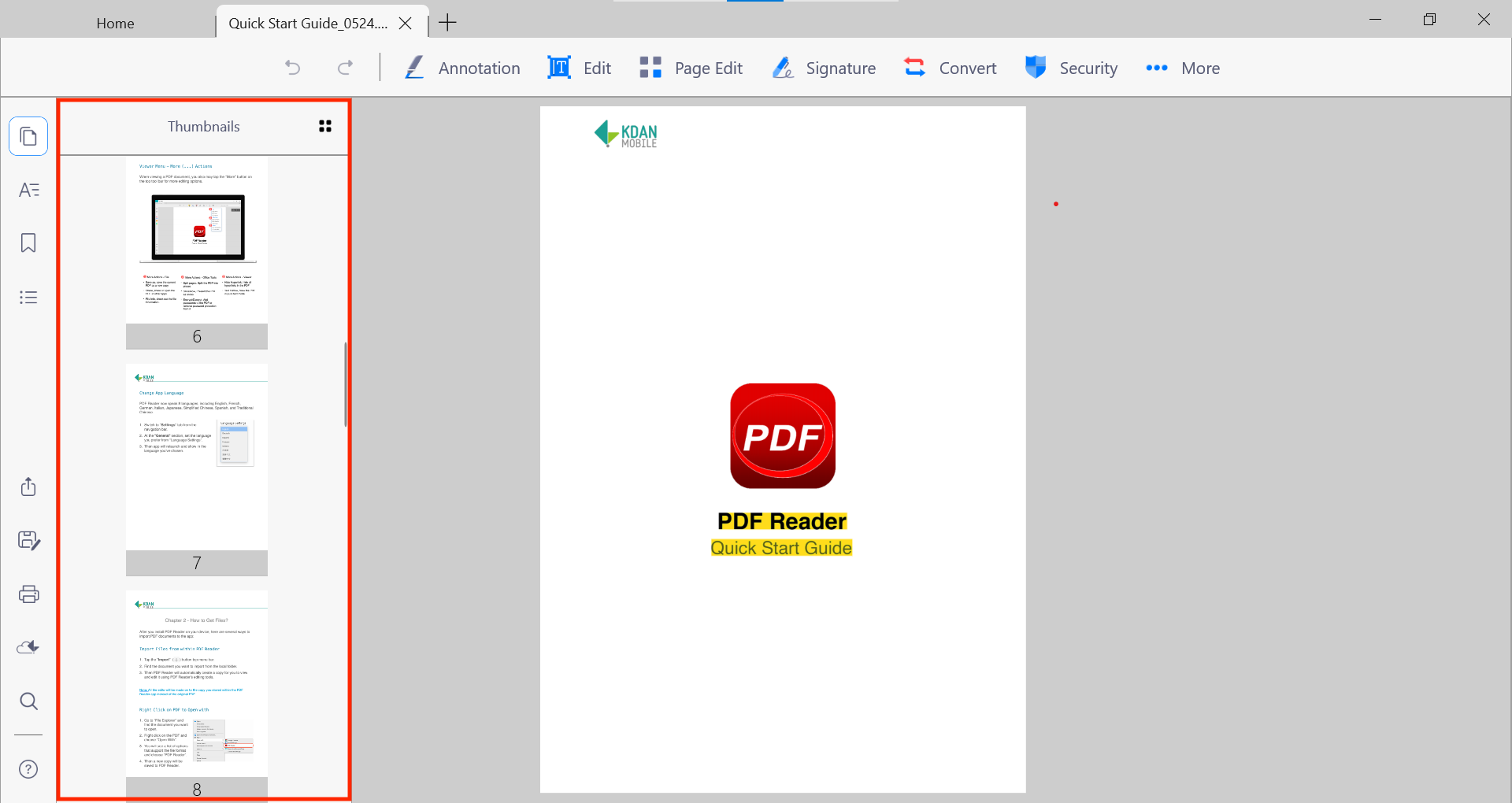
Annotations Panel
By clicking  , you can find all the annotations (Note, Highlight, Underline, Strikethrough..., etc.) and comments you made throughout the document, so it’s easier to jump between them when you want to quickly review the document.
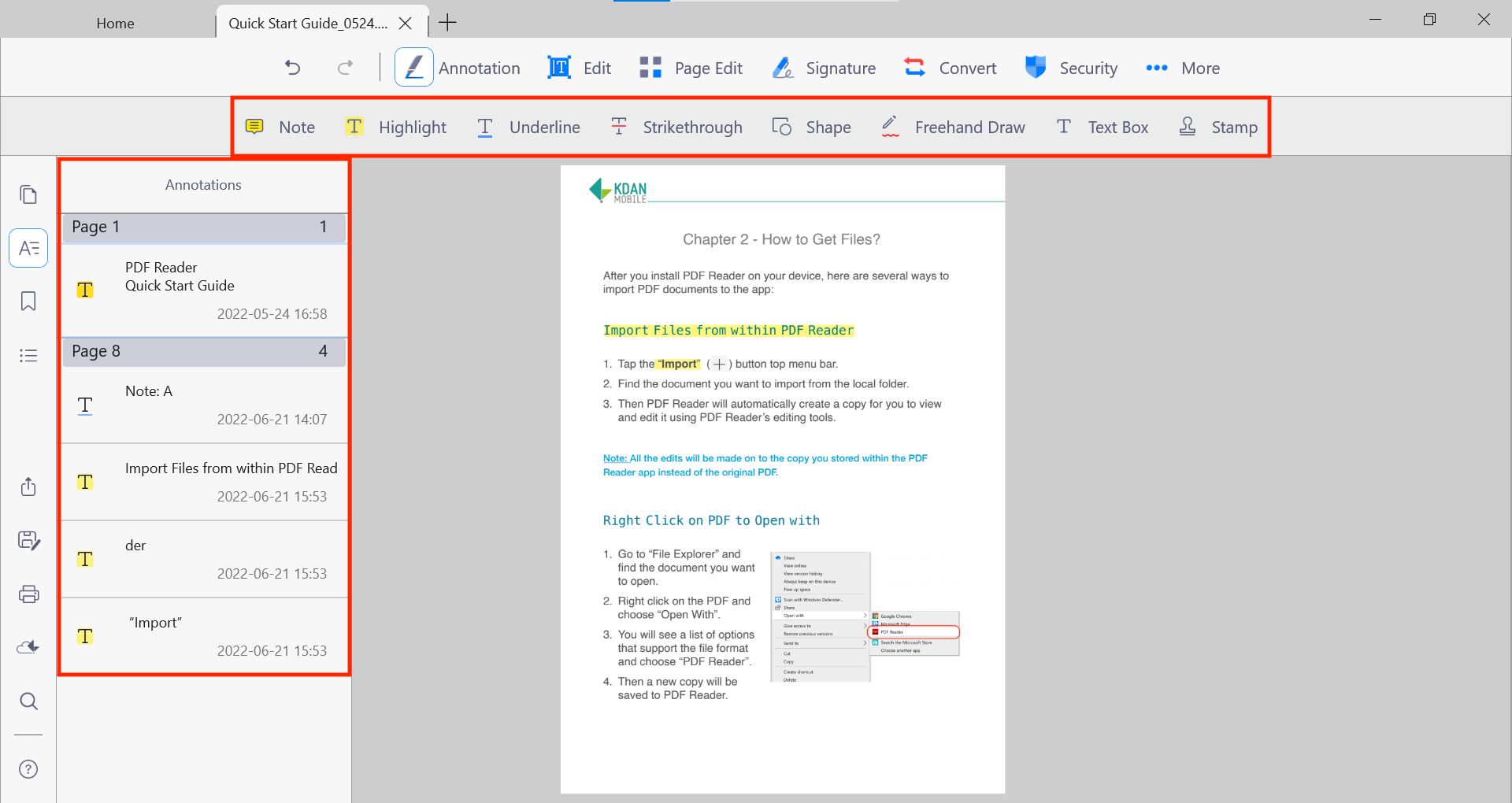
When using the annotation tools, you will see the properties panel on the right side of the screen. You can also click to pin the panel to stay on the window.
Bookmarks Panel
All the bookmarks you have marked in this document will be shown in the bookmark tab.
To add a new bookmark, tap the bookmark icon  on lefthand toolbar and then click
  for adding the page you would like to bookmark. A dialogue will appear for you to name this bookmark, and the suggested name of the bookmark will be "Page #."
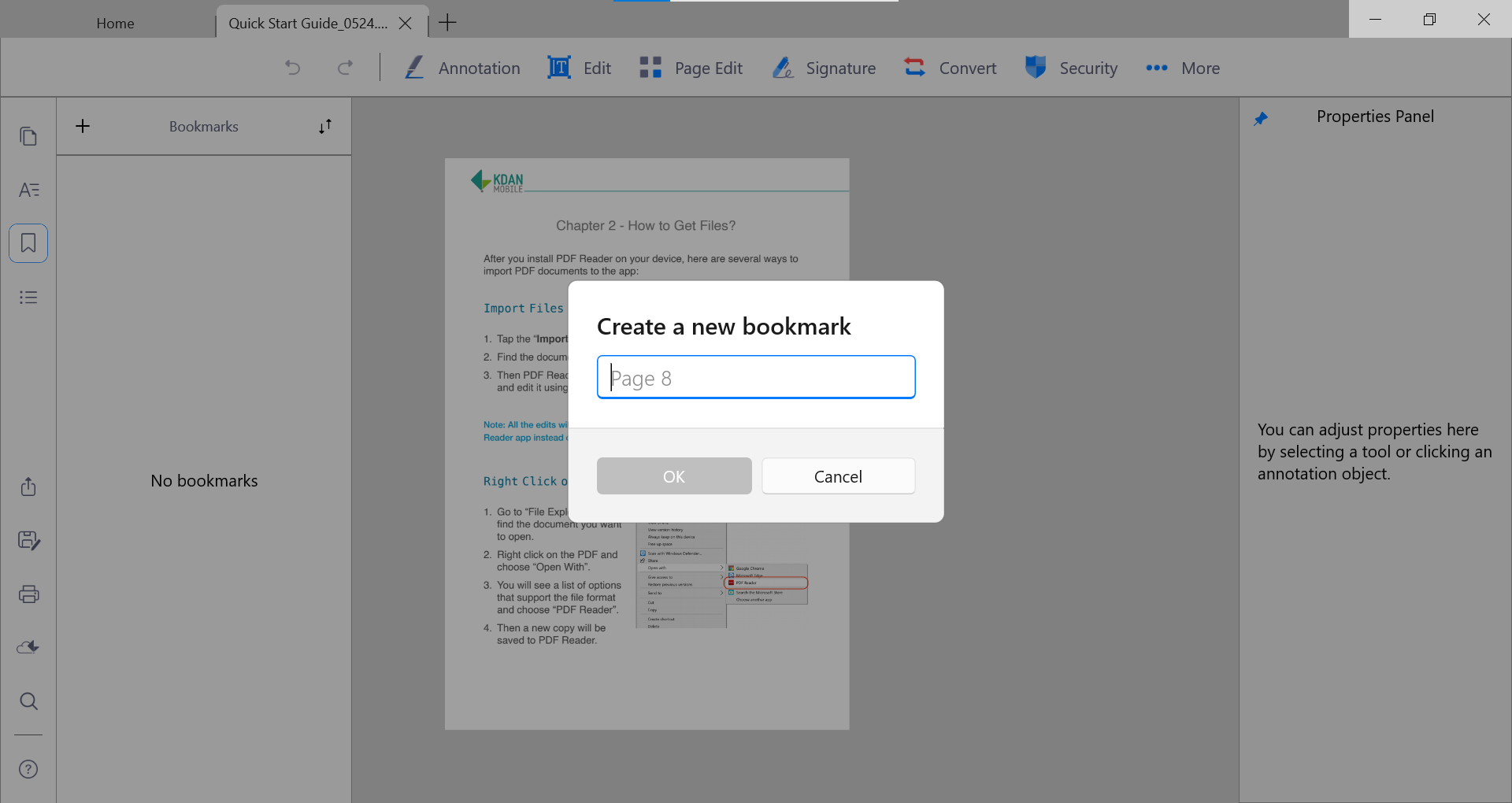
To rename a bookmark, just right-click on the page you have bookmarked and type in a new name.
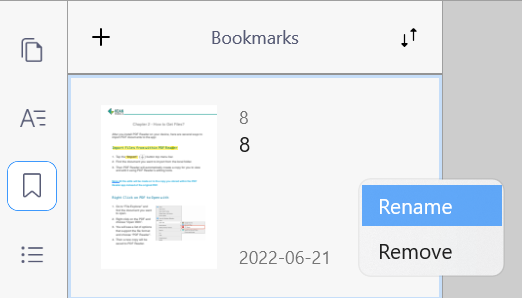
To sort bookmarks, tab on  . You can sort by Date, Name, or Page the bookmarks were established.
Outlines Panel
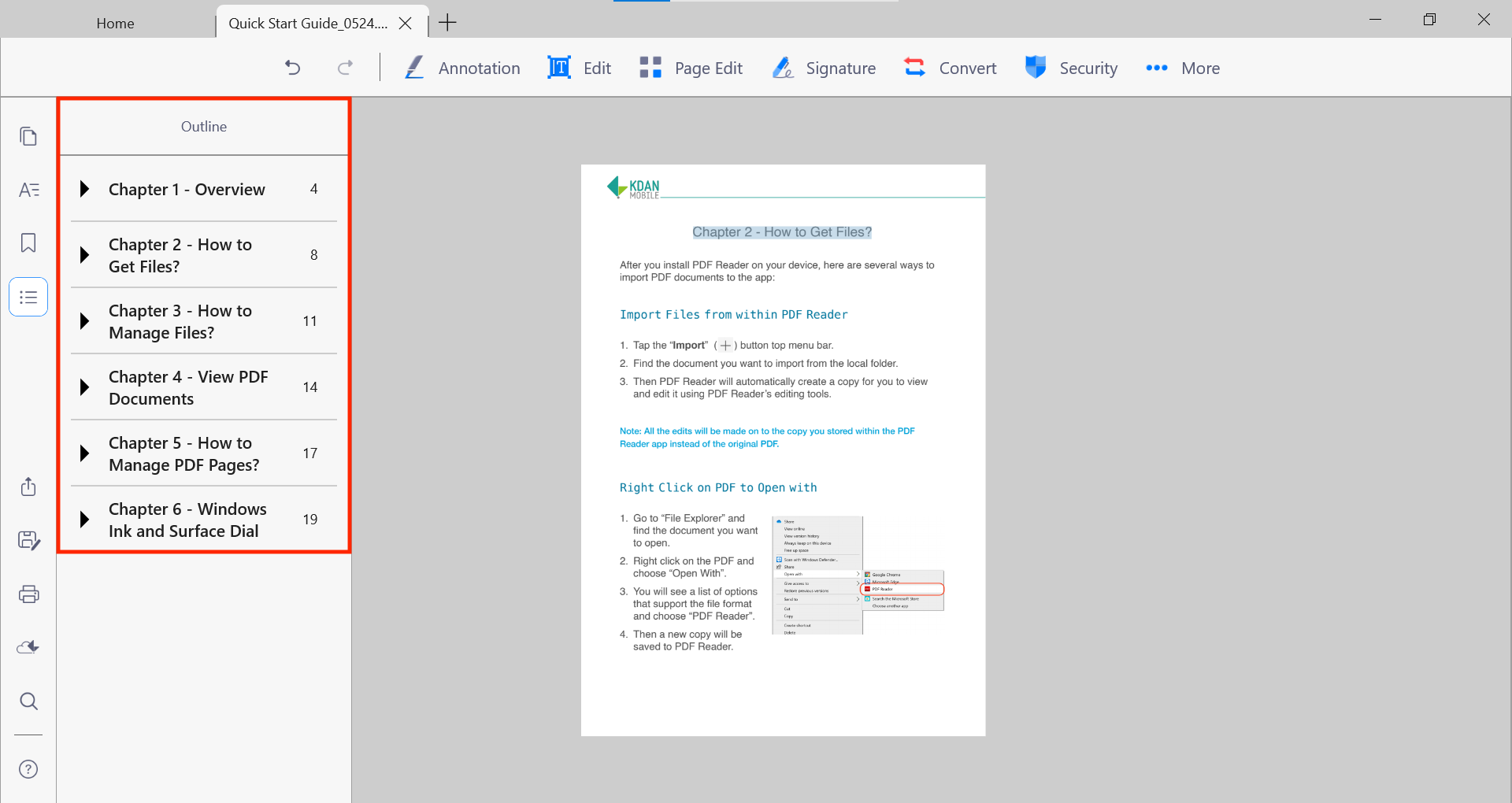
If the document you are viewing has a set outline, it will be shown here just by clicking  .
.
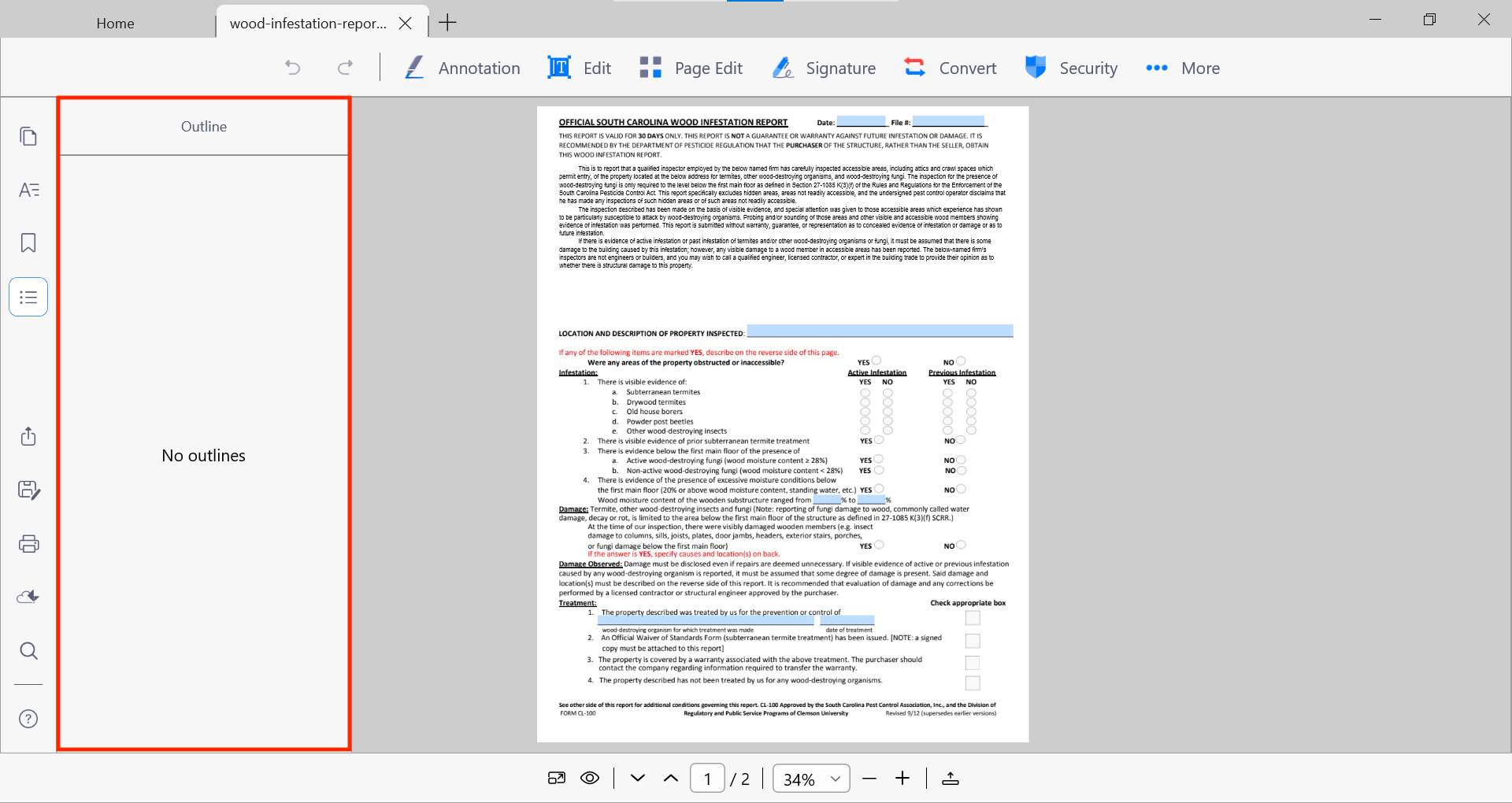
If the document does not include a set outline, this panel will appear blank.
Updated
Comments
2 comments
I am losing bookmarks. Only the bookmarks I made the last time I had the document opened persist.
I will add bookmarks and close the document. When I open the document again, the bookmarks are there. If I add more, there is no problem, but the next time I open the document, only the newest bookmarks will be saved. I am using PDF Reader while running windows 10.
Thank you.
Hello Michael Vignal,
For this issue, could you please contact us at appservice@kdanmobile.com with your Kdan ID and the file for testing and further assistance?
We are sorry for causing any inconvenience and thank you for your cooperation.
Please sign in to leave a comment.