Go to the settings  in your sequence.
You can choose between 4:3 or 16:9 for your canvas ratio.
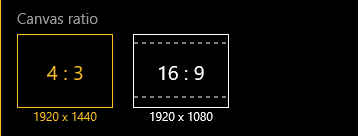
Canvas ratio at 16:9 will show your canvas with two shaded areas on the top and the bottom to indicate where the canvas borders are. You can still draw in the shaded areas, but when you export your sequences into 16:9 videos, drawing in these areas will not appear.
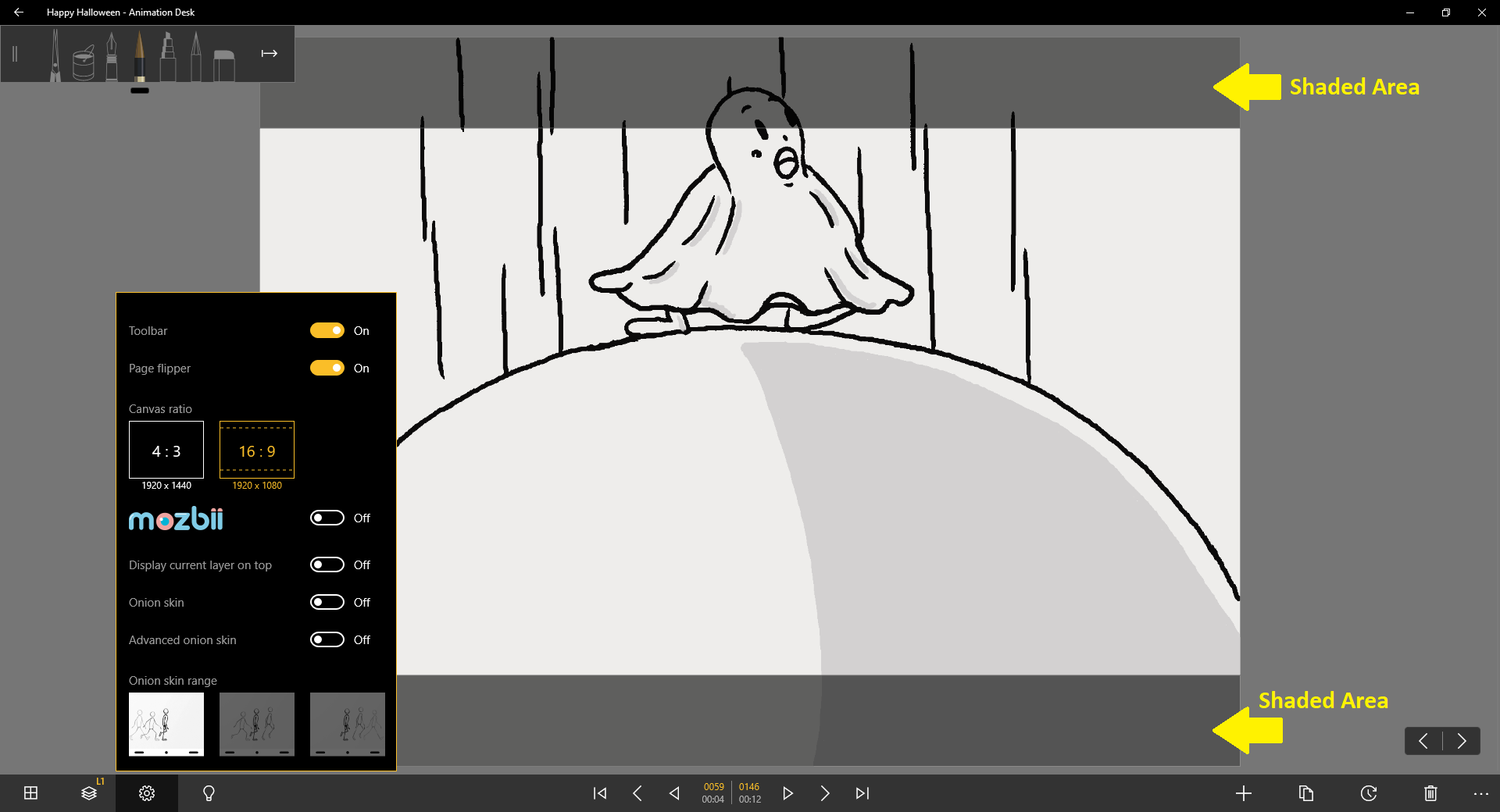
* When you first open a new sequence, the canvas is in default set in 4:3.
Updated
Comments
1 comment
is there anything else between those 2 options? is there custom sizes or do i have to crop it in an external site
Please sign in to leave a comment.