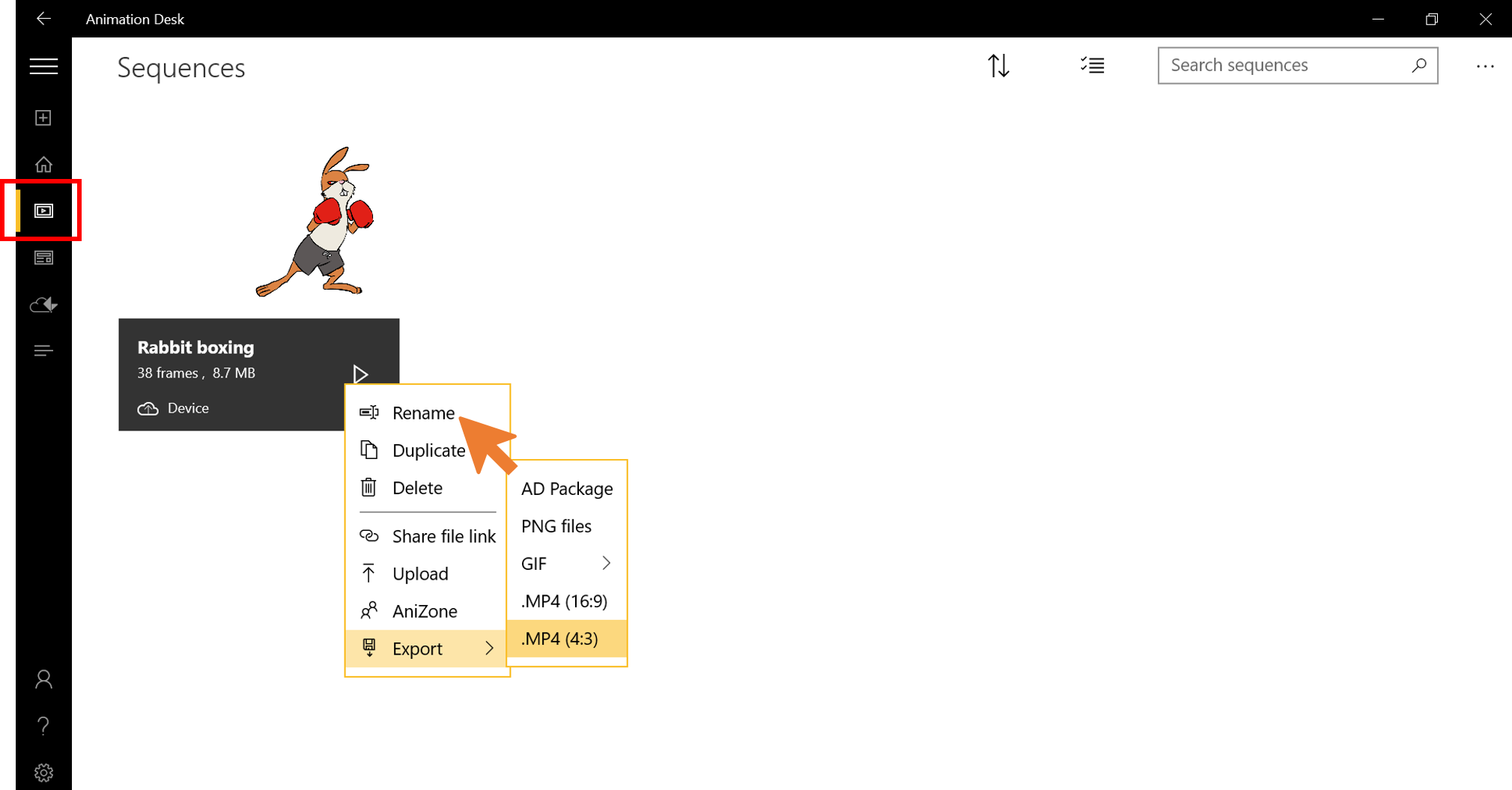
Go to Sequences.
Right-click (or long-press on a touch screen) on the sequence you want to rename, and select “Rename” from the drop-down menu.
Type in the new name and tap “OK.”
Updated
Go to Sequences.
Right-click (or long-press on a touch screen) on the sequence you want to rename, and select “Rename” from the drop-down menu.
Type in the new name and tap “OK.”
Updated
Comments
0 comments
Please sign in to leave a comment.