Frame per second means the number of frames there are in each second of the sequence. Given a set frame number, the bigger the FPS, the shorter this animation is, and vice versa.
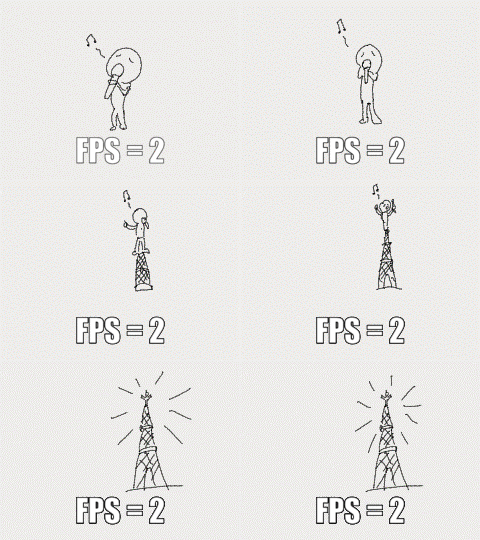
Here's an example. This animation contains 8 frames in total. When the FPS is set at 2, meaning two frames are played in each second, this is how the animation looks like. It takes a total of four seconds to play the animation.
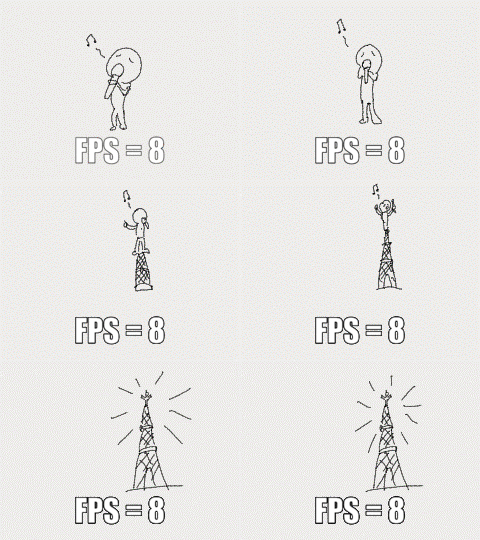
When the FPS is set at 8, meaning eight frames are played in each second. It takes only one second to play the animation.
How to Set FPS?
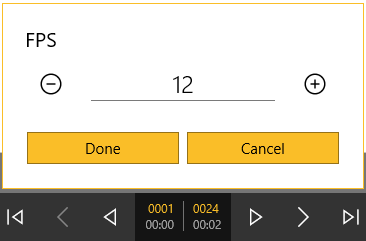
When you are editing a sequence, you can adjust FPS by tapping the numbers on the bottom of the canvas. You can set the FPS between 1 to 24. When you first open a new sequence, the FPS is in the default set as 12.
Updated
Comments
2 comments
can you change the frame rate while making an animation
@Logan Sibrava
Hey! I'm not sure if you are still trying to figure it out after two years but you can change the frame rate by clicking or tapping on the frame rate in between the play buttons!
Please sign in to leave a comment.