1.Go to All Notes.
2.Tap the sort icon on the tool bar on the upper right corner.

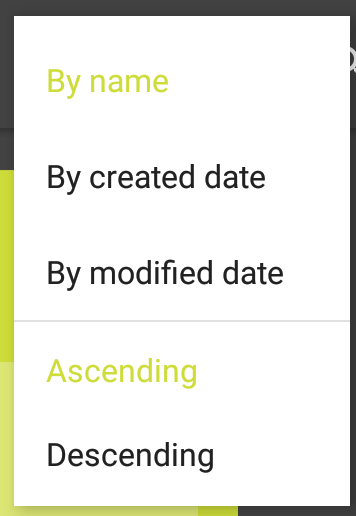
3.You can then sort files according to Name, Created Date, and Modified Date.
1.Go to All Notes.
2.Tap the sort icon on the tool bar on the upper right corner.
3.You can then sort files according to Name, Created Date, and Modified Date.
Comments
4 comments
Very nice!
Thanks, Steven!
ابو خلف
Nice
Please sign in to leave a comment.