1.Go to All Notes, select a note that you want to change cover.
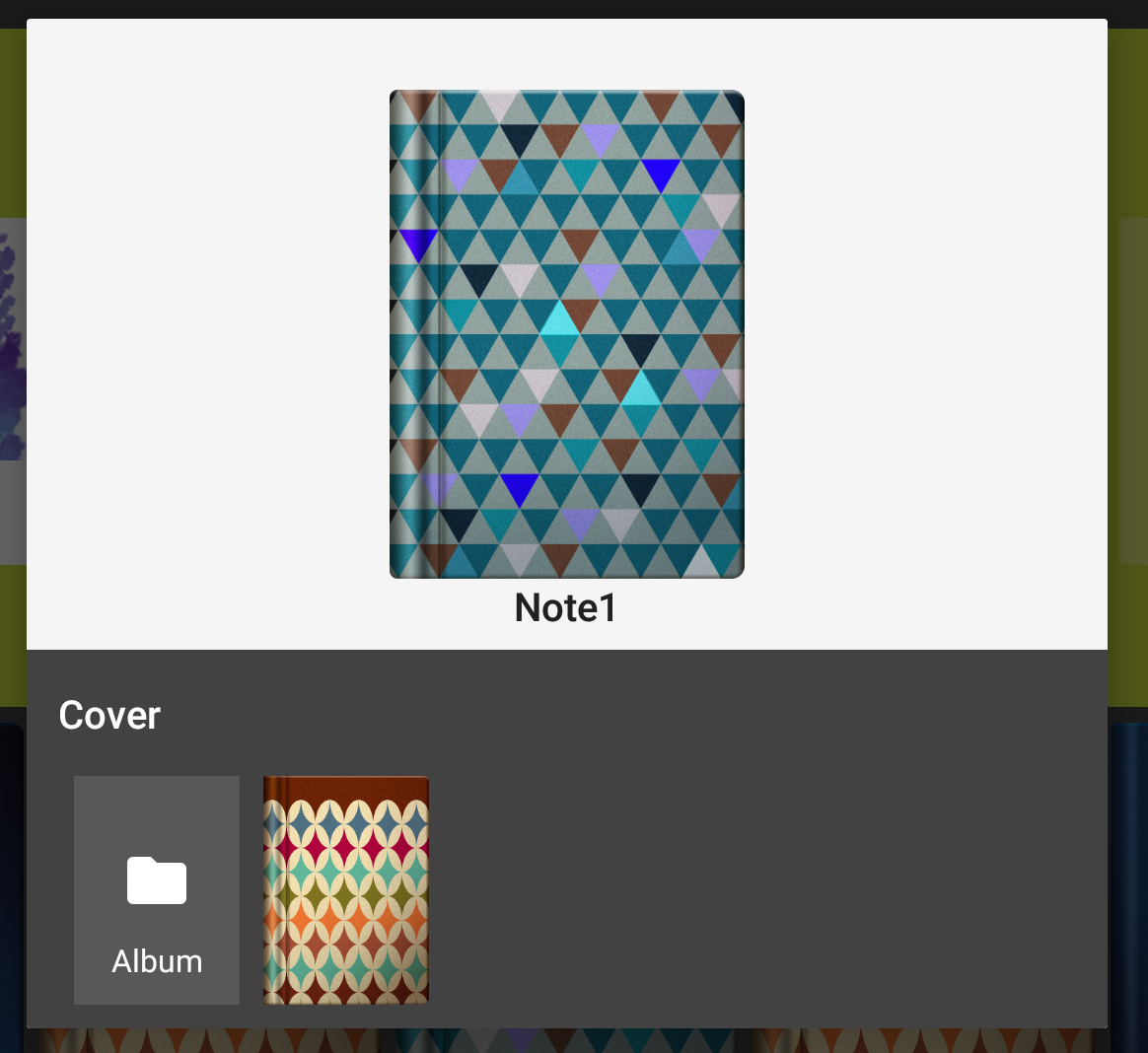
2.Select Cover, and you can make your favorite picture the notebook cover!
Updated
1.Go to All Notes, select a note that you want to change cover.
2.Select Cover, and you can make your favorite picture the notebook cover!
Updated
Comments
0 comments
Please sign in to leave a comment.