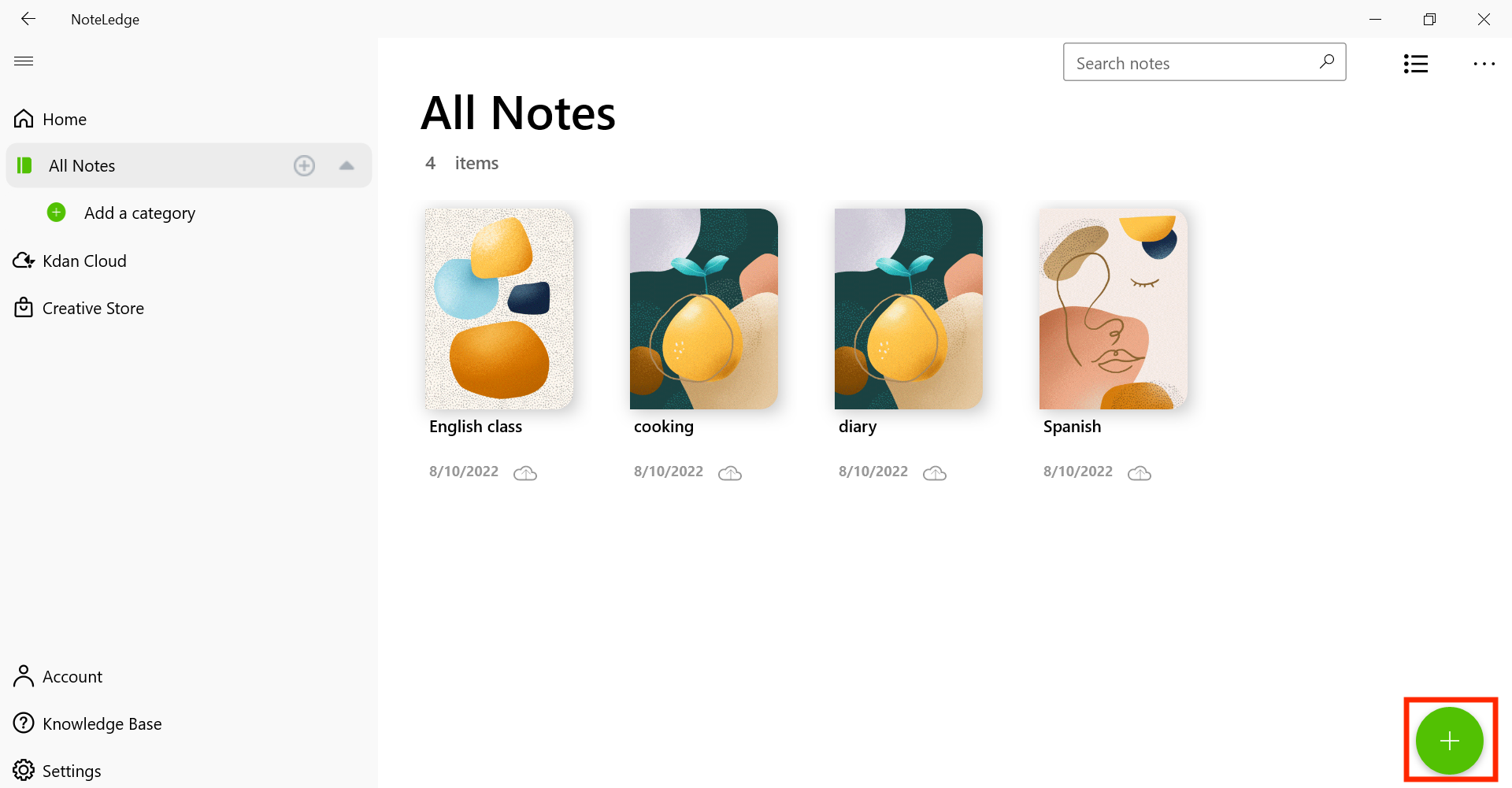
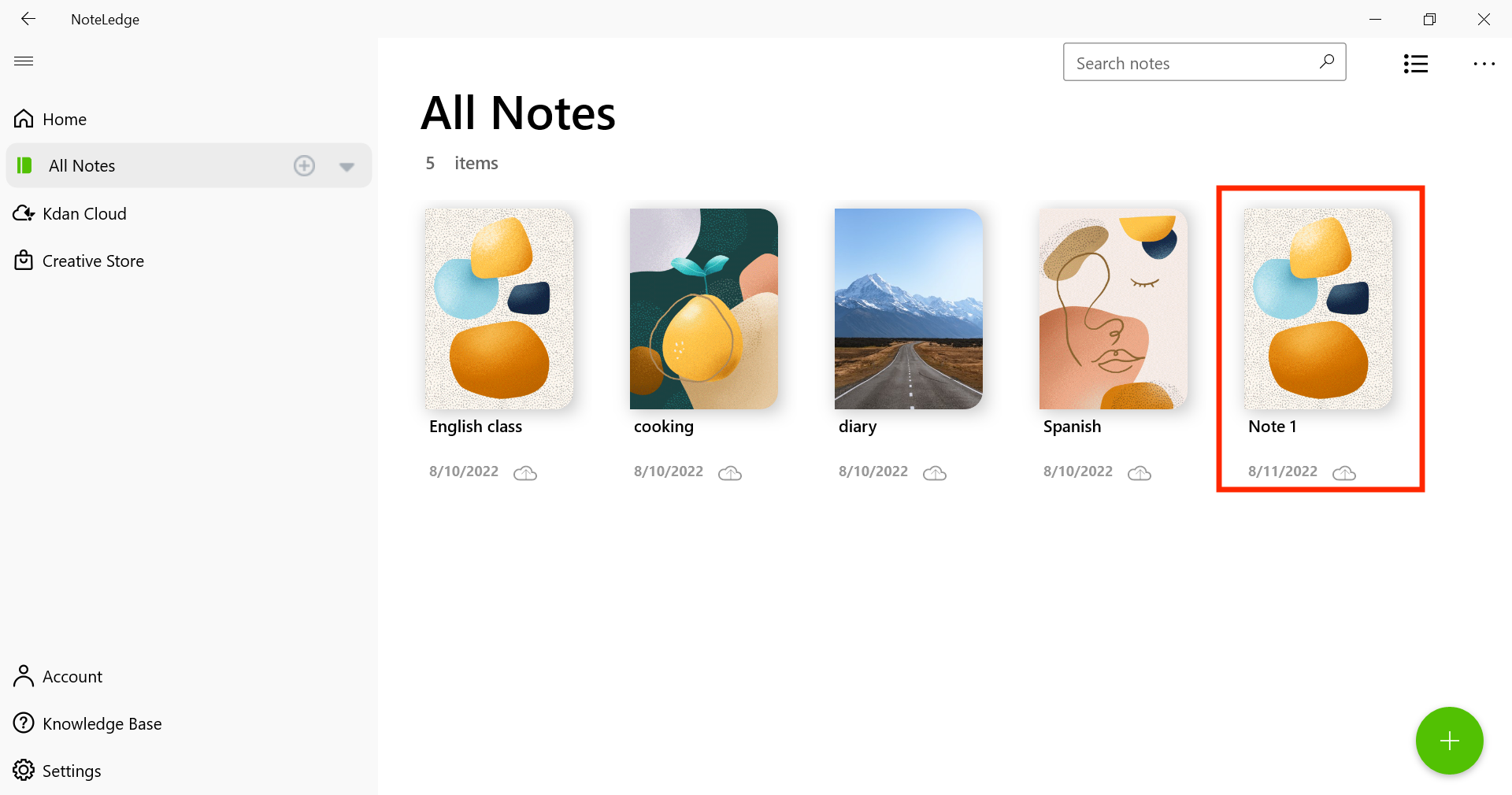
How to Create a New Note 3 comments Go to All Notes, tap on the “+” sign on the lower-right corner. A new note will appear on the list. Updated August 11, 2022 02:33 Was this article helpful? Yes No 2 out of 2 found this helpful Have more questions? Submit a request Comments 3 comments Sort by Date Votes Michelle Amen April 04, 2019 18:22 I sure glad you have this learning tutorial. I was lost on how to make this app work. Thank you; I will be sure to give feed back in just 2 days. 0 Gina April 16, 2019 10:13 Hi Michelle, Thanks for giving a try! If you have any questions, don't hesitate to ask! 0 Vicky Hunt August 02, 2020 13:31 I'm new and this seems like I might understand how to do this 0 Please sign in to leave a comment.
Comments
3 comments
I sure glad you have this learning tutorial. I was lost on how to make this app work.
Thank you; I will be sure to give feed back in just 2 days.
Hi Michelle,
Thanks for giving a try! If you have any questions, don't hesitate to ask!
I'm new and this seems like I might understand how to do this
Please sign in to leave a comment.