To Share a Page
- In your note, tap on
 on the upper-right toolbar, and choose “Share” to share this page via email or social media.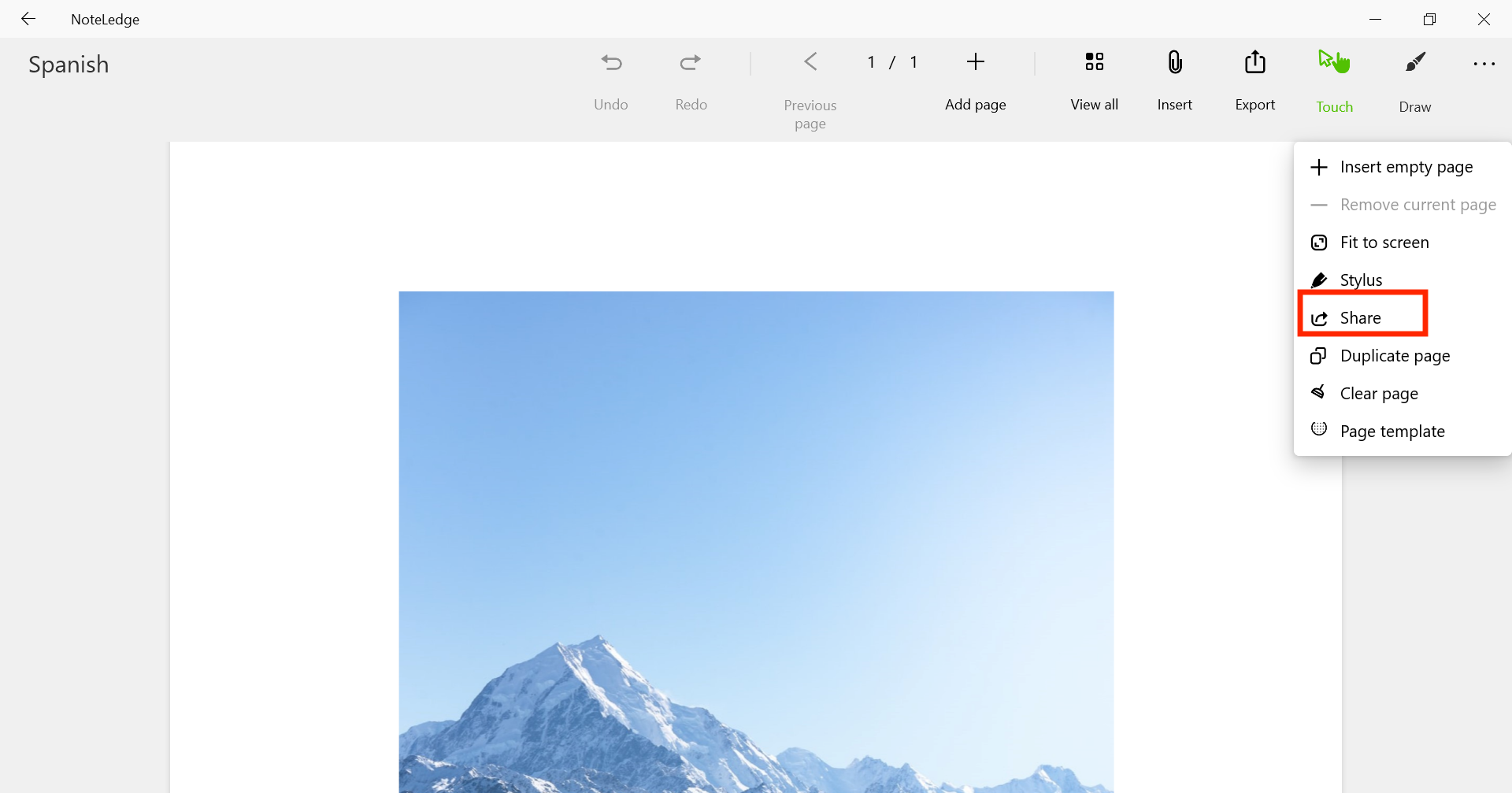
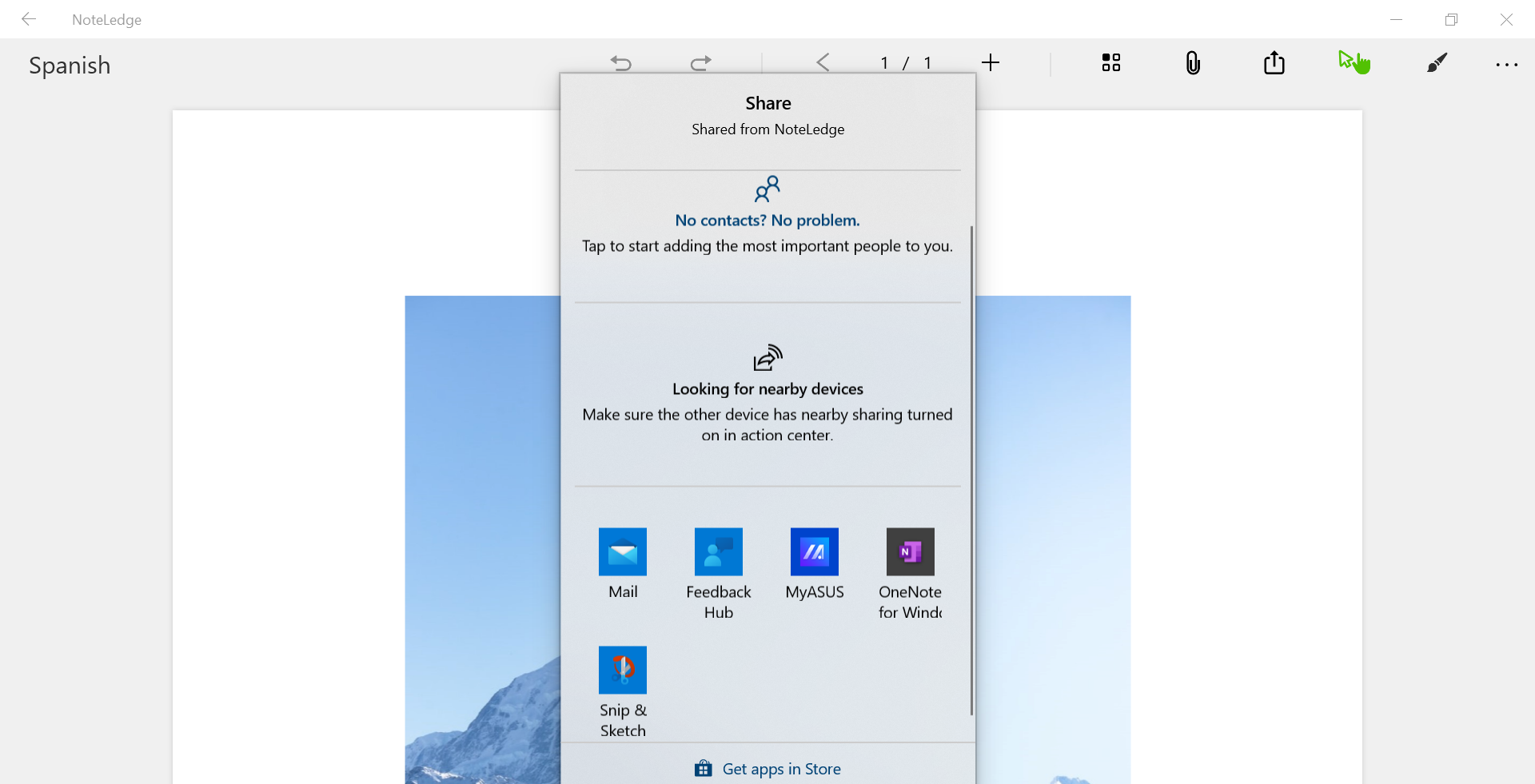
- You can share it with people you want or nearby devices.
To Share a Note
- Go to All Notes, right click (long press if you are using a tablet) on a note or select multiple notes you would like to share.
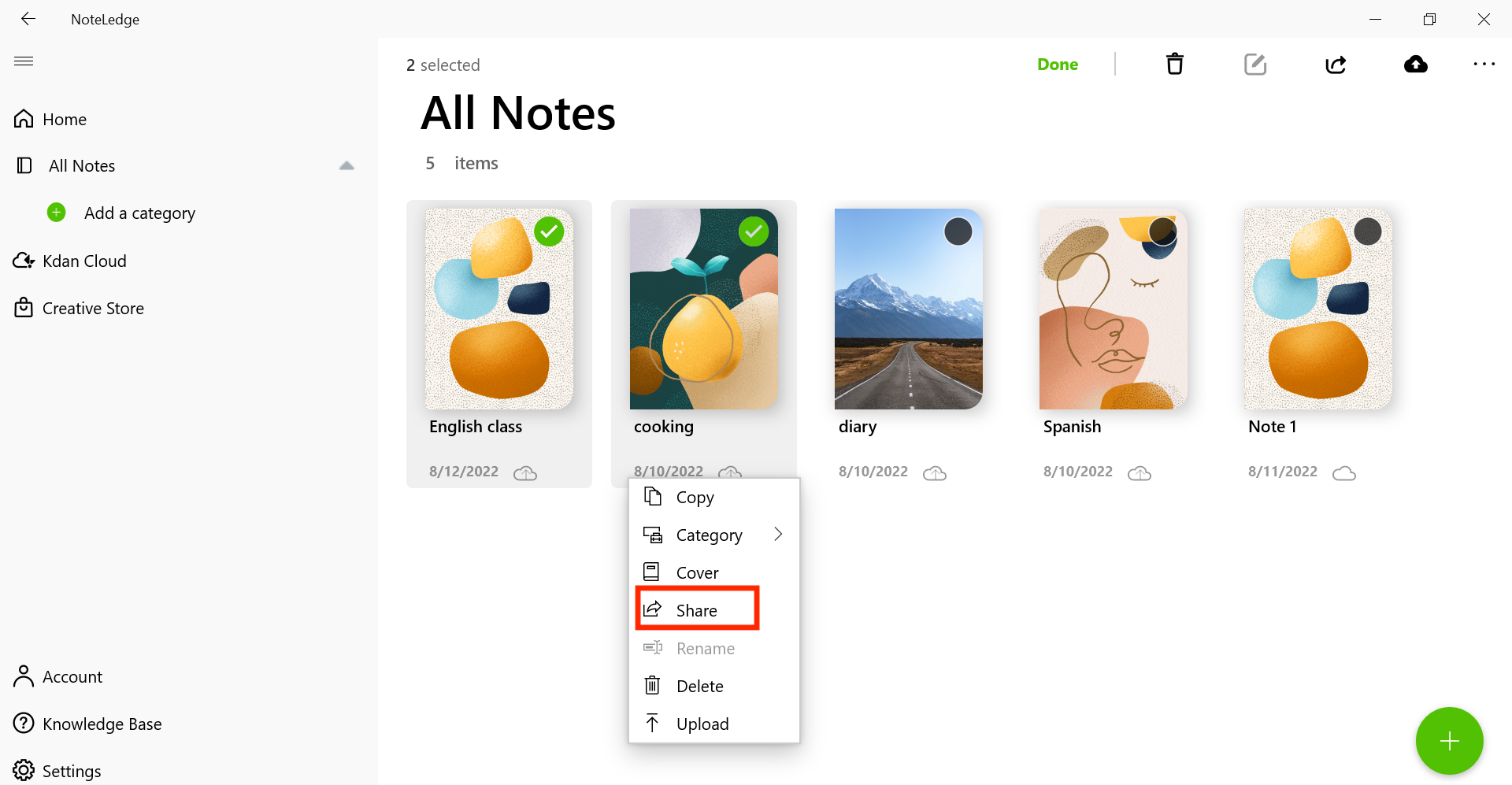
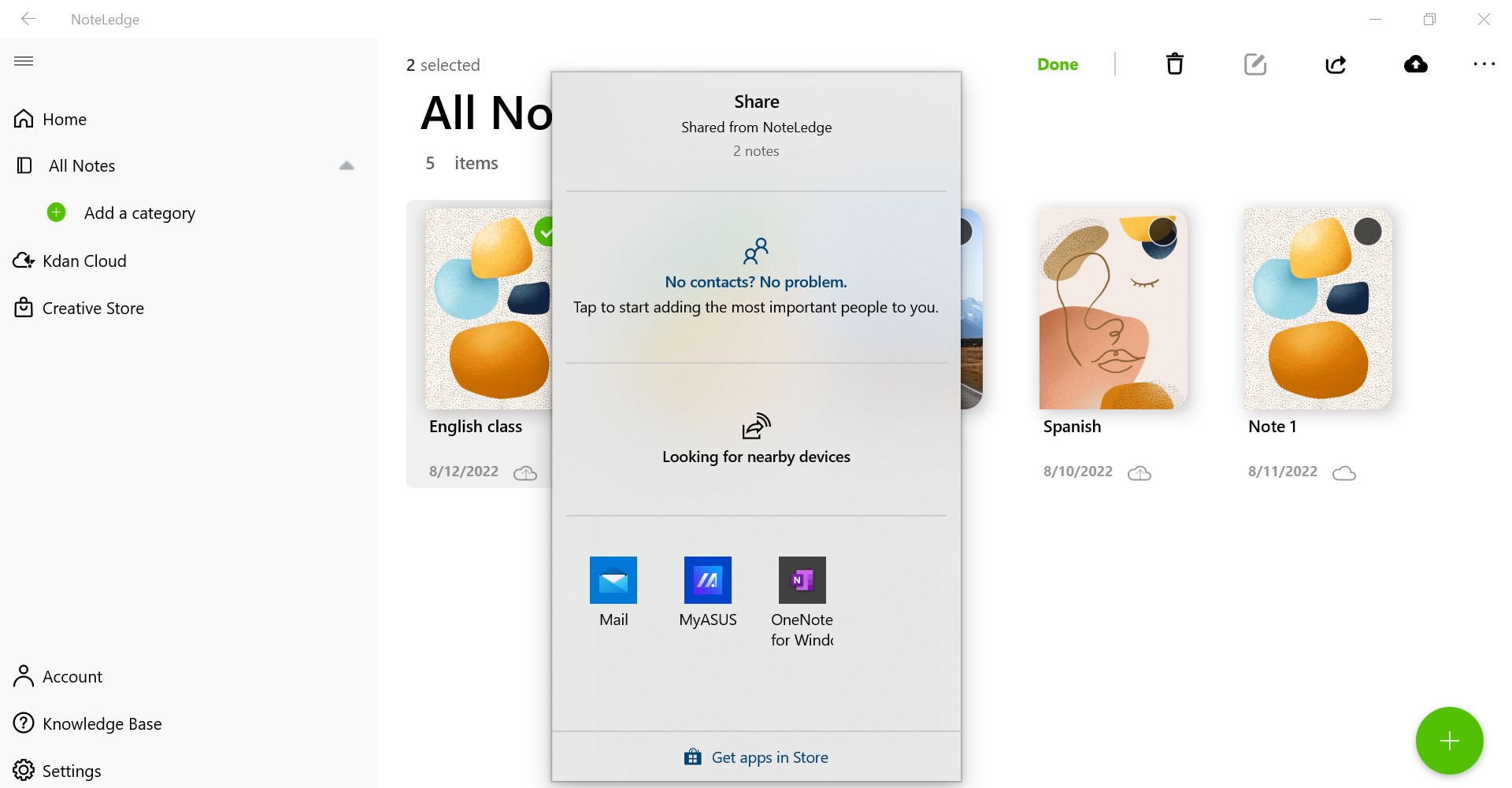
- Choose “Share” icon to share the note(s). You can share it(them) with people you want or nearby devices.
Updated
Comments
0 comments
Please sign in to leave a comment.