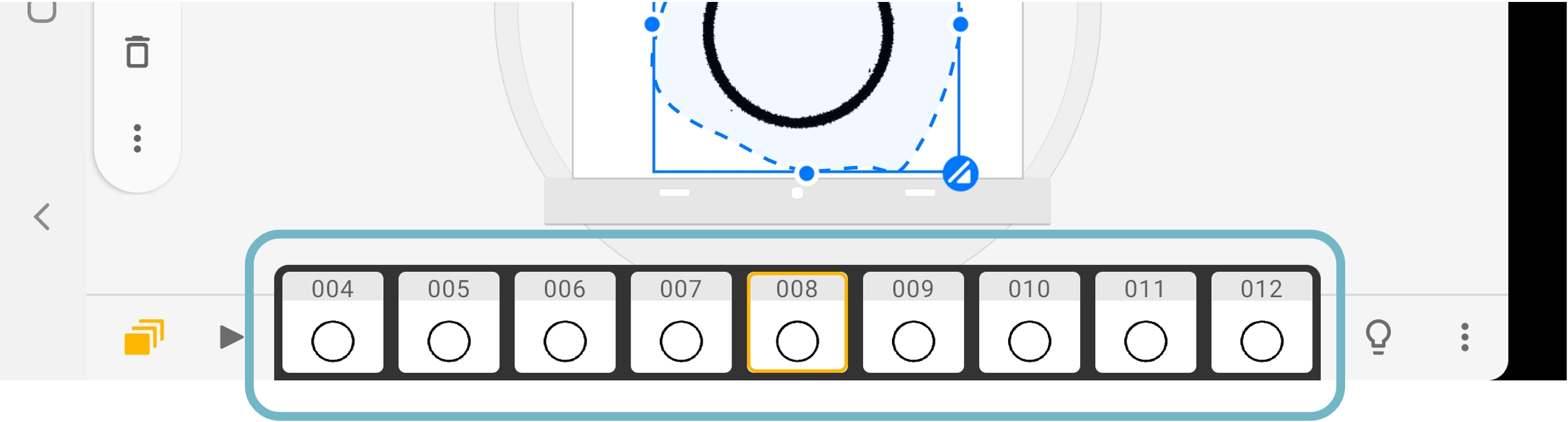
Batch paste allows users to paste an object across many frames within a few taps.
Open the selection tool and select a part of the drawing.
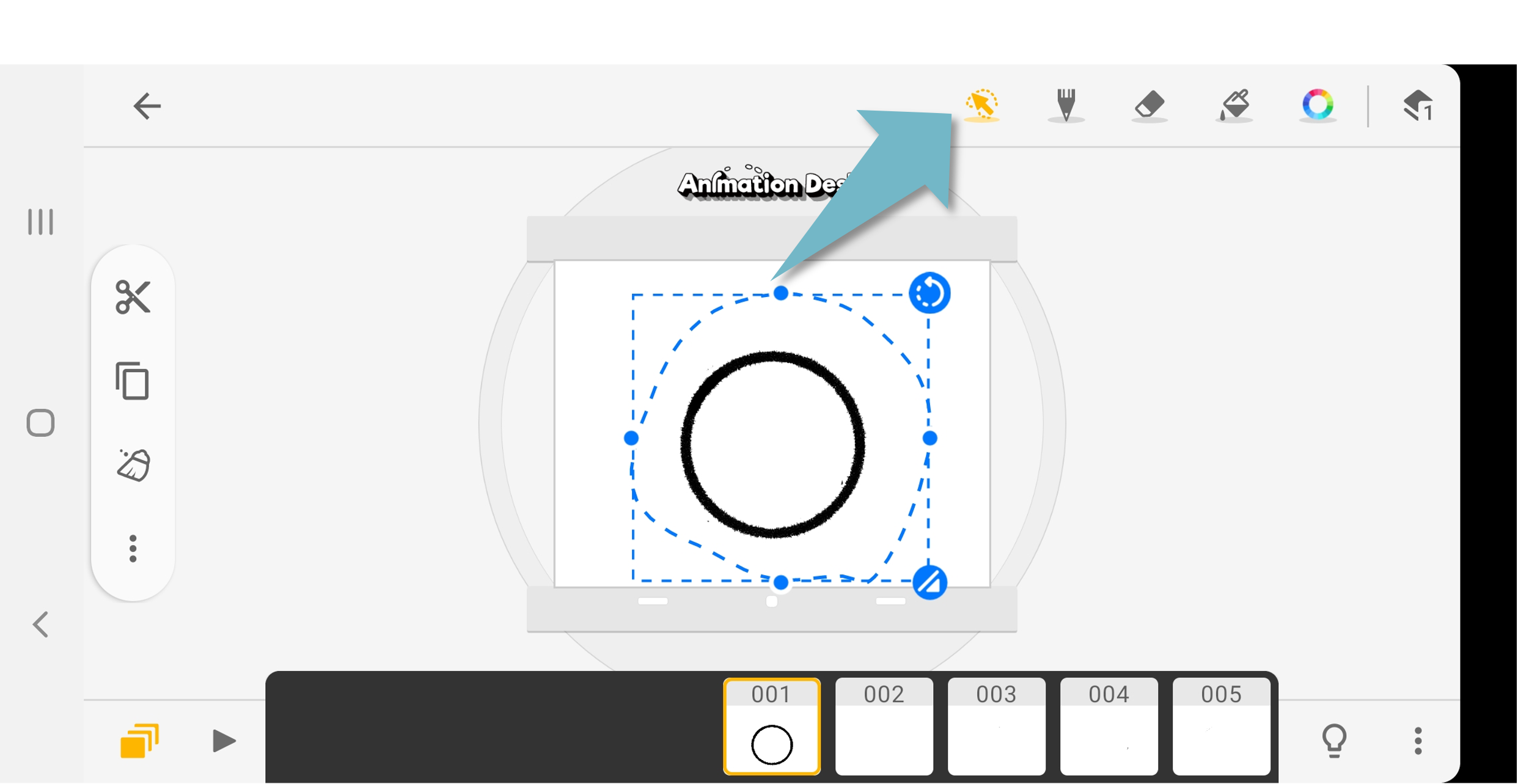
Copy and cut the drawing.
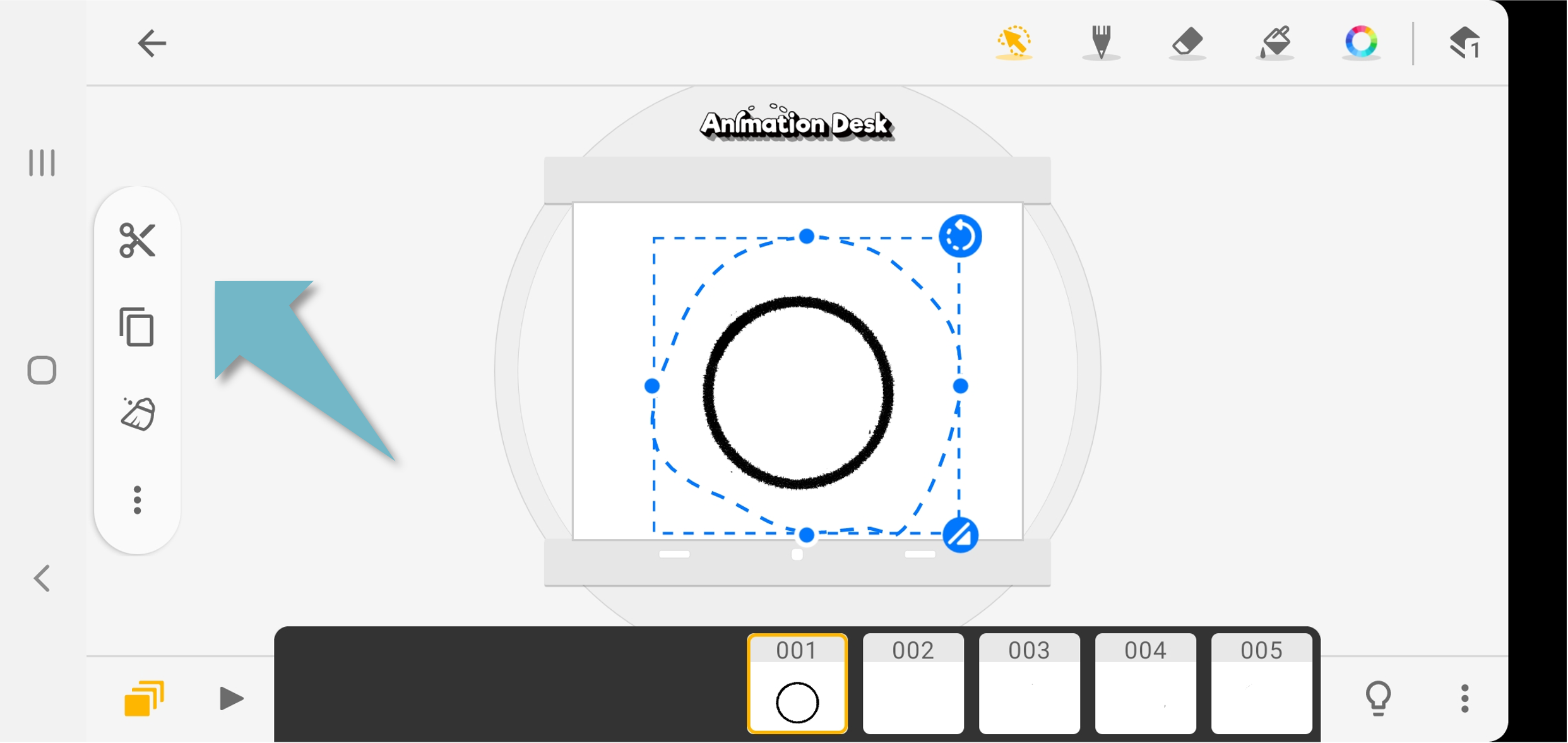
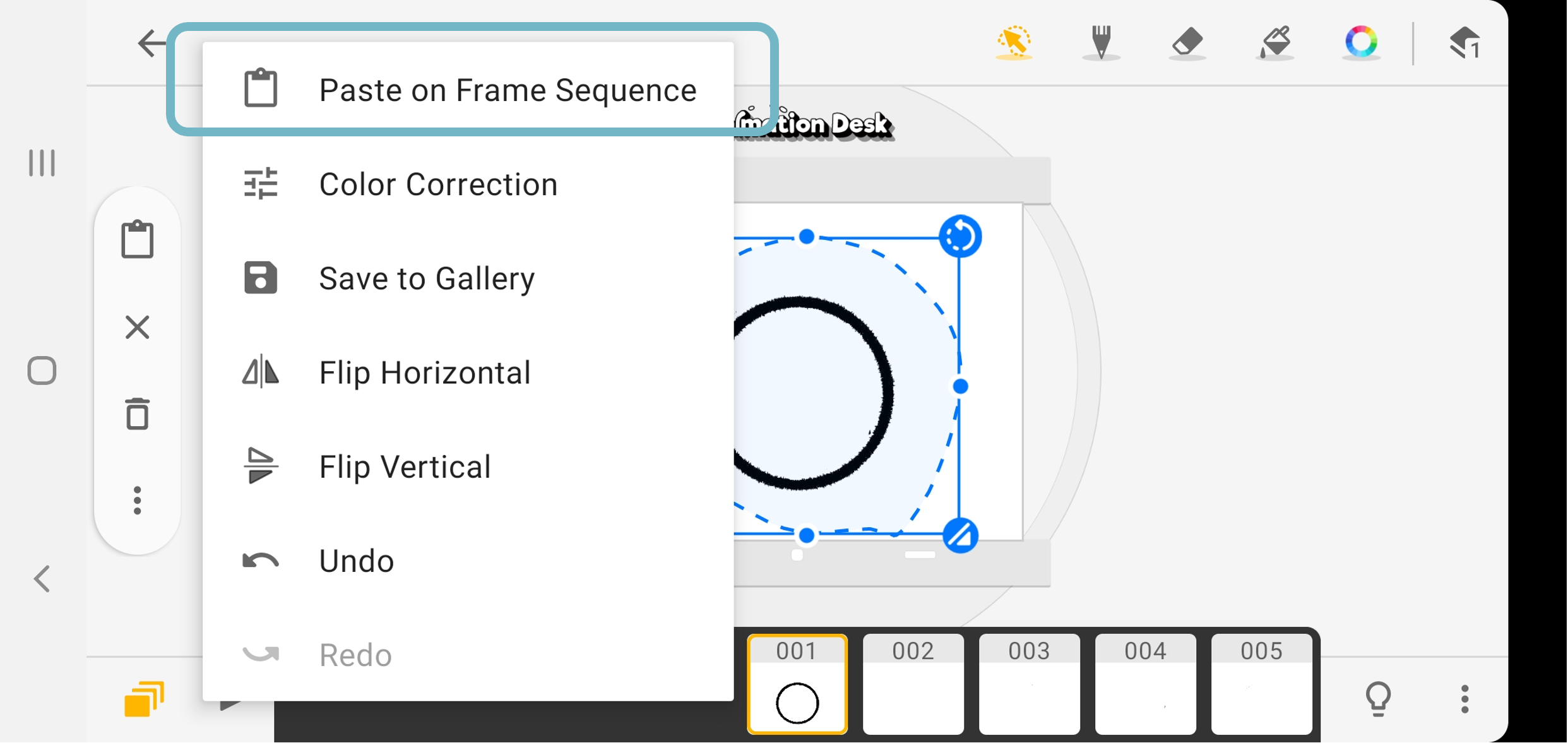
On the menu on the left, select "Past on Frame Sequence"
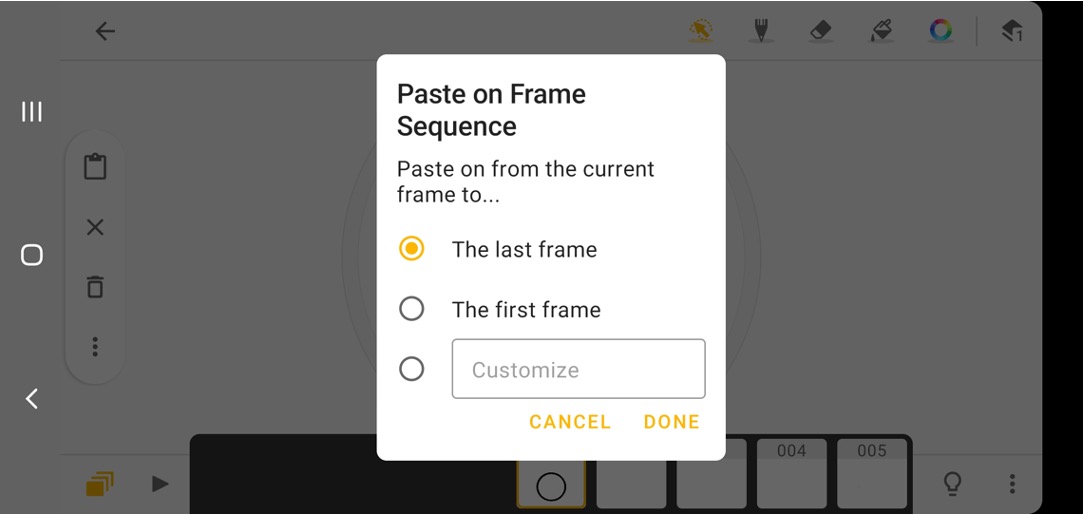
There are three options,
- Past the drawing from the current frame to the last frame.
- Past the drawing from the current frame to the first frame.
- Enter the number of the frame.
Updated
Comments
0 comments
Please sign in to leave a comment.